Most podcasters know clips grow a show and still do not make them, because editing eats the week. This workflow keeps the whole job to about an hour per episode, and it works for interviews and webinars too.
Why clips grow a show
Almost nobody discovers a podcast by browsing for one. They meet it in a feed: thirty seconds of a guest saying something sharp, with the show’s name underneath. A clip is a trailer that happens to be useful on its own.
The catch is that a weekly show needs five or more good clips every week to stay visible, and cutting them by hand takes longer than recording the episode. The plan below fixes the time, not the ambition.
Before you record: make clipping easy
Three habits pay off later.
- Record video, even if the show is audio first. A phone on a tripod is enough.
- Use separate microphones. Clean audio gives better transcripts and better captions.
- Ask guests to restate the question in their answer. “The biggest mistake I made was…” is a ready-made hook.
Minute 0 to 10: bring in the episode
Upload the recording, or paste a link to it on YouTube, Google Drive or Dropbox or a direct link to the video file, into Vidoveli’s podcast clip maker and choose Get AI clips. Set the ratio to 9:16, pick your template, and leave Clip length on Any length. If the episode had a theme, say so in a sentence: “moments about pricing and negotiation”. Then do something else while it works.
Minute 10 to 30: review the suggestions
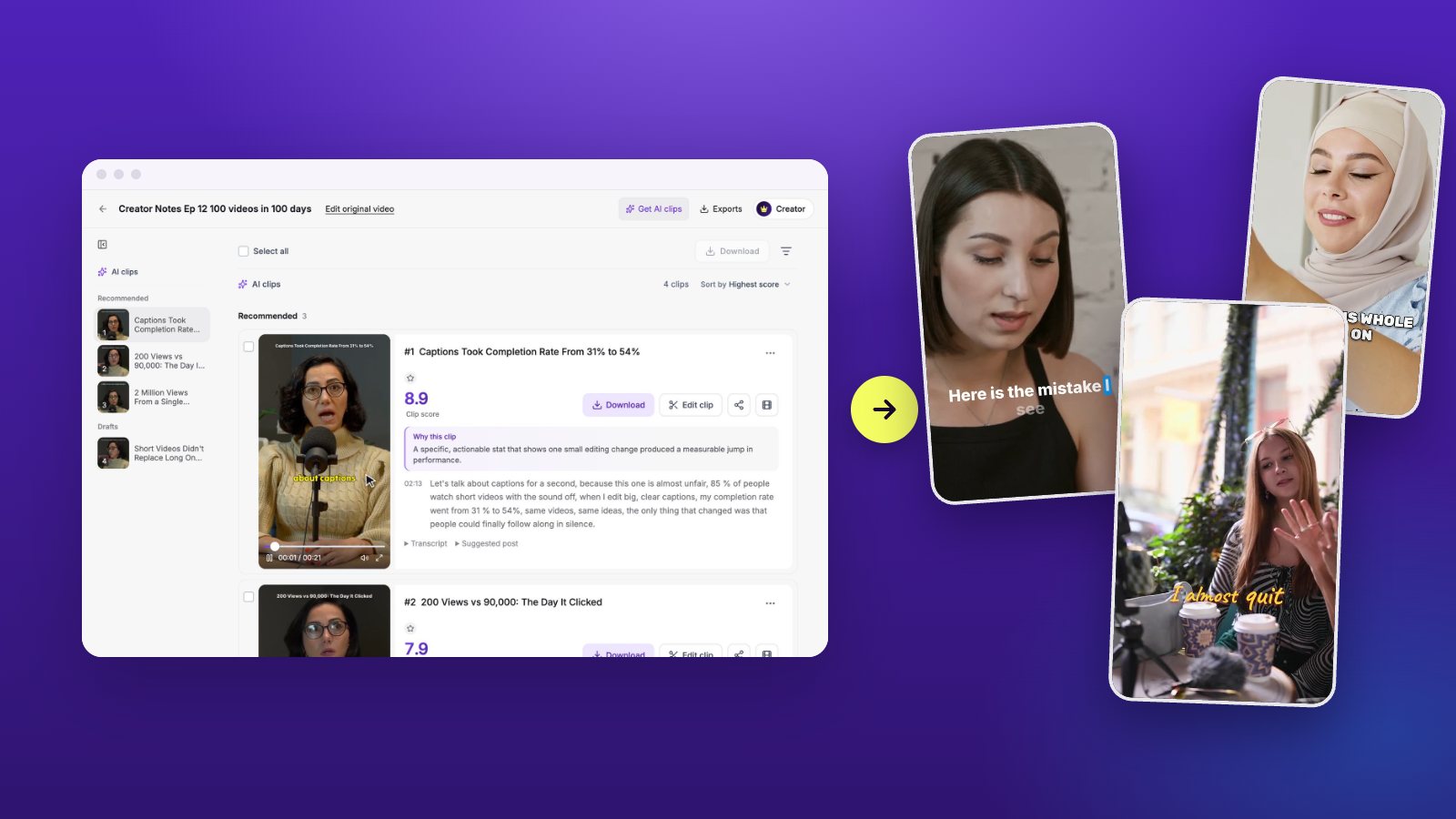
Open the results. Recommended clips are listed first with a score and the reason they were picked; drafts sit below with what held them back. Play each recommended clip once and sort them into three piles: post as is, fix, skip.
Aim for five to seven keepers per episode. That is a clip a day with a spare.
Minute 30 to 50: fix the best ones
Spend your editing time where it shows.
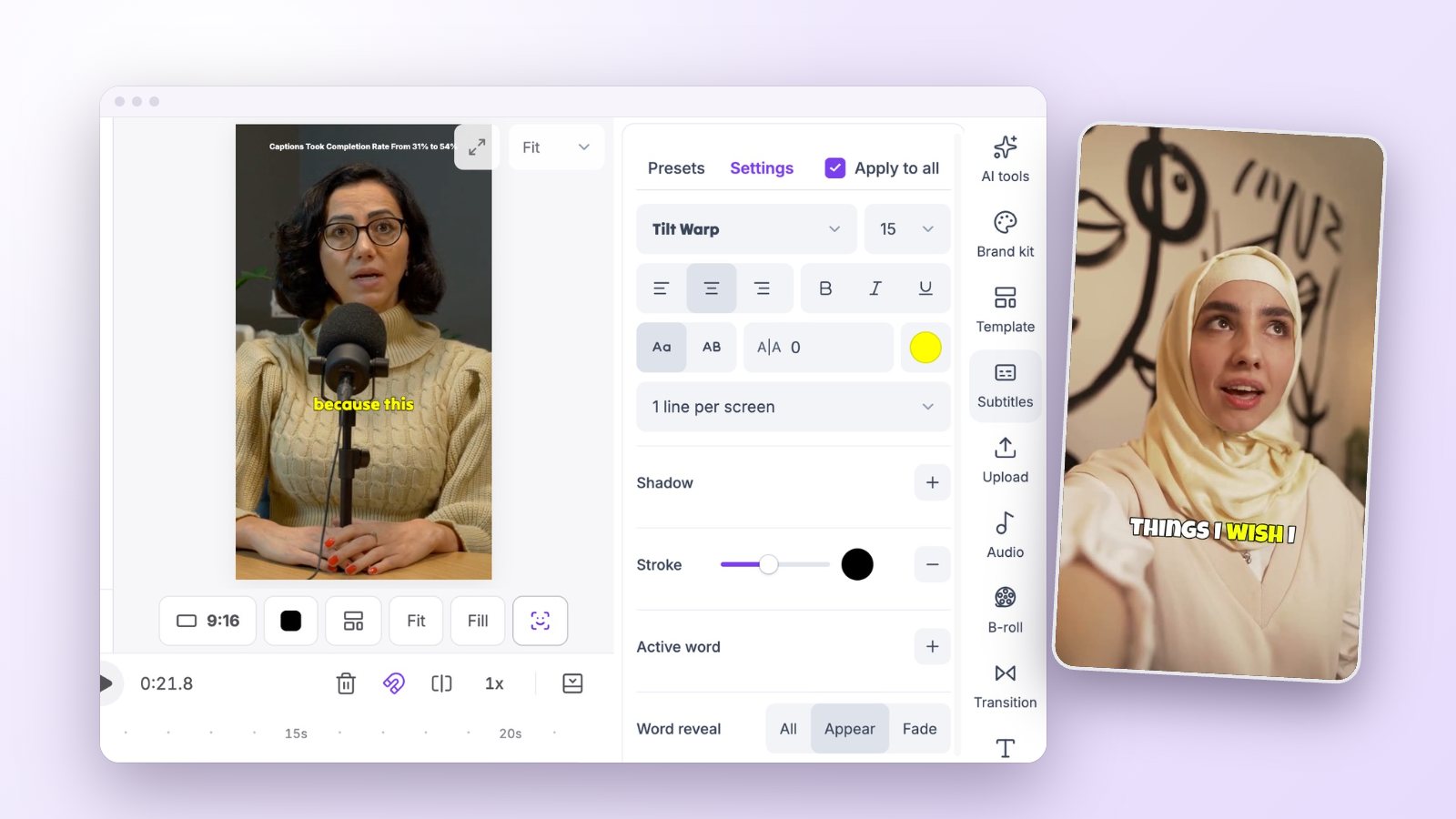
- Use Trim/Extend to move the start onto the hook and the end onto a finished sentence.
- Read the captions once and correct names and numbers.
- Add one piece of B-roll or an emoji where it helps the point.
- Check the frame on two-person moments so the speaker is always visible.
Two hosts and a guest: keep everyone in frame
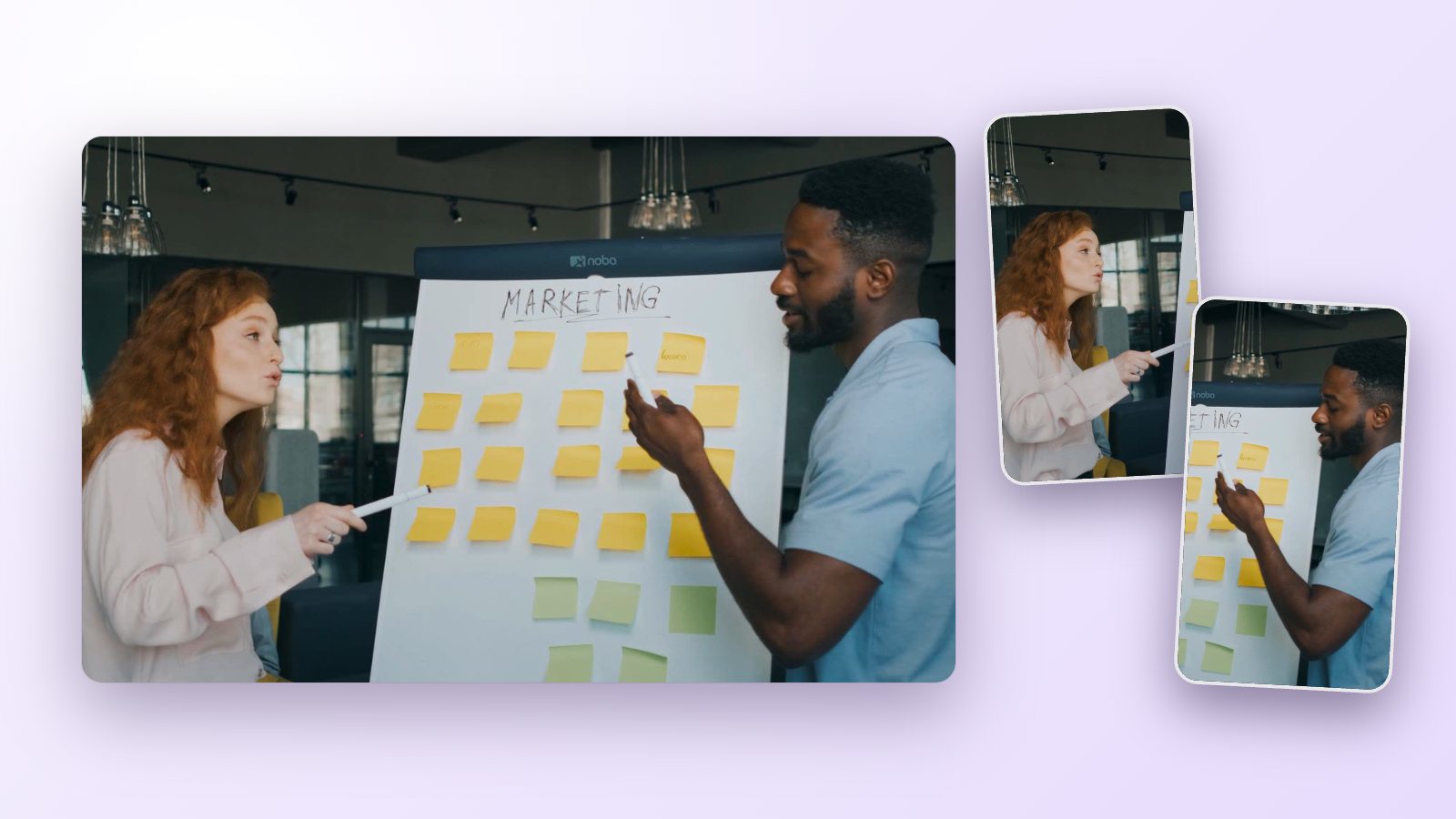
Conversation is the hardest thing to turn vertical. With one camera on a wide shot, let auto reframe follow whoever is speaking and check the hand-overs, where two people talk at once. If the exchange is fast, a split screen with both faces often reads better than a frame that jumps back and forth.
Reaction matters too. A guest laughing at the host’s line is part of the moment, so do not crop it out for the sake of a tight frame.
Minute 50 to 60: export and line up the week
Select the keepers and download them together. Each clip comes with suggested post text, so copy it into your scheduler as you go. Post the strongest clip on the day the full episode goes live, with a link to it.
Titles and post text
The clip’s title is its hook in writing. Use the strongest phrase from the clip itself, or the question it answers. Keep the post text to one or two sentences, add where to find the full episode, and end with a question if you want comments.
Vidoveli drafts a title, a caption and hashtags for each clip. Edit them into your own voice; a post that sounds like you will always do better than one that sounds like a template.
A posting rhythm that lasts
One clip a day is enough, and five a week is fine. Consistency beats volume.
- Day of release: the strongest clip, with a link to the full episode.
- Midweek: alternate practical tips with stories, so the feed does not feel repetitive.
- End of week: the most personal or surprising moment.
- A month later: repost the clip that did best. Most of your audience missed it the first time.
Measure one thing
Each week, note which clip brought the most people to the full episode. After a month you will know which kind of moment works for your show, and you can tell the AI to look for more of it.