

Convert any long video to Shorts with AI
Bring a podcast, interview, webinar or lesson. Vidoveli finds the moments that work on their own, cuts them to 9:16, adds captions and hands you a ranked list to review.
YouTube, Google Drive™, Dropbox or MP4/MOV/WebM links, or a file upload · up to 2 hours · 60 free credits a month

What it is
What a video to Shorts converter actually does
A video to Shorts converter takes a long, horizontal recording and gives you short vertical clips you can post. The cropping is the easy part. The hard part is deciding which thirty seconds of an hour deserve anyone’s attention, and making sure each clip starts and ends on a complete thought.
Vidoveli does that work from the transcript. It reads the whole recording, proposes moments with a clear beginning and end, and reviews each one for its hook, its payoff, its clarity and its pace. The clips it recommends get a score and a written reason. The rest stay as drafts, so you can still use one if you disagree with the AI.
Every clip is then reframed to 9:16 around whoever is speaking and captioned in your language. You can move a clip’s start and end one word at a time, change the caption style, or open it in the AI video editor for finer work.
Moments, not random cuts
Clips start and end on complete thoughts, so they make sense to someone who never saw the full video.
A score and a reason
Recommended clips show a score and why they were picked. Weaker moments are kept as drafts, never scored up.
Vertical, speaker in frame
Auto reframe follows whoever is talking and cuts between speakers in 9:16, 1:1 or 4:5.
Captions included
Animated captions in 40 languages, with the spoken word highlighted. Choose from 9 animated caption styles.
Your choice of length
Leave clip length on Any length, or ask for under 30 seconds, 30 to 60 seconds, up to three minutes or more.
Tell the AI what to find
Describe the moments you want in plain words, such as “every tip about pricing”, and the search follows.
How it works
How to use the Video to Shorts Converter
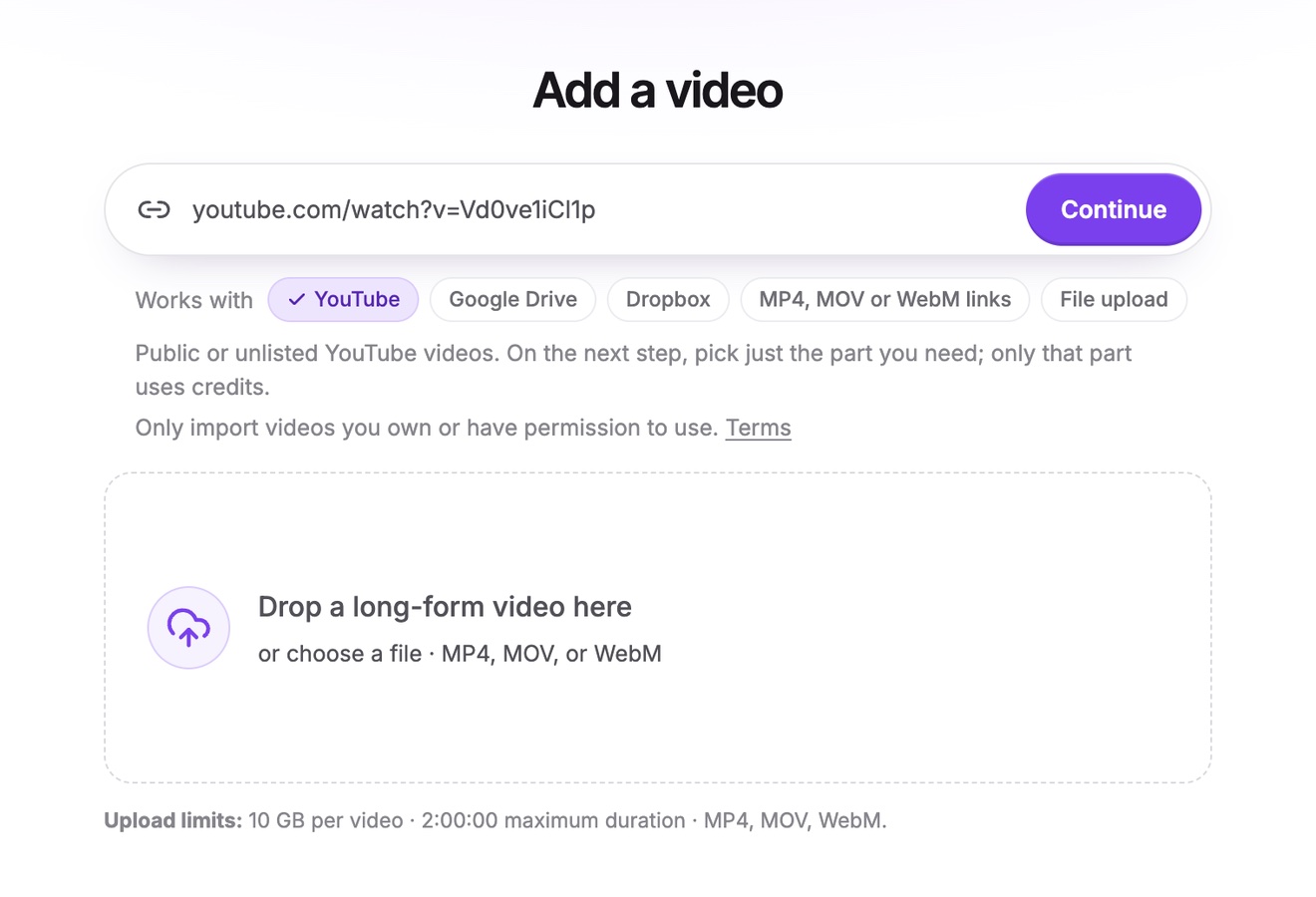
Add the long video
Paste a link to your video on YouTube, Google Drive or Dropbox, or a direct link to an MP4, MOV or WebM file, or upload the file. From a long YouTube video you can take just the part you need.
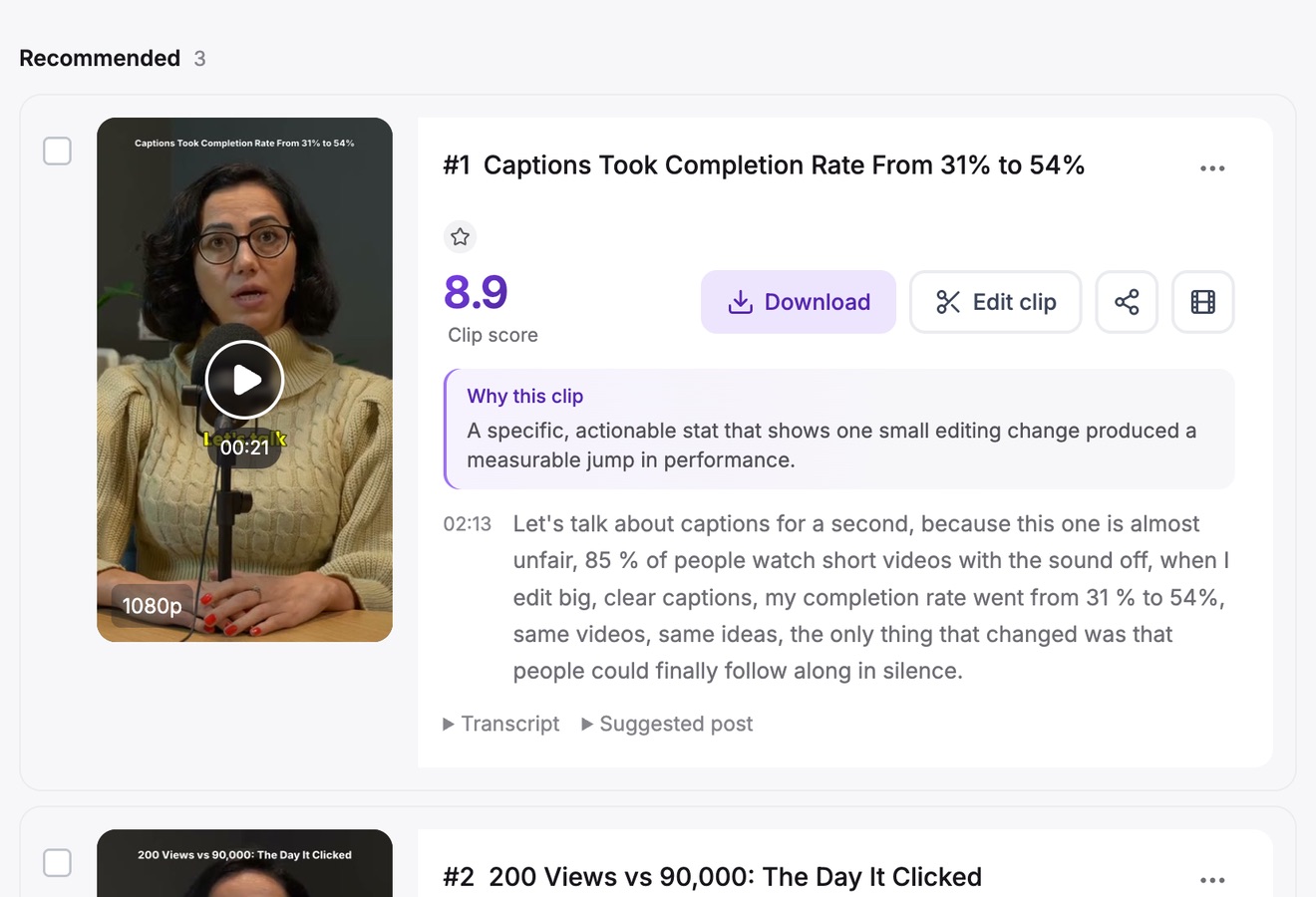
Get AI clips
Pick a clip length and a caption template, or describe what to look for. A few minutes later your clips are ranked, captioned and reframed.
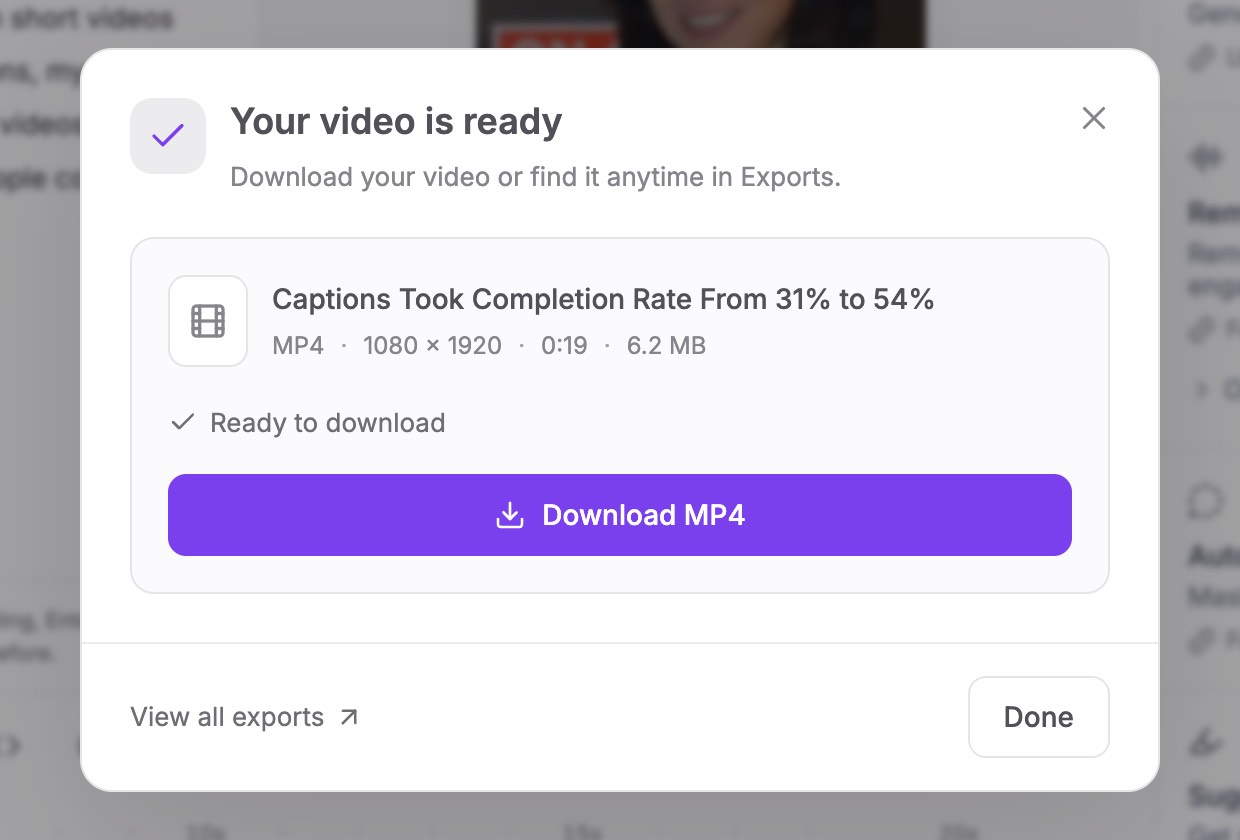
Review and export
Read why each clip was chosen, nudge the start or end word by word, then download the MP4s or share a link with the post text ready to copy.
Who it’s for
Long videos that make good Shorts
Podcasts and interviews
Answers, stories and strong opinions already stand on their own. One episode often fills a week.
Webinars and talks
The clearest explanation, the best audience question and the moment the demo clicks.
Lessons and courses
Single-idea clips that work as previews of a course or quick refreshers after it.
YouTube videos and vlogs
Older long-form videos get a second life in the Shorts feed, with a way back to the full video.
Before you convert
What makes a long video convert well
The converter does the cutting, but the recording decides how good the clips can be. A few habits make a real difference; our guide to turning long videos into short clips covers the rest.
- Clear audio firstClips are chosen from what is said. A clean microphone matters more than a sharp camera.
- Complete answersSpeakers who answer in full sentences give clips that stand alone. Rambling answers give drafts.
- Faces you can followReframing needs a face to track. In a very wide shot, faces get small once the frame is cut to 9:16.
- Slides kept wholeFor screen-heavy videos, switch the clip to Fit so slides are not cropped away.
FAQ
Questions about the Video to Shorts Converter
How do I convert a long video to Shorts?
Upload the video or paste its link, click Get AI clips and pick a clip length. Vidoveli transcribes the video, finds the moments that stand alone and returns them as vertical clips with captions. Review the list, adjust any clip, and export.
Is the video to Shorts converter free?
You can start free. The Free plan includes 60 credits every month, and one credit covers one minute of video, so a 45-minute episode uses 45 credits. Free exports are 720p with a small watermark. See pricing for the paid plans.
How many Shorts will I get from one video?
It depends on the recording, not on a quota. A focused interview usually holds more strong moments than a loose conversation of the same length. Vidoveli recommends the strong ones and keeps the rest as drafts, without padding the list.
Which videos work best?
Videos where people talk: podcasts, interviews, webinars, lessons, talks and vlogs. Vidoveli chooses clips from what is said, so it is not the right tool for sports, gaming or music videos without speech.
Can I convert a video from a link?
Yes. Paste a link to your video on YouTube, Google Drive or Dropbox, or a direct link to an MP4, MOV or WebM file. YouTube videos need to be public or unlisted, and Google Drive and Dropbox files shared with “Anyone with the link”. From a YouTube video you can import just the part you need, and only that part uses credits. Links from other sites are not supported, so upload those files instead.
Do I have to edit the clips afterwards?
Not always. Many recommended clips are ready to post as they are. When one needs a better first line or a cleaner ending, trim it word by word, and open it in the full editor if you want to change the captions, layout or B-roll.
What do I get at the end?
MP4 files in 9:16, 1:1, 4:5 or 16:9: 720p on the Free plan, 1080p on paid plans, or 4K when the video you add is 4K. Each clip also comes with a suggested title, description and hashtags for the platform you post to.
Keep going
Related tools and guides
YouTube Shorts Maker
Paste a YouTube link and get Shorts cut from its best moments.
See how it worksPodcast Clip Maker
Every episode cut into captioned clips, with each speaker in frame.
See how it worksVertical Video Converter
Horizontal video turned into 9:16, with the speaker kept in frame.
See how it works
 Guides
How to turn a long video into short clips without re-watching it
A step-by-step way to cut podcasts, interviews and webinars into short clips with a video clipping tool, from picking moments to captions and export.
 Guides
How to make YouTube Shorts from your long videos
Three ways to turn long YouTube videos into Shorts: YouTube’s Edit into a Short, editing by hand and AI clipping, plus the rules that decide whether a Short helps.
 Guides
How long should a short clip be? TikTok, Reels and Shorts
A practical guide to clip length for TikTok, Instagram Reels and YouTube Shorts: why most ideas fit in 20 to 60 seconds, and when a longer clip is the better choice.
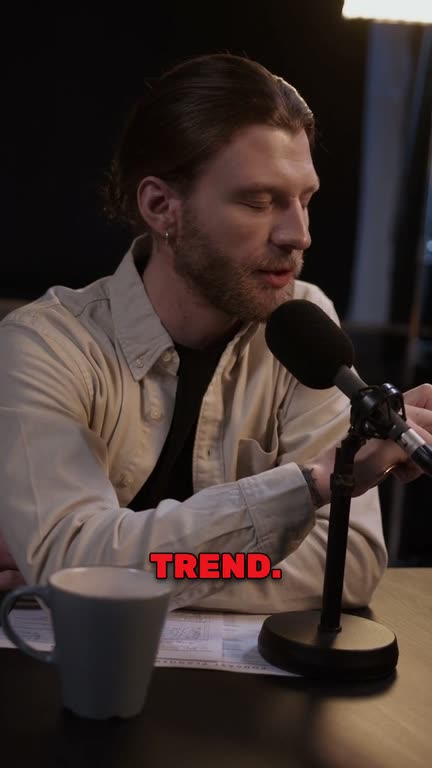
Your long videos are
already full of Shorts
Paste a link or upload a recording and see what Vidoveli finds in it. No card needed.