

Turn long videos into Instagram Reels
Paste a link to your video or upload it. Vidoveli picks the moments worth a Reel, frames them for 9:16 and adds captions and B-roll, ready to post.
YouTube, Google Drive™, Dropbox or MP4/MOV/WebM links, or a file upload · up to 2 hours · 60 free credits a month
What it is
From one long video to a grid full of Reels
Reels reward accounts that post often, and few people have time to edit a new one every day. A long recording you already have, such as a podcast, a workshop or a talk, usually holds enough material for weeks of Reels. Finding it is the slow part.
Vidoveli reads the transcript, picks complete moments and recommends the best ones with a score and a reason. Each Reel is reframed to 9:16 around the speaker and captioned in 40 languages, and the B-roll tool suggests stock footage that matches what is being said.
The same clip works elsewhere too, so you can post it as a TikTok or a YouTube Short, with post text written for each.
Ready for 9:16
Auto reframe keeps the speaker centered, with 4:5 and 1:1 a click away for the feed.
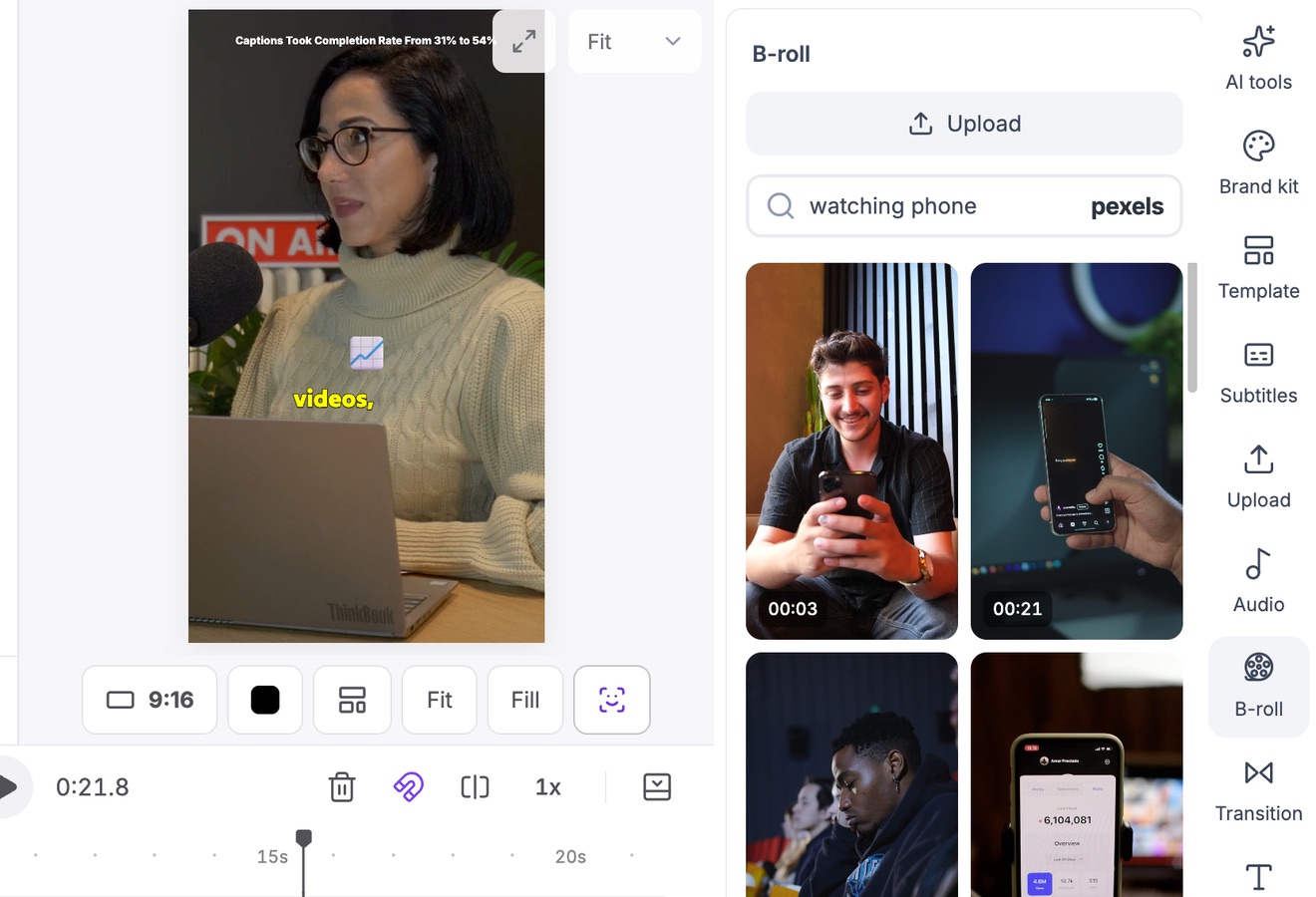
B-roll that matches the words
Stock footage suggested for what is said, placed over the clip in one click.
Captions that look designed
Choose from 9 animated caption styles, then set the font, color and position.
Your look on every Reel
Save a caption style and layout as a template and apply it to each new clip.
Picks with reasons
Every recommended clip shows its score and why it was chosen.
Instagram caption included
A caption and hashtags written for Reels, ready to copy.
How it works
How to use the Video to Reels Converter
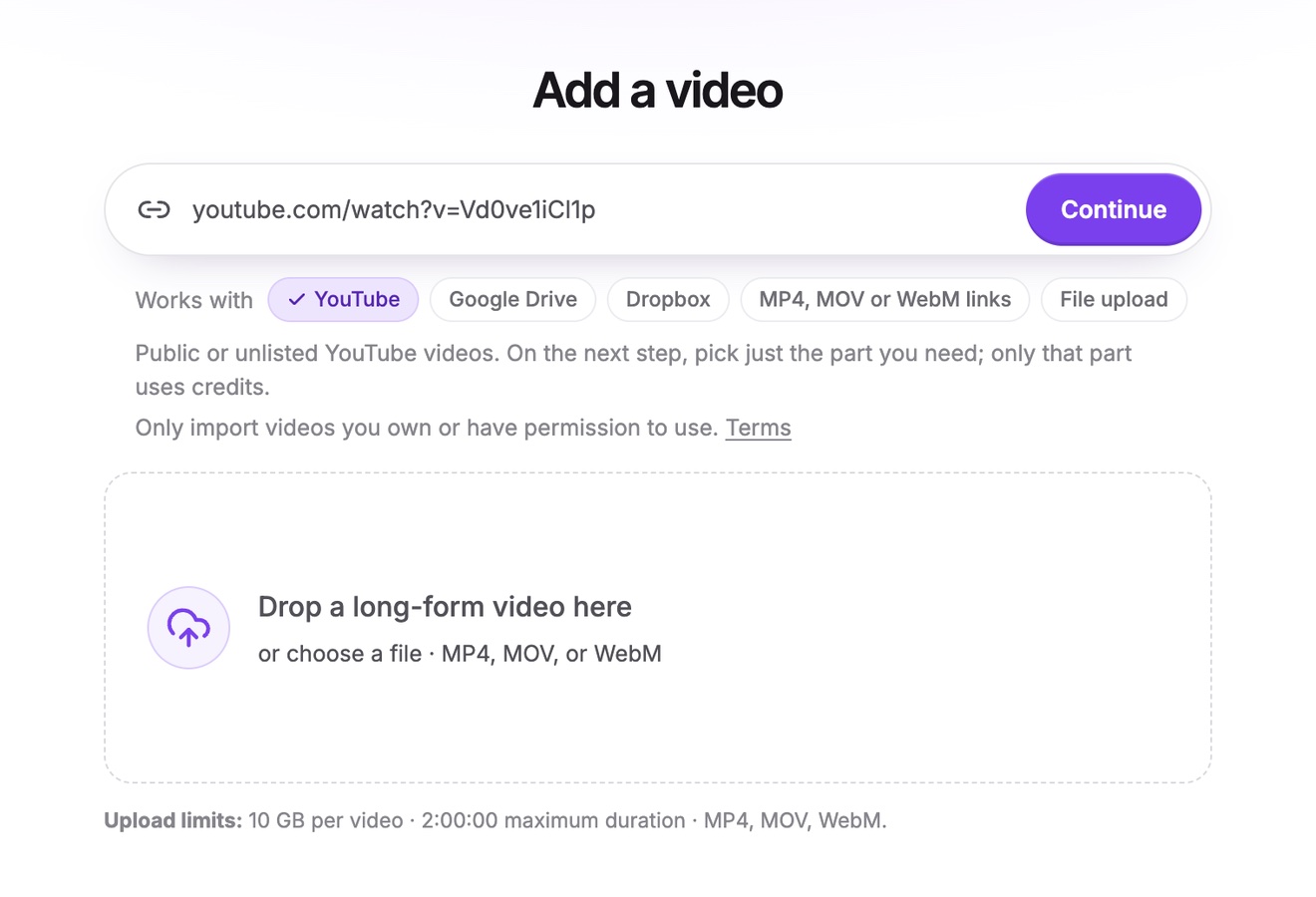
Add your video
Paste a link to your video on YouTube, Google Drive or Dropbox, or a direct link to an MP4, MOV or WebM file, or upload the file, up to two hours long.
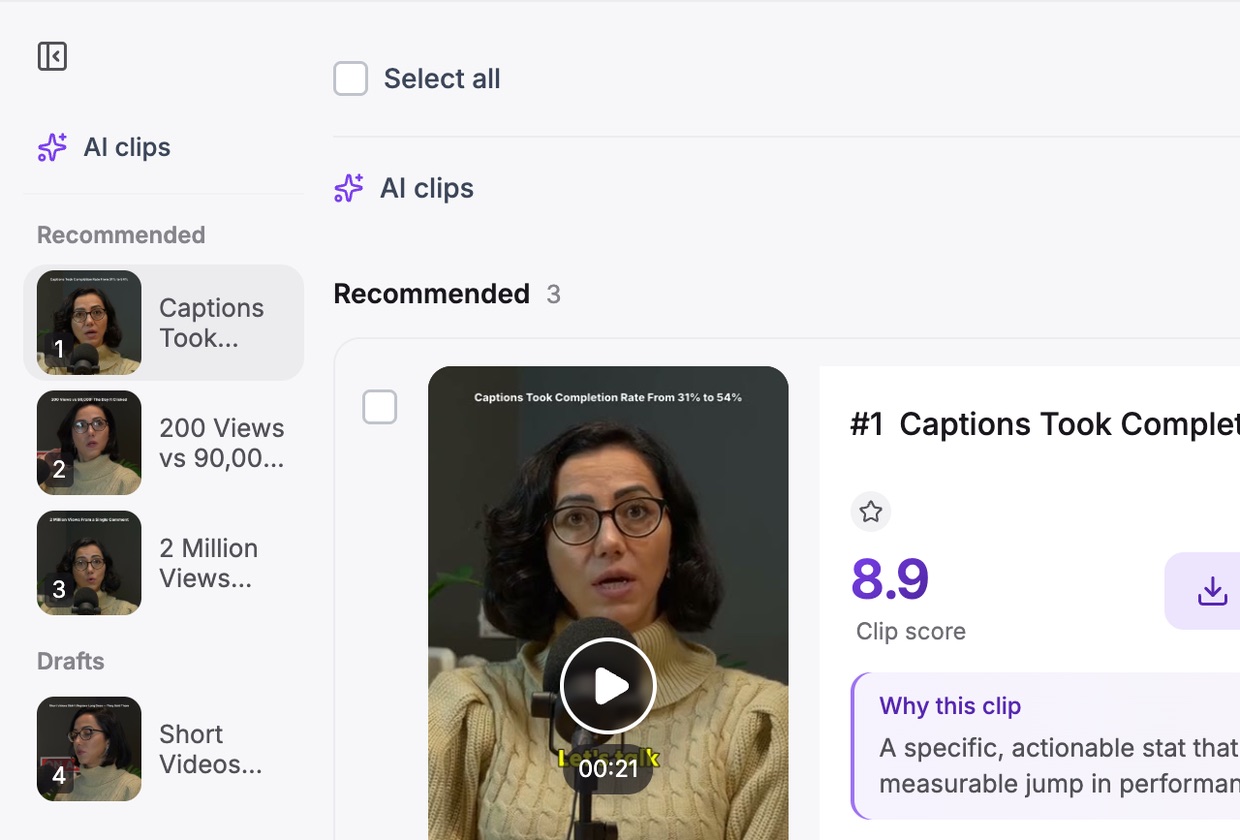
Get AI clips
Choose a clip length and a template. Vidoveli returns ranked, captioned clips in 9:16.
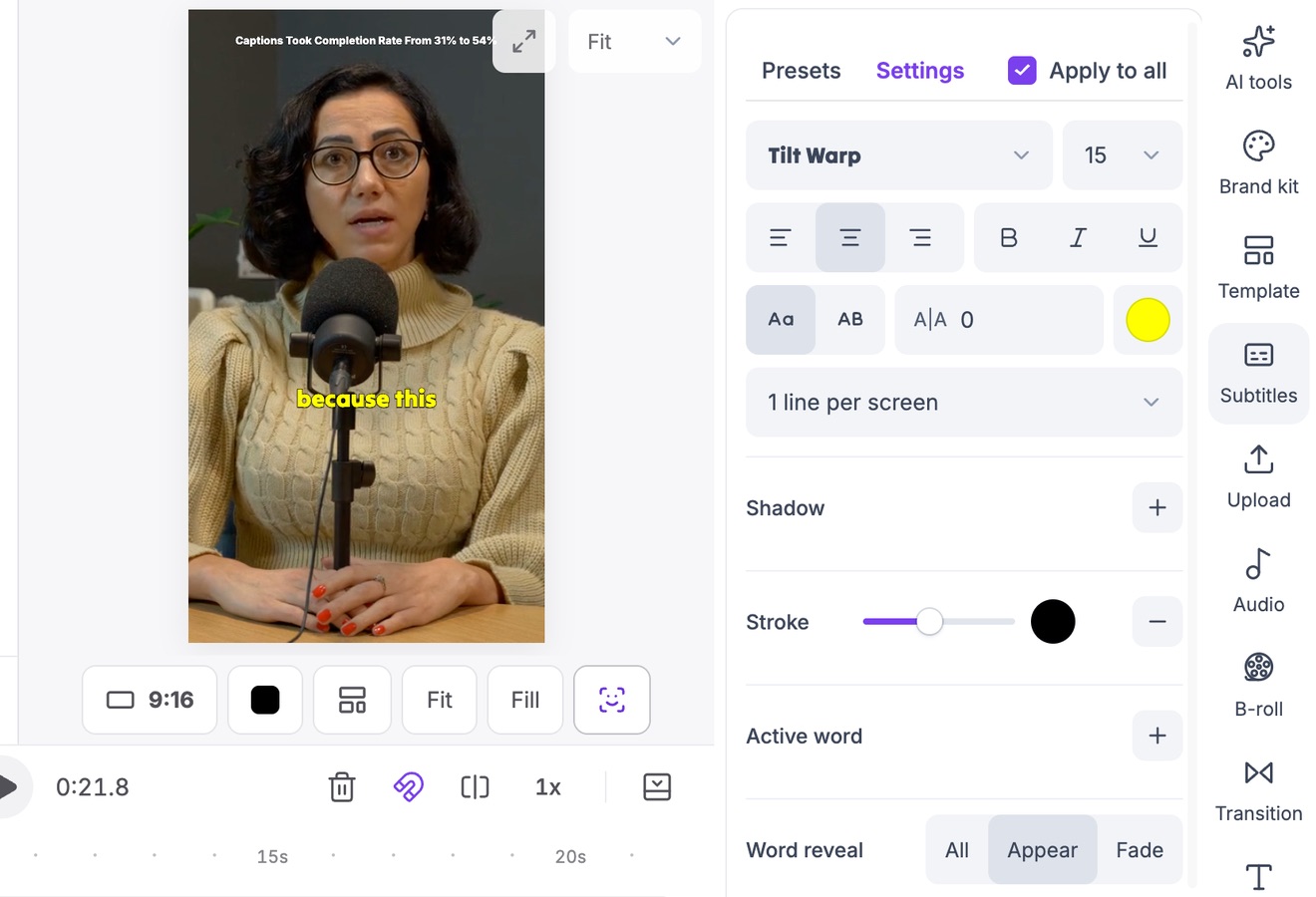
Style and export
Adjust the captions, add B-roll, export the MP4 and post it as a Reel with the caption Vidoveli wrote.
Who it’s for
Reels from the videos you already make
Workshops and webinars
Short lessons that bring followers to your next live session.
Podcasts
The best minute of each episode, captioned for silent scrolling.
Coaching and Q&As
Common questions answered in under a minute, with permission from anyone on screen.
Product demos
The moment a feature clicks, cut out of a longer demo.
Reels checklist
Reels that look right everywhere
Instagram shows a Reel in more than one place, and crops it differently in each. Plan for all of them.
- Keep the middle clearYour profile grid shows a cropped preview, so keep faces and key words near the center of the frame.
- Captions above the bottom barThe caption, the audio label and the buttons cover the bottom of the screen. Place captions a little higher.
- Pick a coverWhen you post, choose a frame with a clear face or a readable title as the cover.
- Short and completeReels can run longer than they used to, but a complete idea in under a minute is still the safest bet.
FAQ
Questions about the Video to Reels Converter
How do I convert a long video into Reels?
Upload the video or paste its link, click Get AI clips and choose a length. Vidoveli finds the moments that stand alone and returns them as 9:16 clips with captions. Edit any of them, export the MP4 and post it as a Reel.
Can I turn a YouTube video into an Instagram Reel?
Yes, if it is your video or you have permission to use it. Paste the YouTube link, pick the part you want, and Vidoveli cuts it into vertical clips.
What size is a Reel?
Reels are vertical, 9:16, and Instagram recommends 1080 × 1920. Paid plans export MP4 files at 1080 × 1920 (or 2160 × 3840 from a 4K video); the Free plan exports 720 × 1280.
Can Vidoveli post to Instagram?
Not yet. Download the MP4 and post it from Instagram, with the caption and hashtags ready to copy.
Can I add my logo and brand colors?
You can save caption styles and layouts as templates on any plan. The brand kit, which keeps your logo, images, music and styles in one place, is part of the Business plan.
Is it free?
You can start free: the Free plan includes 60 credits every month and exports at 720p with a small watermark. Compare plans on the pricing page.
Keep going
Related tools and guides
TikTok Clip Maker
Long videos and YouTube links cut into TikToks with captions.
See how it worksVideo to Shorts Converter
Turn any long video into short vertical clips for every feed.
See how it worksAuto Caption Generator
Animated captions in 40 languages, timed to every word.
See how it works
 Captions
Caption styles that keep people watching short videos
How to choose captions for TikTok, Reels and Shorts: size, position, word highlighting, emoji and keyword emphasis, with examples from Vidoveli’s caption styles.
 Guides
Hooks for short videos: how to find them in what you already recorded
The best hook for a clip is often already in your recording. How to spot opening lines in a transcript, start a clip on them and test two openings without reshooting.
 Captions
How to add captions to TikTok, Reels and YouTube Shorts
The captions TikTok, Instagram and YouTube add for you, why many creators burn captions in anyway, and a quick way to add, check and style captions on every clip.
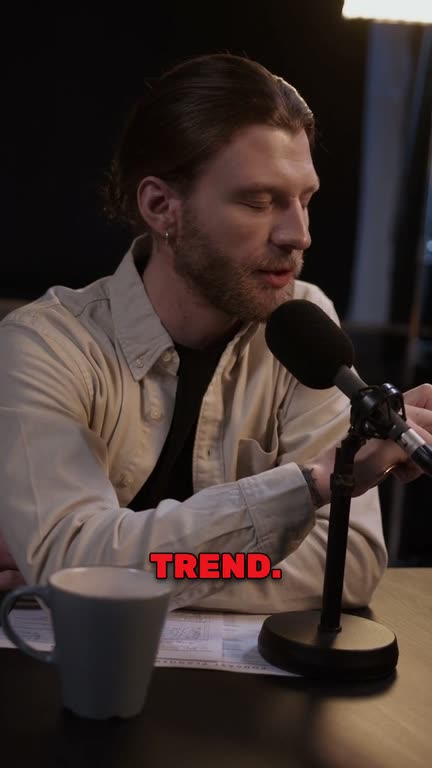
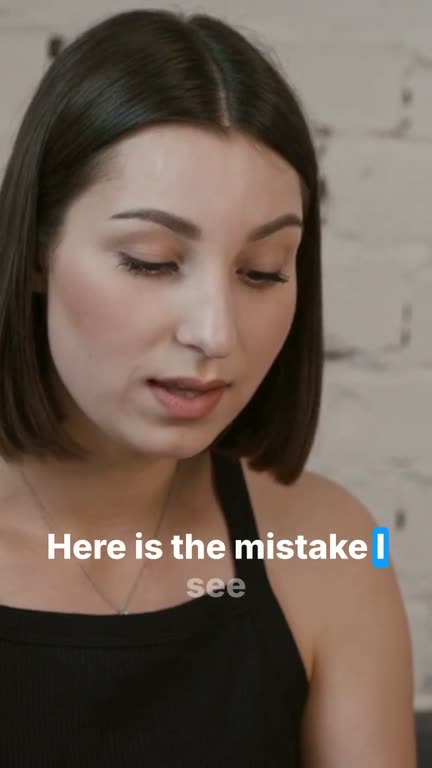
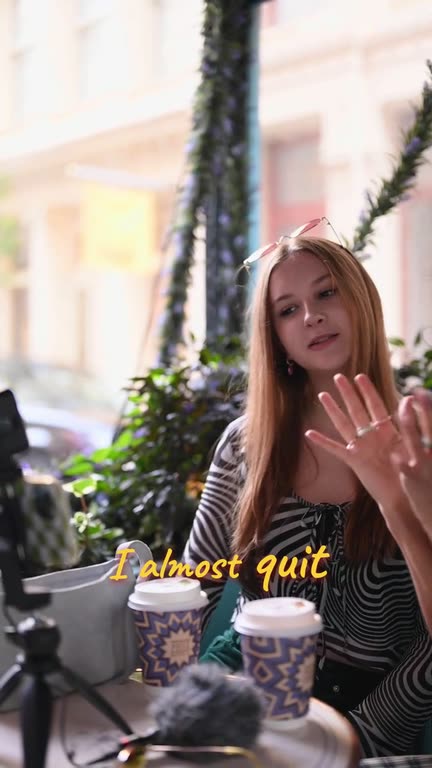
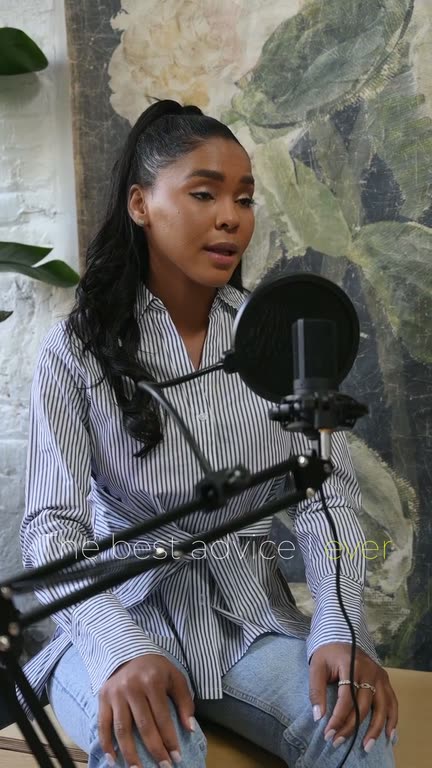
A month of Reels
from one recording
Upload a video or paste a link and see the Reels Vidoveli finds. No card needed.