

Turn long videos into TikToks worth finishing
Paste a link to your video or upload it. Vidoveli finds the moments with a strong first line, frames them for 9:16 and adds captions that are easy to read on a phone.
YouTube, Google Drive™, Dropbox or MP4/MOV/WebM links, or a file upload · up to 2 hours · 60 free credits a month
What it is
What makes a clip work on TikTok
On TikTok people decide within a second or two whether to keep watching, and many watch with the sound off. A clip that works there opens on its most interesting line, reads well without audio and ends before it drags.
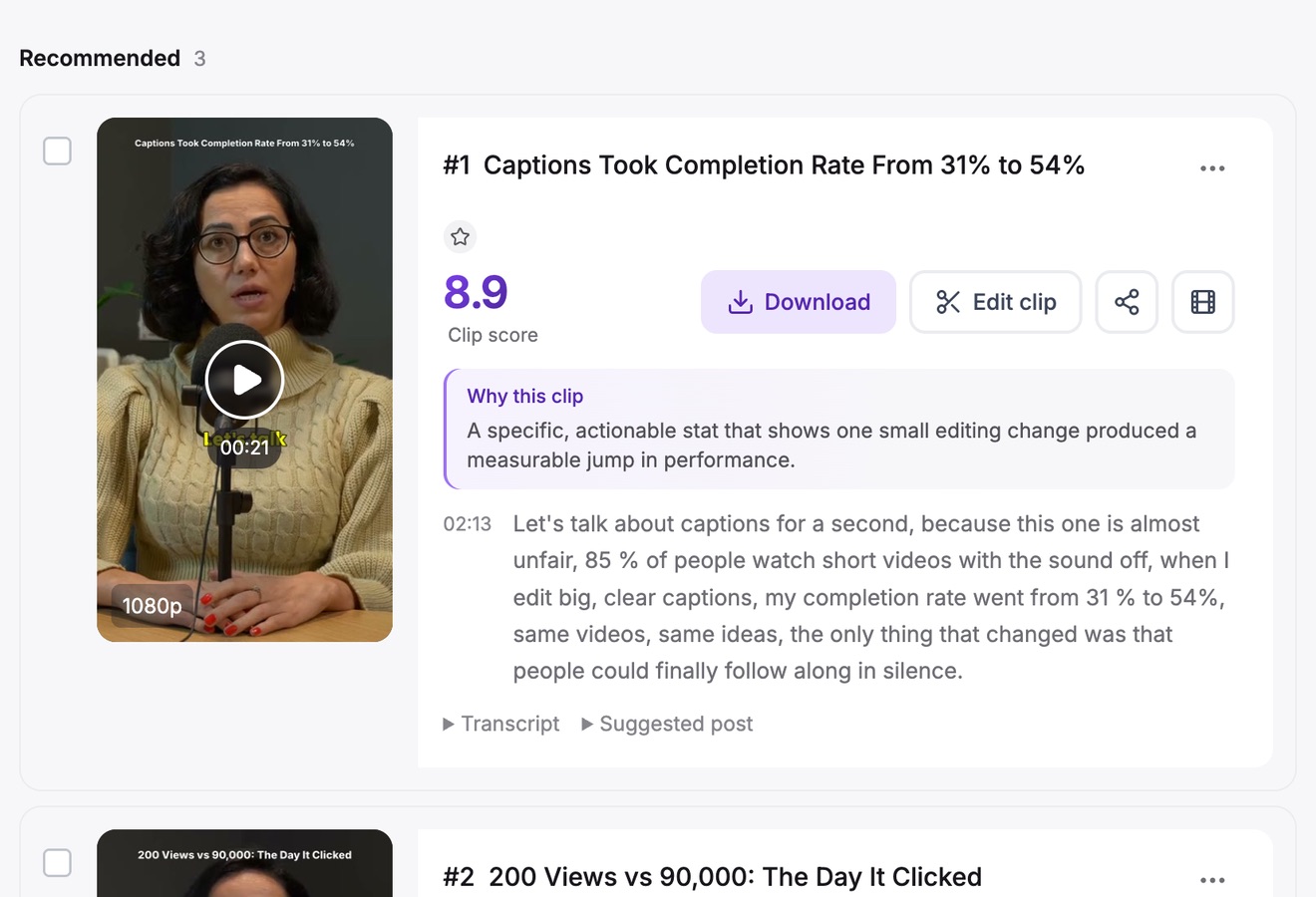
Vidoveli looks for exactly those moments in a long video. It checks each candidate for a hook, a payoff and whether it makes sense without the rest of the video, then recommends the strongest with a score and a reason. You can ask for a length, such as under 30 seconds, or let each clip take the time it needs.
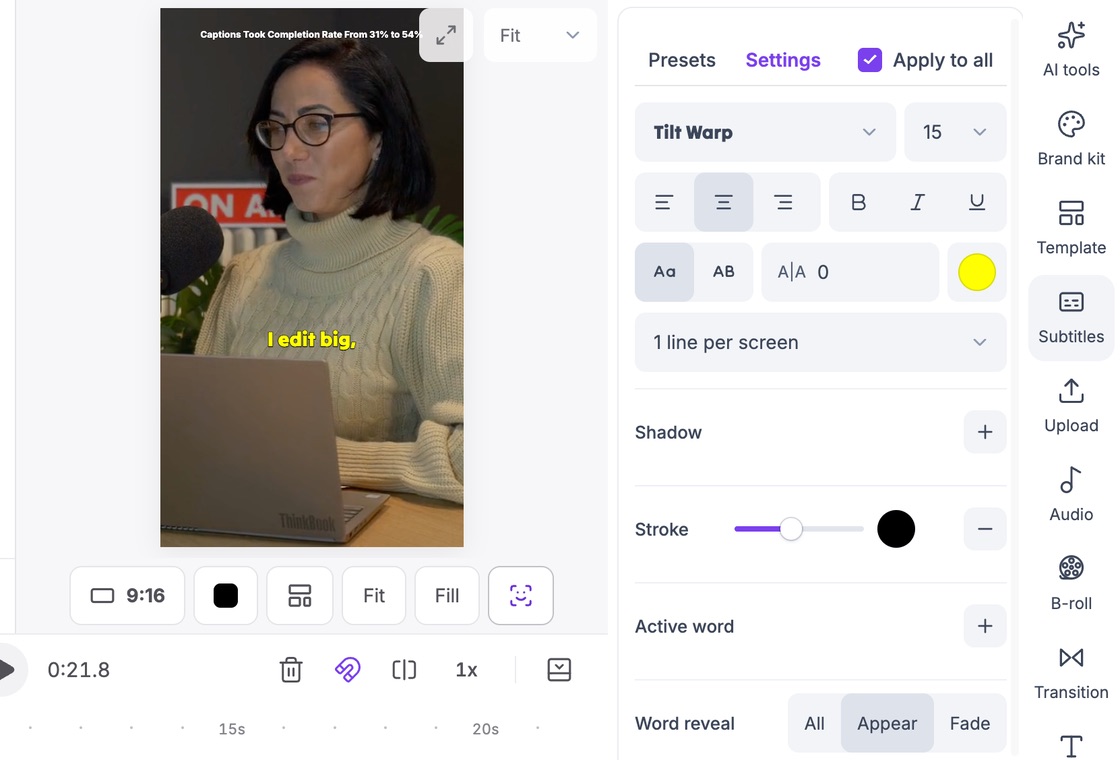
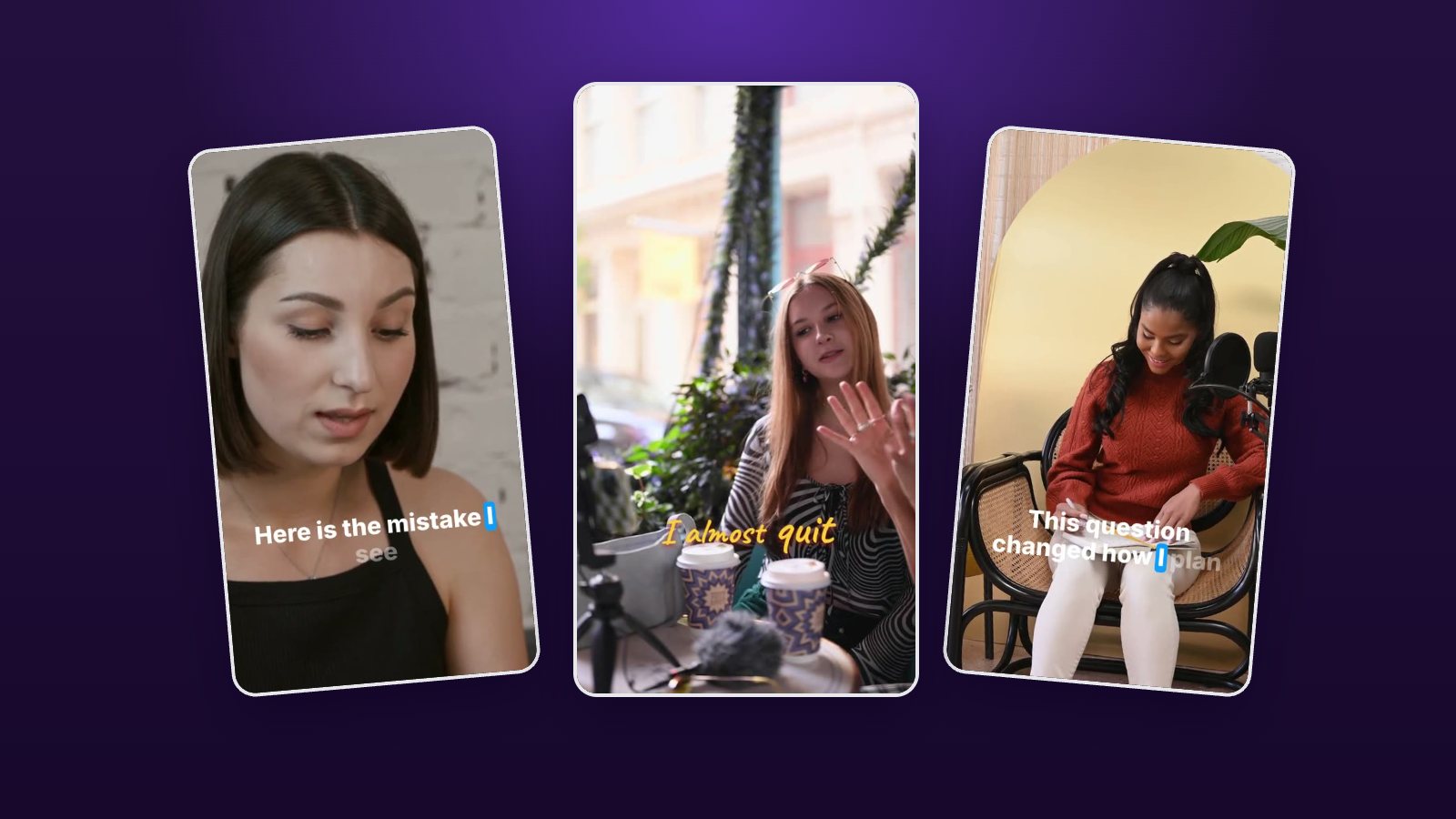
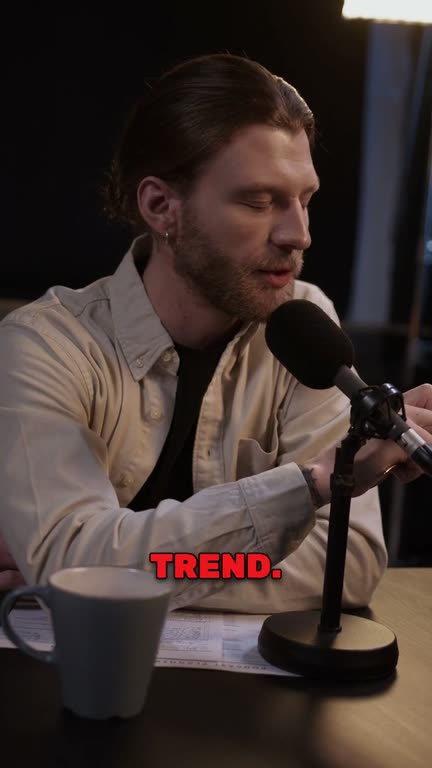
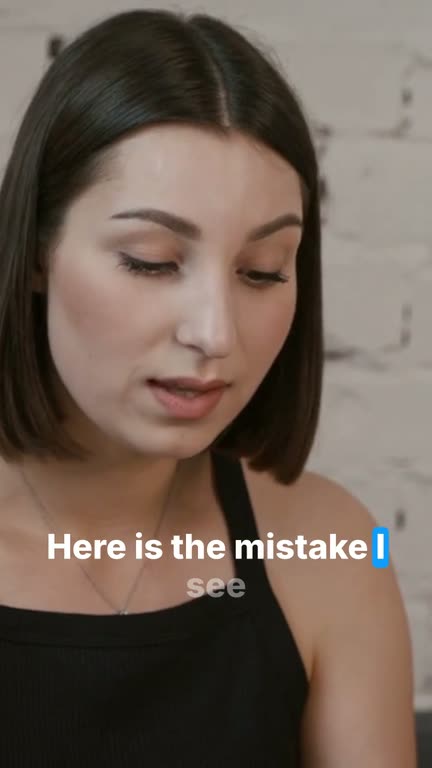
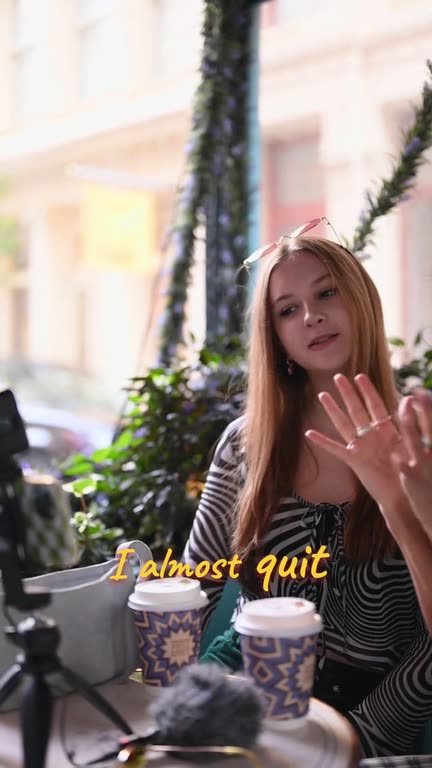
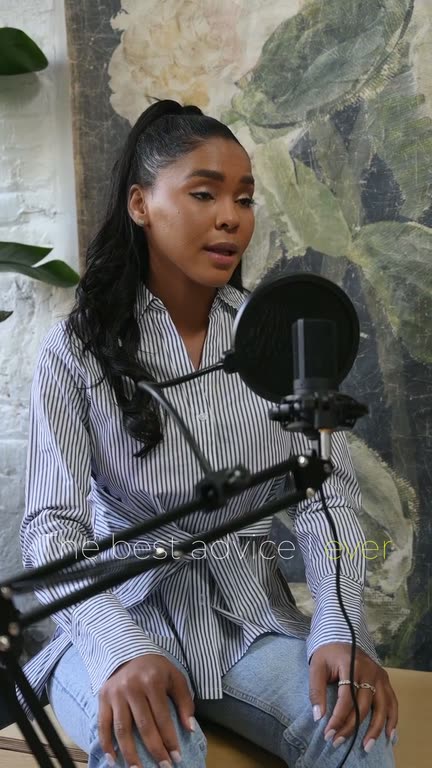
Clips come out in 9:16 with the speaker in frame and captions in any of 9 animated caption styles. Each one also gets post text written for TikTok, ready to paste. For more on openings, read how to find hooks in what you have already recorded.
Hooks up front
Every clip is checked for whether its first line makes someone stop scrolling.
Framed for the phone
9:16 with auto reframe, so the speaker stays in the middle of the screen.
Captions where they read
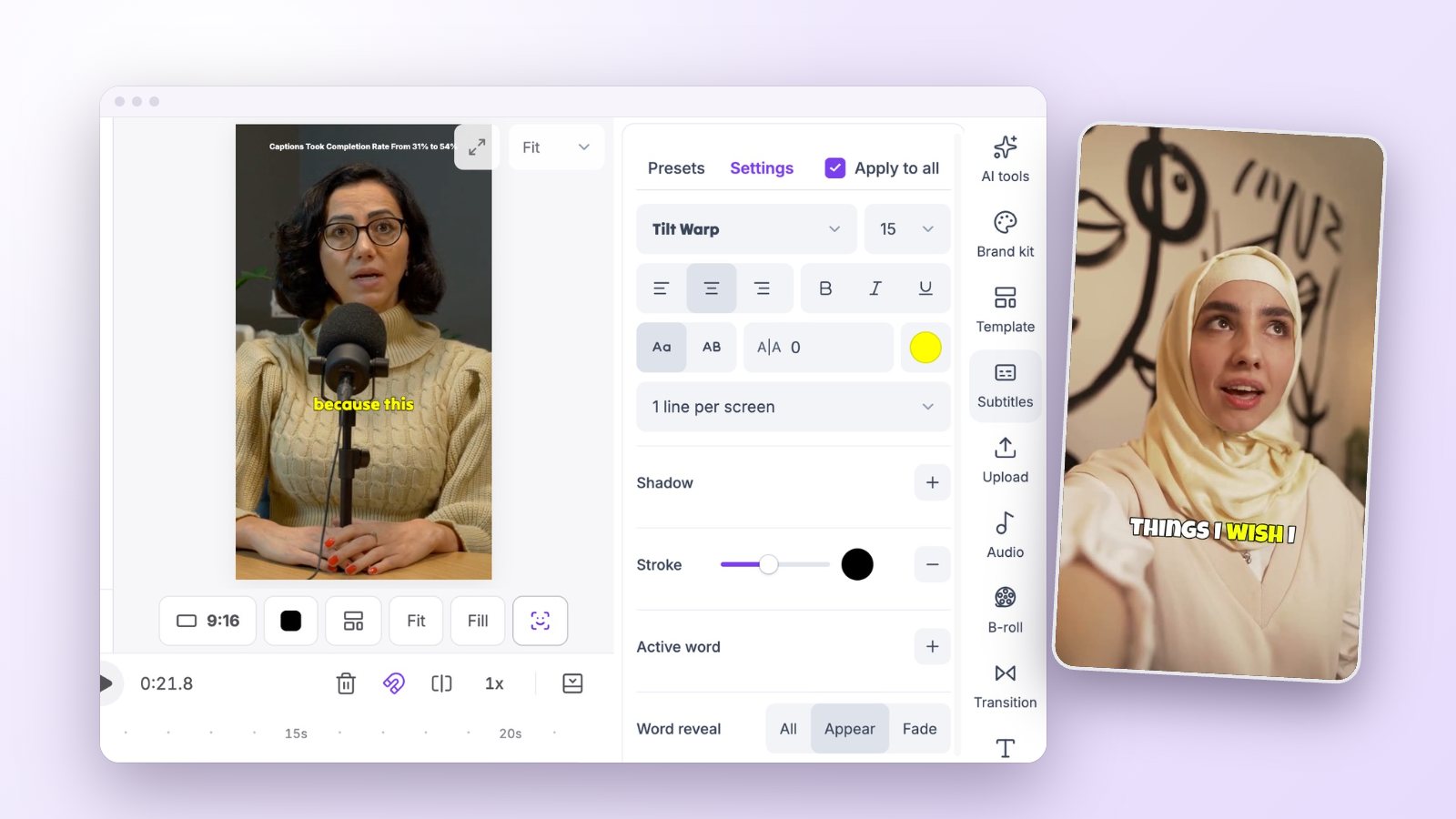
Big animated captions you can move clear of TikTok’s buttons and caption text.
YouTube to TikTok in one step
Paste a YouTube, Google Drive or Dropbox link instead of downloading and re-uploading the file.
Emoji and keywords
AI adds emoji where they fit and highlights the words that carry the point.
The post is written
A TikTok caption and hashtags for every clip, ready to copy.
How it works
How to use the TikTok Clip Maker
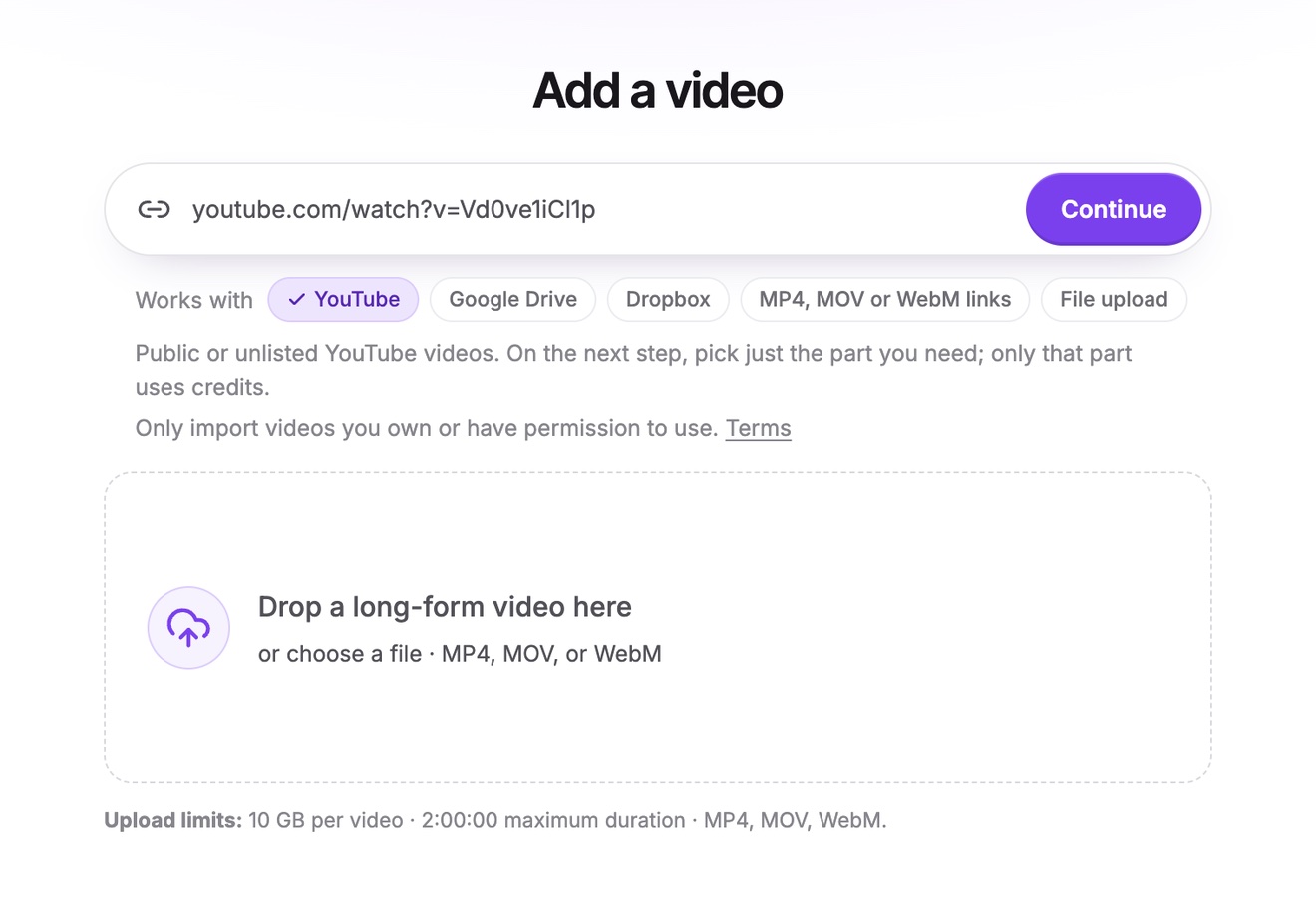
Paste a link or upload
Paste a link to your video on YouTube, Google Drive or Dropbox, or a direct link to an MP4, MOV or WebM file, or upload the file. Videos can be up to two hours long.
Pick the length
Ask for clips under 30 seconds for quick tips, or 30 to 60 seconds for stories, and let Vidoveli find them.
Copy the post and upload
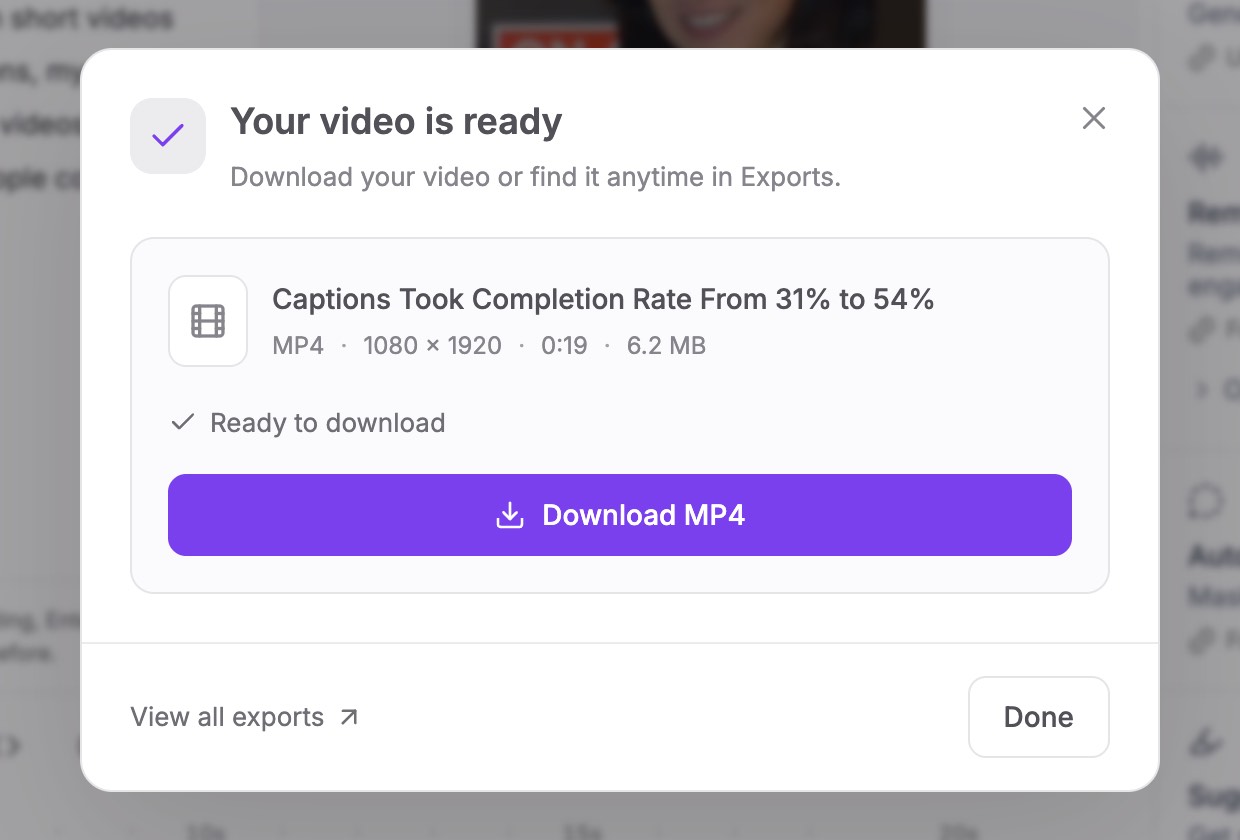
Download the MP4, paste the caption and hashtags Vidoveli wrote, and post from your phone or computer.
Who it’s for
Who makes TikToks this way
YouTubers
Long videos re-cut for TikTok without editing each clip by hand.
Podcasters
The funniest or most surprising minute of every episode.
Coaches and educators
One tip, one answer, one clip, posted every day.
Brands and agencies
Webinars and interviews turned into a steady stream of short posts.
TikTok checklist
Before you post to TikTok
A good clip can still fall flat if it is hard to read on a phone. Check these before you export.
- First line, first secondIf the opening needs context, move the start to the sentence that carries the point.
- Captions clear of the interfaceTikTok puts the caption, the sound and its buttons along the bottom and right. Keep captions higher, near the middle.
- One idea per clipIf a clip makes two points, split it. Each half will usually do better alone.
- End on the payoffStop on the last complete sentence, not on “so, yeah”.
FAQ
Questions about the TikTok Clip Maker
How do I turn a YouTube video into TikToks?
Paste the YouTube link into Vidoveli, choose the part of the video to use and click Get AI clips. You get vertical clips with captions and TikTok post text. Download the ones you like and post them.
What length should a TikTok clip be?
As short as the idea allows. For clips cut from talk, 20 to 60 seconds covers most tips and stories. Our guide on how long a short clip should be explains when to go longer.
Can Vidoveli post to TikTok for me?
Not yet. You download the MP4 and post it yourself, with the caption and hashtags ready to copy. Direct publishing and scheduling are in development.
Will my clips have a watermark?
Clips exported on the Free plan carry a small Vidoveli watermark in the corner. Creator and Business plans export without it. See pricing.
Does it work for gaming or dance videos?
Not well. Vidoveli picks clips from what people say, so it suits talking videos: podcasts, interviews, tutorials, talks and vlogs.
Do I still need TikTok’s own captions?
No. Vidoveli burns animated captions into the video, so they show for everyone, whether or not a viewer has captions switched on.
Keep going
Related tools and guides
Video to Reels Converter
Long videos turned into Instagram Reels with captions and B-roll.
See how it worksYouTube Shorts Maker
Paste a YouTube link and get Shorts cut from its best moments.
See how it worksAuto Caption Generator
Animated captions in 40 languages, timed to every word.
See how it works
 Guides
Hooks for short videos: how to find them in what you already recorded
The best hook for a clip is often already in your recording. How to spot opening lines in a transcript, start a clip on them and test two openings without reshooting.
 Captions
How to add captions to TikTok, Reels and YouTube Shorts
The captions TikTok, Instagram and YouTube add for you, why many creators burn captions in anyway, and a quick way to add, check and style captions on every clip.
 Guides
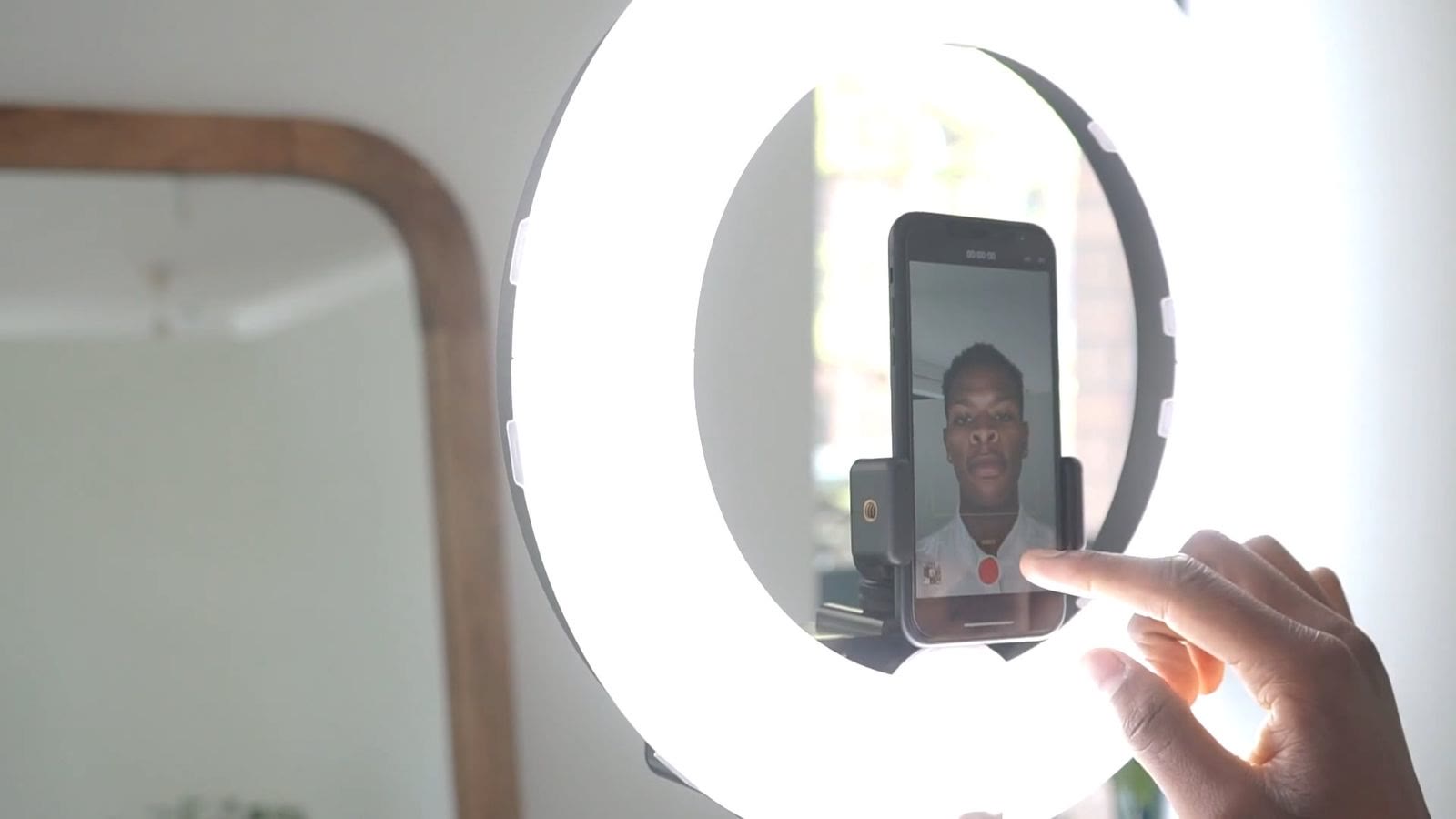
How long should a short clip be? TikTok, Reels and Shorts
A practical guide to clip length for TikTok, Instagram Reels and YouTube Shorts: why most ideas fit in 20 to 60 seconds, and when a longer clip is the better choice.
Your next TikToks are
already recorded
Paste a link or upload a video and get clips made for 9:16. Free to start.