

Every episode, a week of podcast clips
Paste a link to your episode or upload the video. Vidoveli finds the answers, stories and opinions that work on their own and turns them into captioned clips with every speaker in frame.
YouTube, Google Drive™, Dropbox or MP4/MOV/WebM links, or a file upload · up to 2 hours · 60 free credits a month
What it is
Why podcasts make the best clips
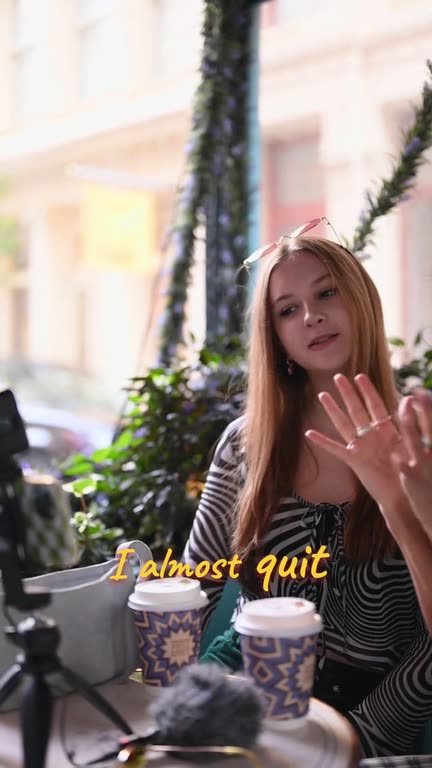
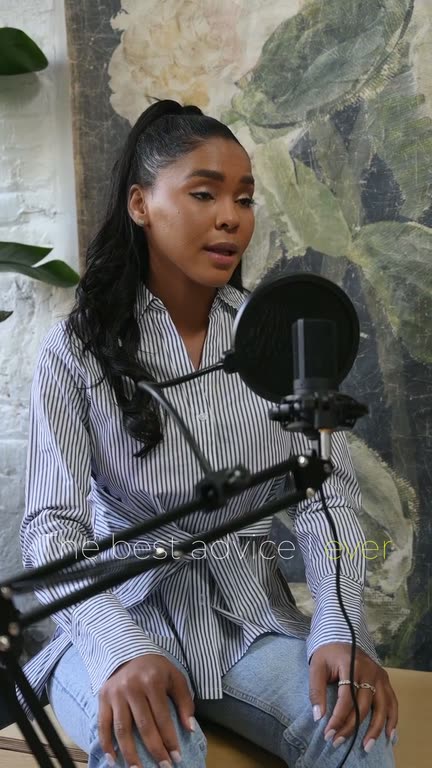
A good episode is full of moments that need no setup: a guest’s best answer, a story with a twist, a number nobody expected. Clips of those moments are how many people find a podcast now, in feeds where they would never press play on an hour.
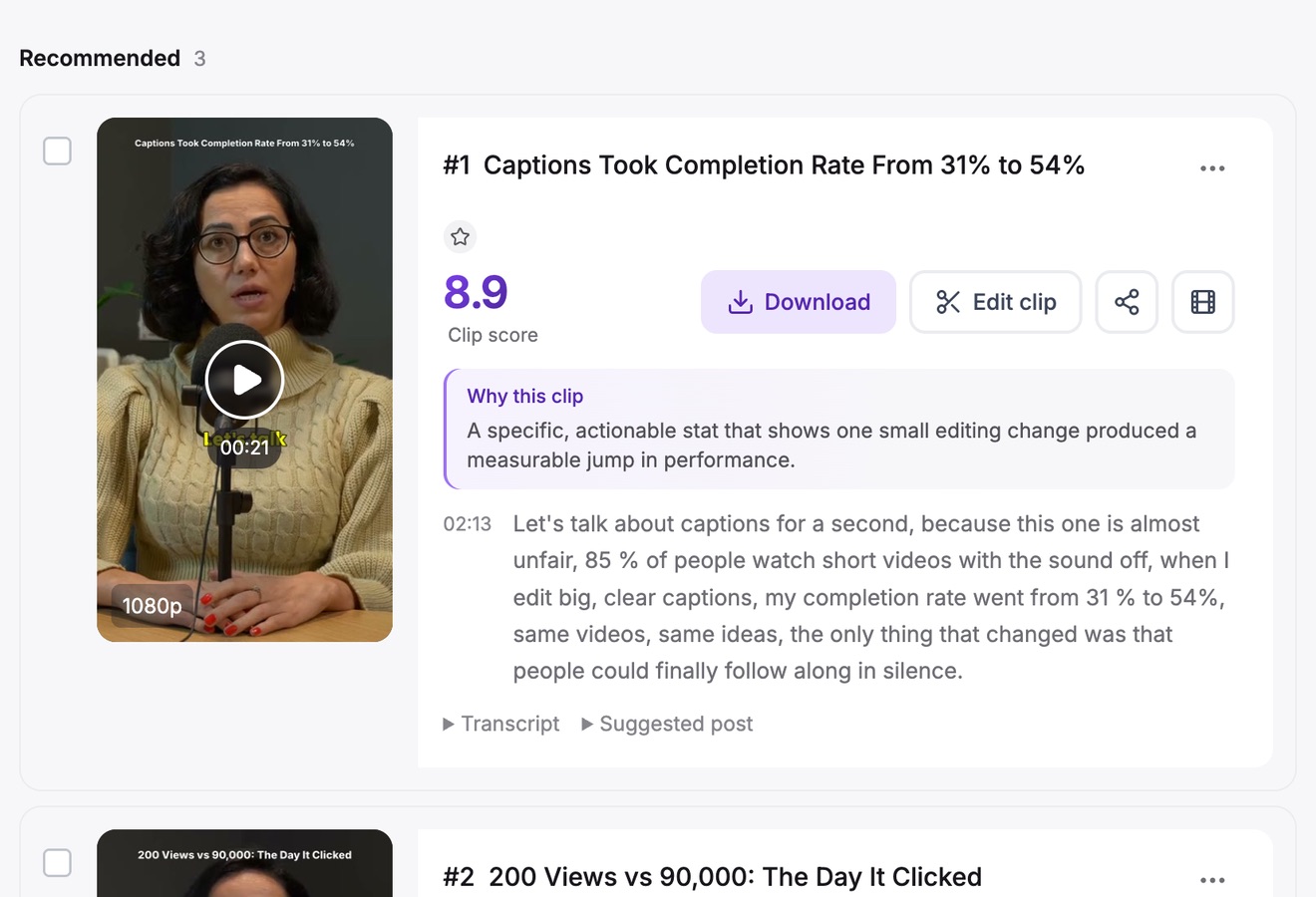
Vidoveli reads the whole episode, proposes moments with a clear start and end, and checks each one for a hook, a payoff and whether it makes sense alone. Recommended clips get a score and a reason, so reviewing an episode takes minutes rather than an afternoon.
With two or more people on screen, auto reframe follows whoever is speaking and switches between them, or stacks them in a split screen during fast exchanges. For a full weekly routine, see our podcast-to-shorts workflow.
Every speaker in frame
Follows the active speaker in 9:16 and switches between hosts and guests as they talk.
Split screen for back-and-forth
Stack two speakers when the conversation moves fast, so nobody talks from off screen.
The strongest answers first
Clips are ranked by score, with a written reason for every recommended pick.
Captions people read
Animated captions in 40 languages. Names and numbers are quick to fix in the transcript.
Bleep what should not air
Censor profanity with a bleep or mute, and mask it in the captions too.
Post text for every platform
Titles, descriptions and hashtags written for TikTok, Reels, Shorts, LinkedIn and X.
How it works
How to use the Podcast Clip Maker
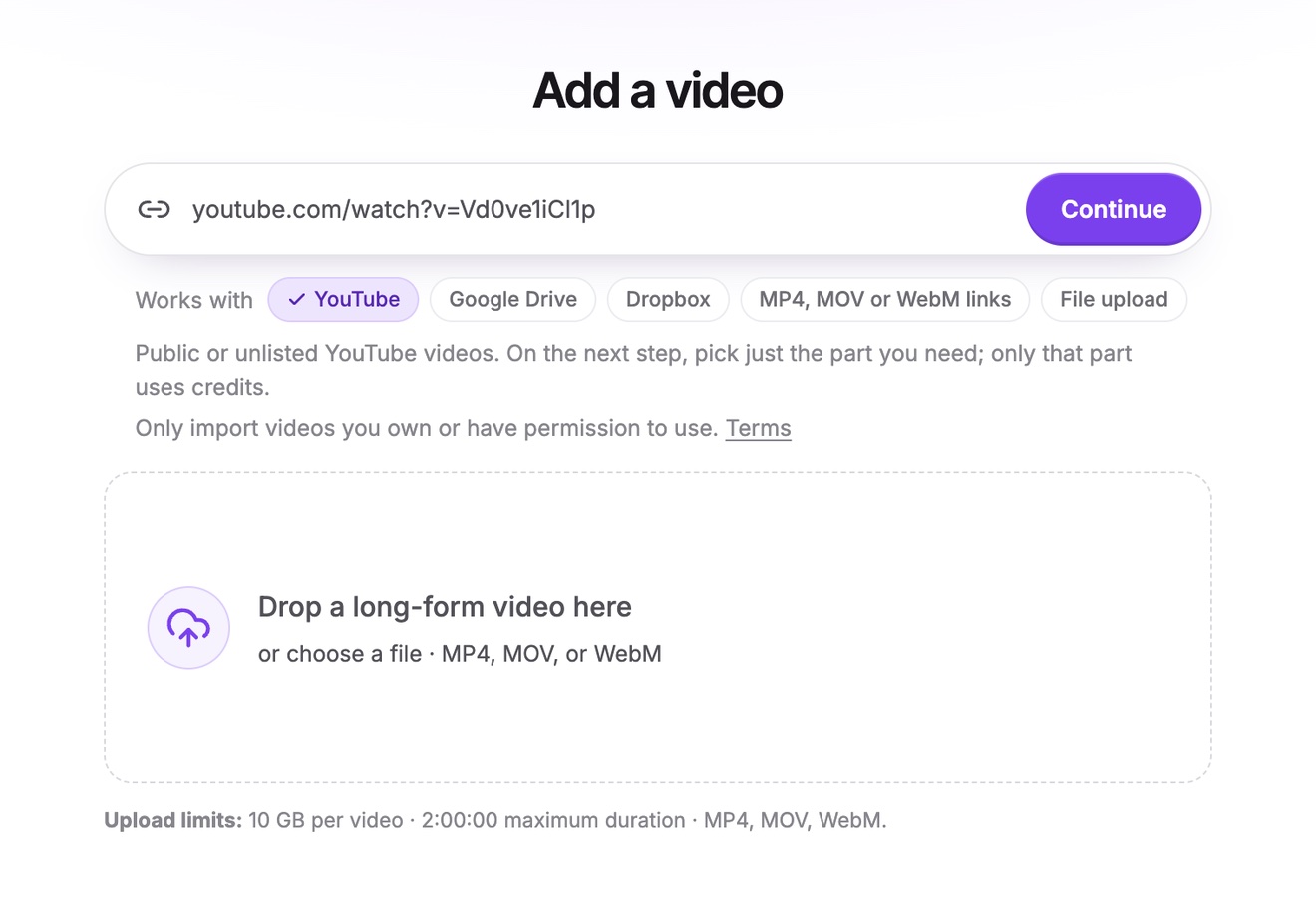
Bring in the episode
Paste a link to the episode on YouTube, Google Drive or Dropbox, or a direct link to its MP4, MOV or WebM file, or upload it. Episodes can be up to two hours long.
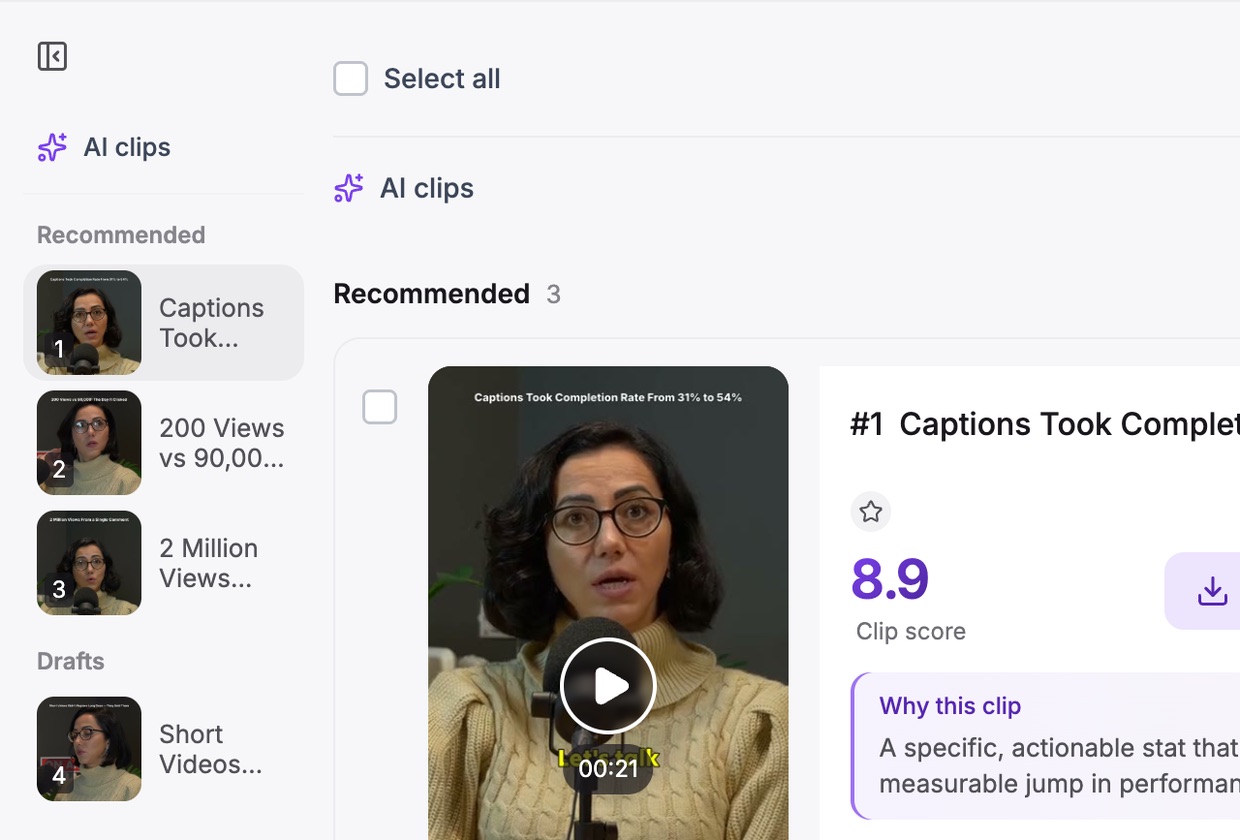
Let the AI find the moments
Pick a clip length and, if you like, tell the AI what to look for, such as “the guest’s advice on hiring”.
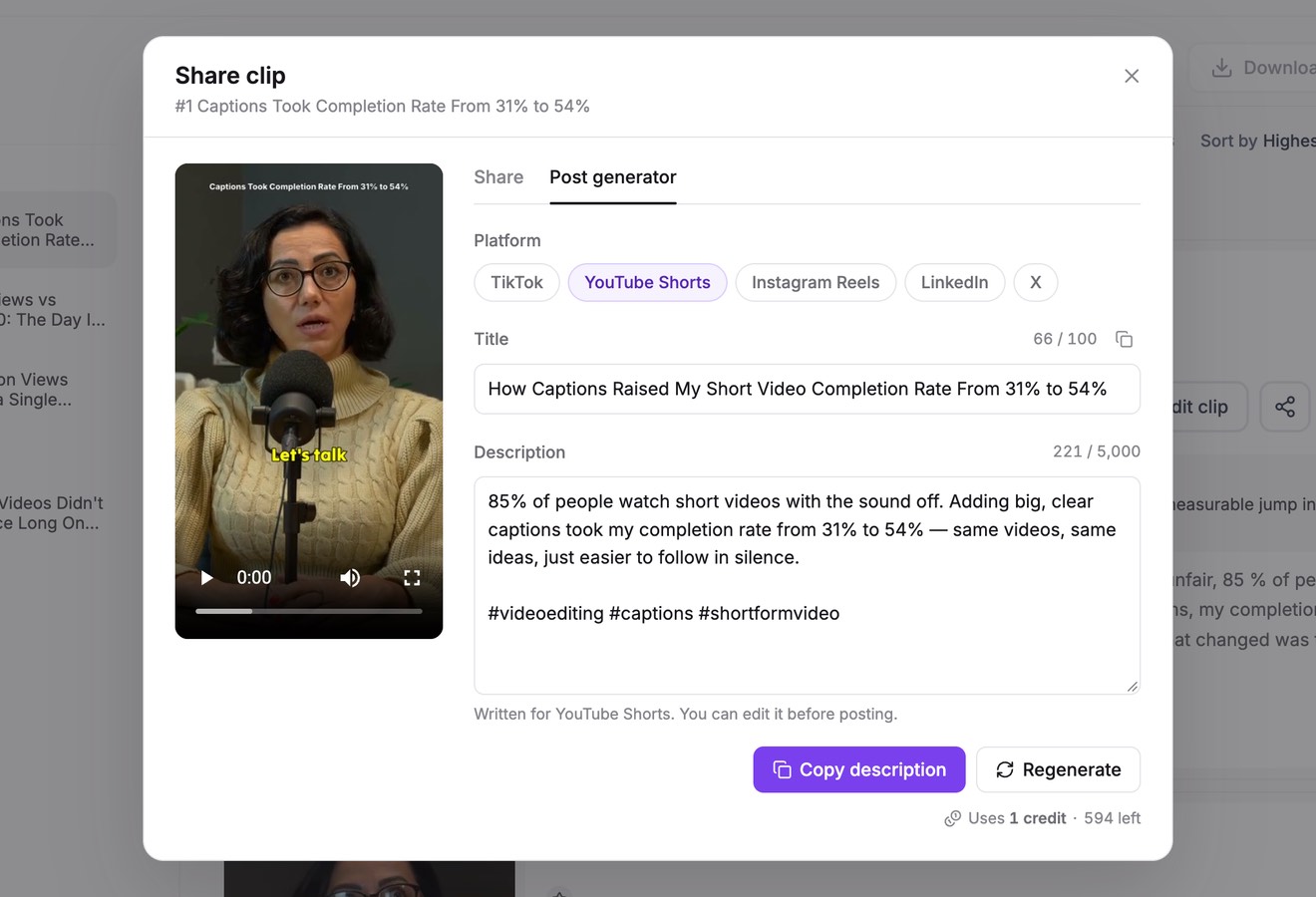
Polish and post
Fix names in the captions, tighten the first line, and copy the post text written for each platform.
Who it’s for
For every kind of show
Interview shows
One clip per great answer, with the question kept in when the answer needs it.
Co-hosted shows
Banter, disagreements and running jokes that show what the show sounds like.
Expert and business podcasts
Short, quotable advice that works on LinkedIn as well as on TikTok.
Storytelling shows
Self-contained stories with a setup and a payoff, cut so the payoff survives.
Before you hit record
Record episodes that clip well
A few habits at recording time save most of the editing later.
- A camera on every speakerSeparate angles, or one wide shot where every face is clear, give the reframe something to follow.
- Answers that stand aloneAsk guests to restate the question. “The biggest mistake I made was…” clips better than “Yeah, that one”.
- Clean audioClips are chosen from the words, and captions come from the same transcript. A good microphone helps both.
- A beat between topicsA short pause between segments makes clean start and end points easier to find.
FAQ
Questions about the Podcast Clip Maker
How do I make clips from a podcast?
Upload the episode video or paste its link, click Get AI clips and choose a clip length. Vidoveli transcribes the episode, finds moments that stand alone and returns captioned, reframed clips. Review them, adjust any start or end, and export.
Does it work with audio-only podcasts?
Not yet. Vidoveli needs a video file (MP4, MOV or WebM) or a video link. If you record audio only, running a simple camera during the session gives you something to clip.
Can it handle two hosts and a guest?
Yes. Auto reframe follows the active speaker and cuts between people as they talk. For quick exchanges you can switch the clip to a split-screen layout.
How many clips does one episode give?
It depends on the episode. A focused interview often gives more strong clips than a loose chat of the same length. Vidoveli recommends the strong moments and keeps the rest as drafts, without inflating their scores.
Which languages work?
Transcription and captions work in 40 languages with automatic detection, and captions can be translated or shown in two languages at once.
Is there a free plan?
Yes. The Free plan includes 60 credits every month, which covers 60 minutes of video, with AI clips, captions and the full editor. Free exports carry a small watermark. See pricing.
Keep going
Related tools and guides
Video to Shorts Converter
Turn any long video into short vertical clips for every feed.
See how it worksAuto Caption Generator
Animated captions in 40 languages, timed to every word.
See how it worksVertical Video Converter
Horizontal video turned into 9:16, with the speaker kept in frame.
See how it works
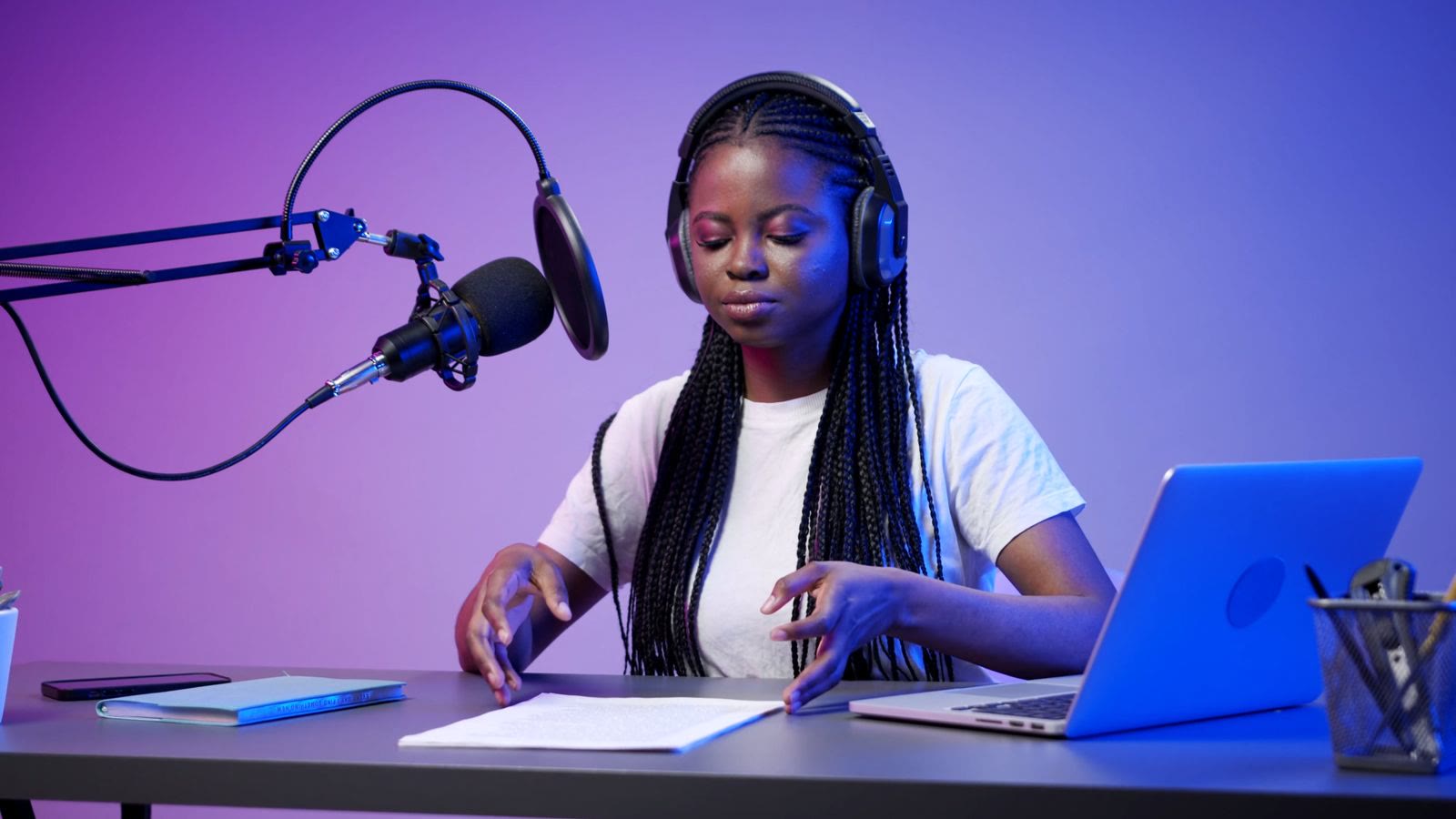 Workflows
A podcast-to-shorts workflow that takes one hour a week
Turn each podcast episode into a week of short clips in about an hour: record, get AI clips, review, brand, export and post, with a checklist for every step.
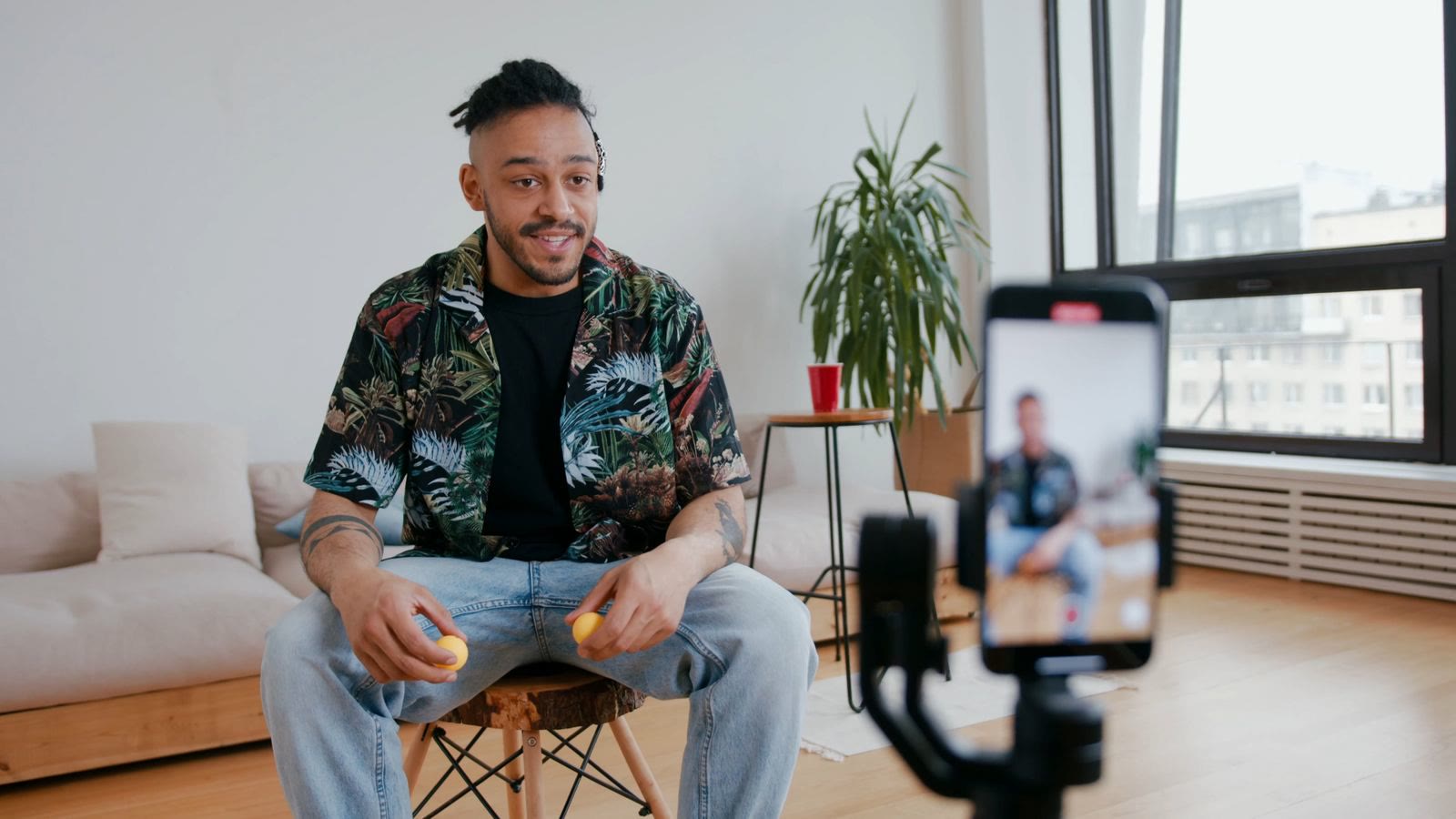 Guides
How to turn a long video into short clips without re-watching it
A step-by-step way to cut podcasts, interviews and webinars into short clips with a video clipping tool, from picking moments to captions and export.
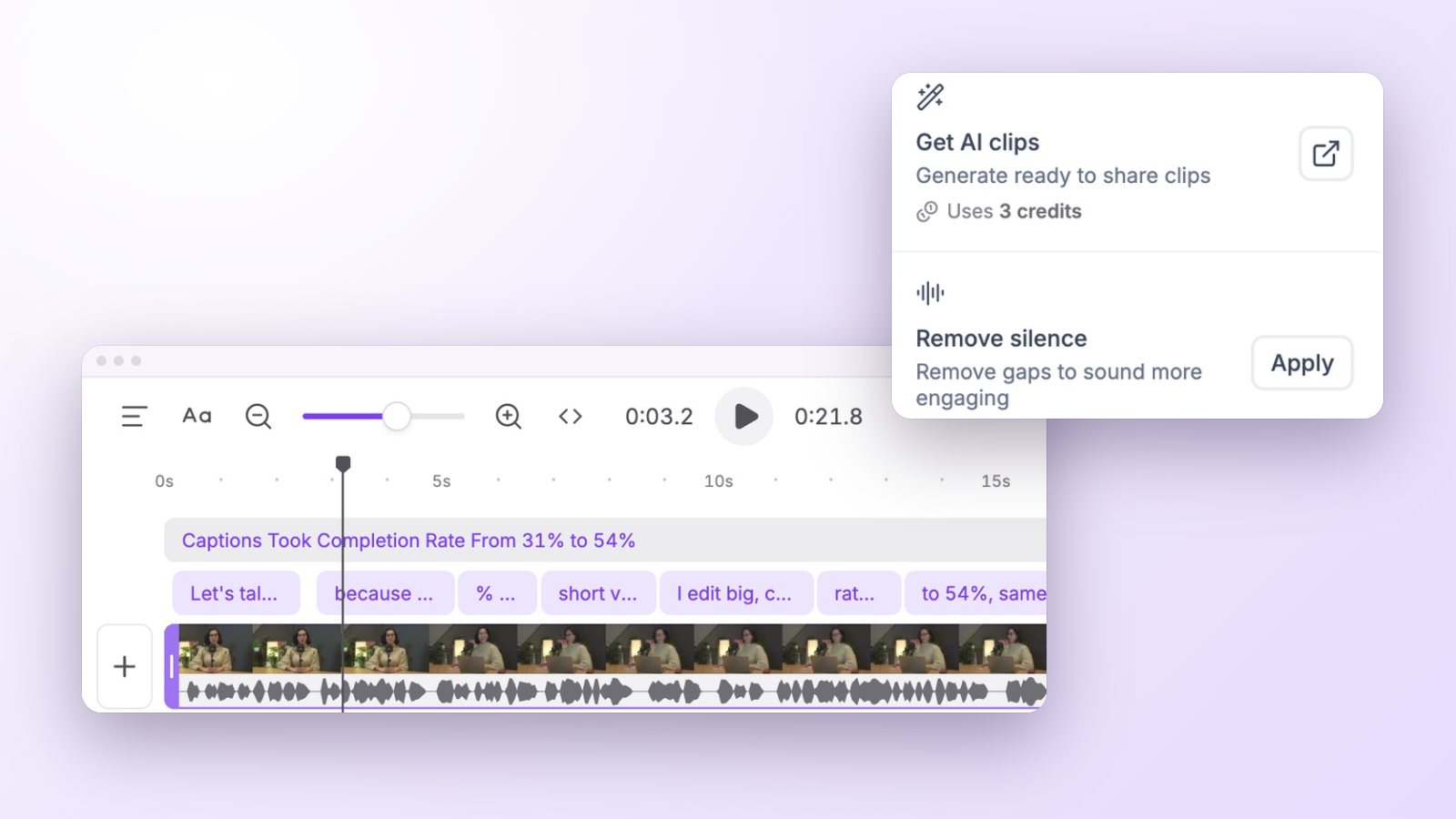 Guides
How to remove silences and filler words from a talking video
Tighten talking-head videos and clips by removing long pauses and filler words, without the choppy jump-cut look: what to cut, what to keep and how to do it quickly.
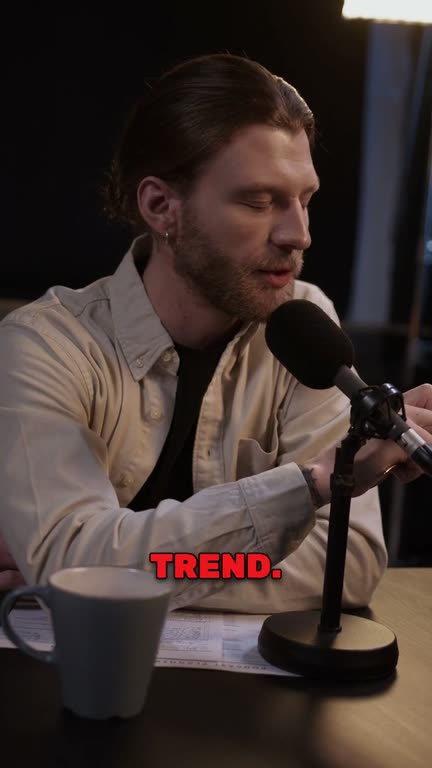

Your last episode is
a week of clips
Upload it or paste the link and see the moments Vidoveli finds. No card needed.