

Make YouTube Shorts from videos you already published
Paste the link to one of your long videos. Vidoveli finds the moments that hold up on their own and turns them into vertical Shorts with captions, a title and hashtags.
YouTube, Google Drive™, Dropbox or MP4/MOV/WebM links, or a file upload · up to 2 hours · 60 free credits a month
What it is
From a long YouTube video to Shorts that point back to it
Shorts are one of the cheapest ways to bring new viewers to a channel, and your back catalog is full of material for them. The obstacle is time: finding the right minute in a forty-minute video usually means watching it again.
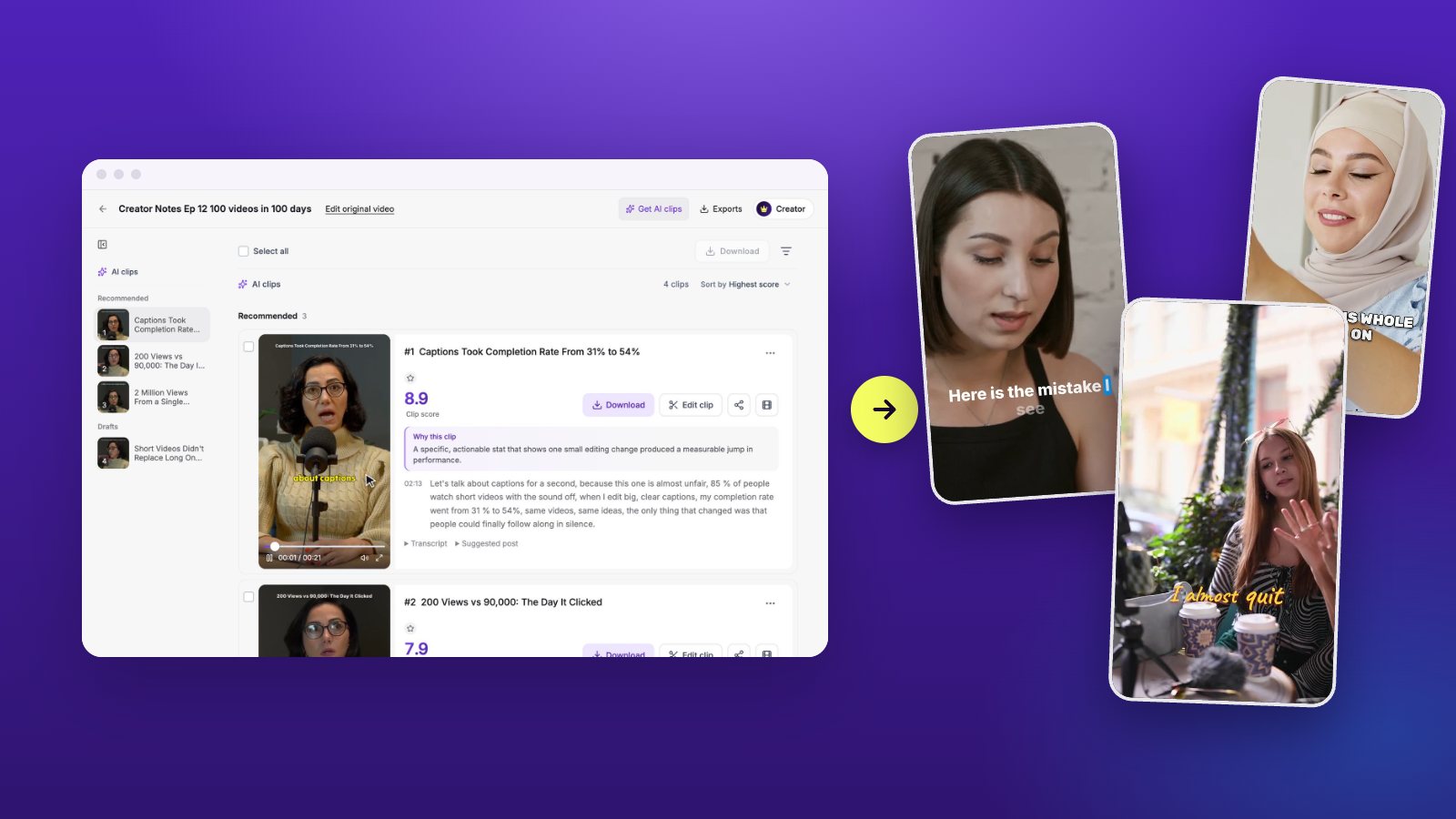
With Vidoveli you paste the YouTube link instead. You choose the section to work from, anything up to two hours, and only that section uses credits. The AI reads the transcript, picks complete moments and recommends the strongest with a score and a reason, so you can tell in seconds which ones deserve to become a Short. Recordings that never went to YouTube work too: paste a Google Drive or Dropbox link or a direct link to an MP4, MOV or WebM file, or upload the file.
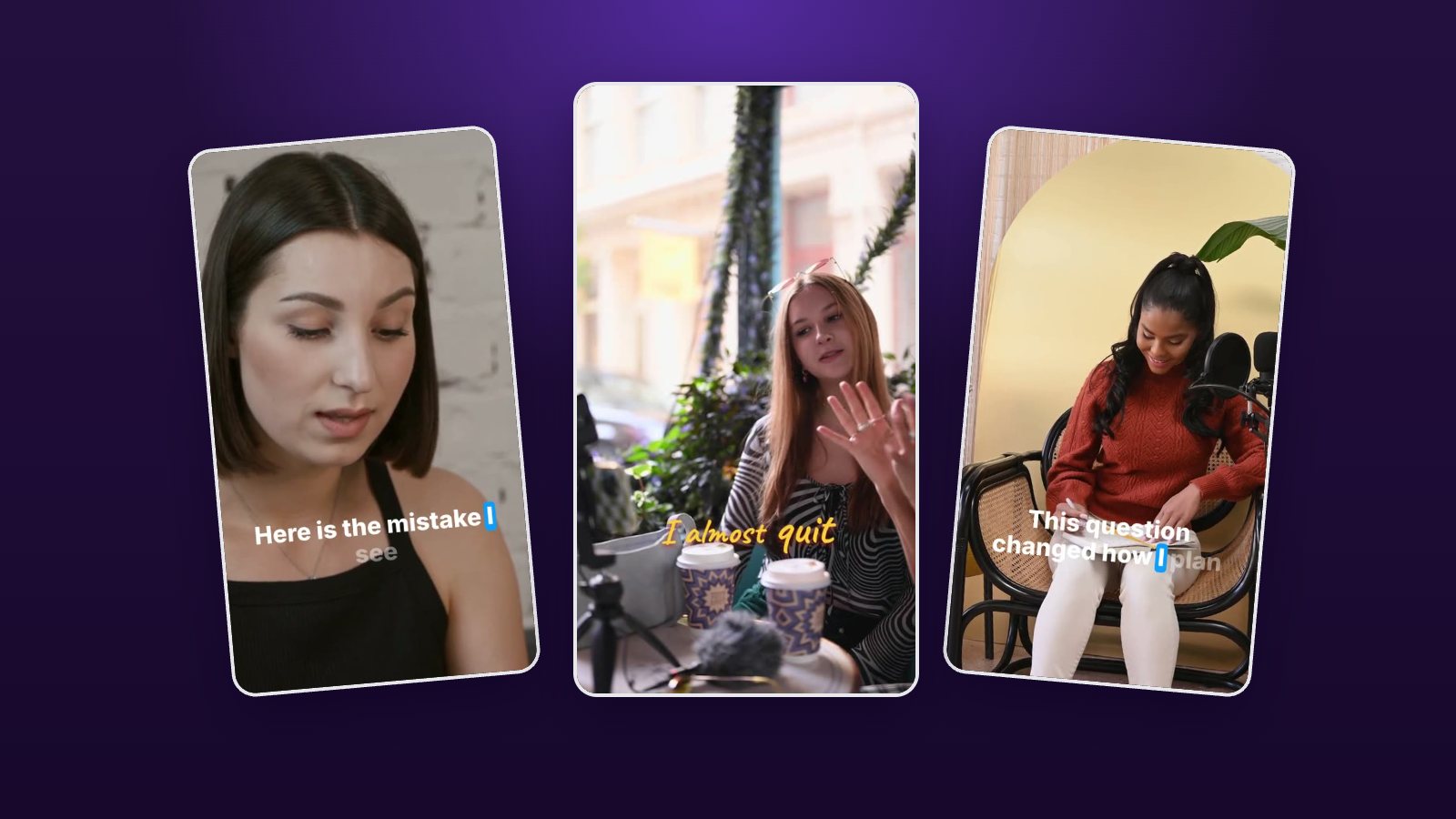
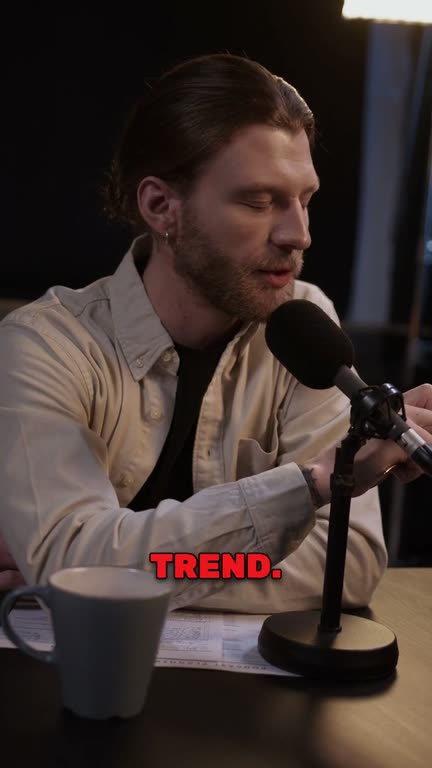
Each clip comes out in 9:16 with animated captions and the speaker kept in frame. Before you export, you can tighten the first line, change the caption style or add B-roll in the AI video editor. Our guide to making Shorts from long videos covers the rest of the routine.
Works from a link
Public and unlisted YouTube videos import by link. There is nothing to download first.
Use only the part you need
Pick a section of a long video. Only that section counts toward your credits.
Picks you can judge quickly
Every recommended Short shows a score and the reason it was chosen.
Captions for silent viewing
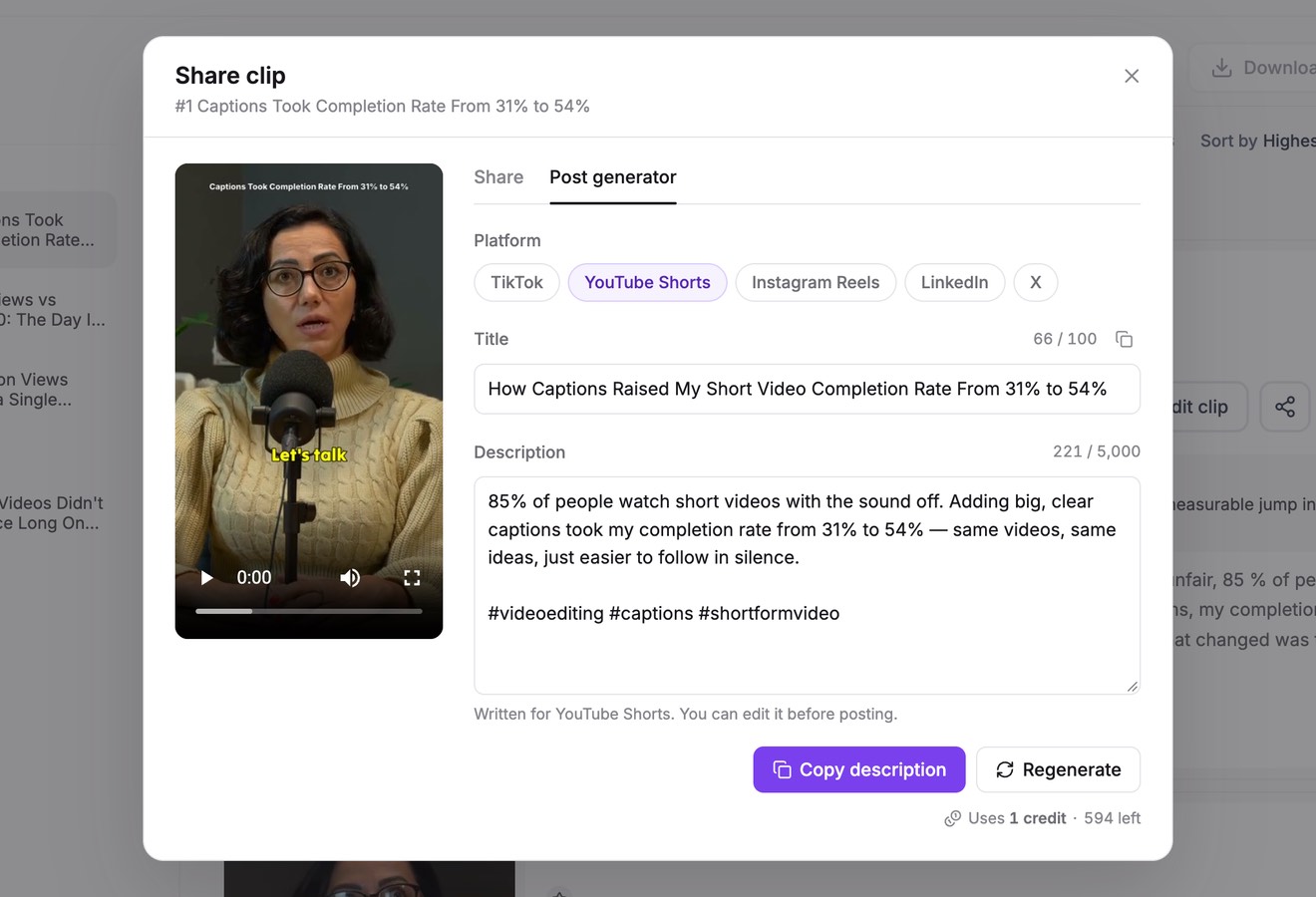
Animated captions in 40 languages, with each word lit up as it is spoken.
Made for the Shorts player
Vertical 9:16 by default with the speaker kept in frame. Square works too.
Title and hashtags written
Each Short comes with a title, a description and hashtags written for YouTube Shorts.
How it works
How to use the YouTube Shorts Maker
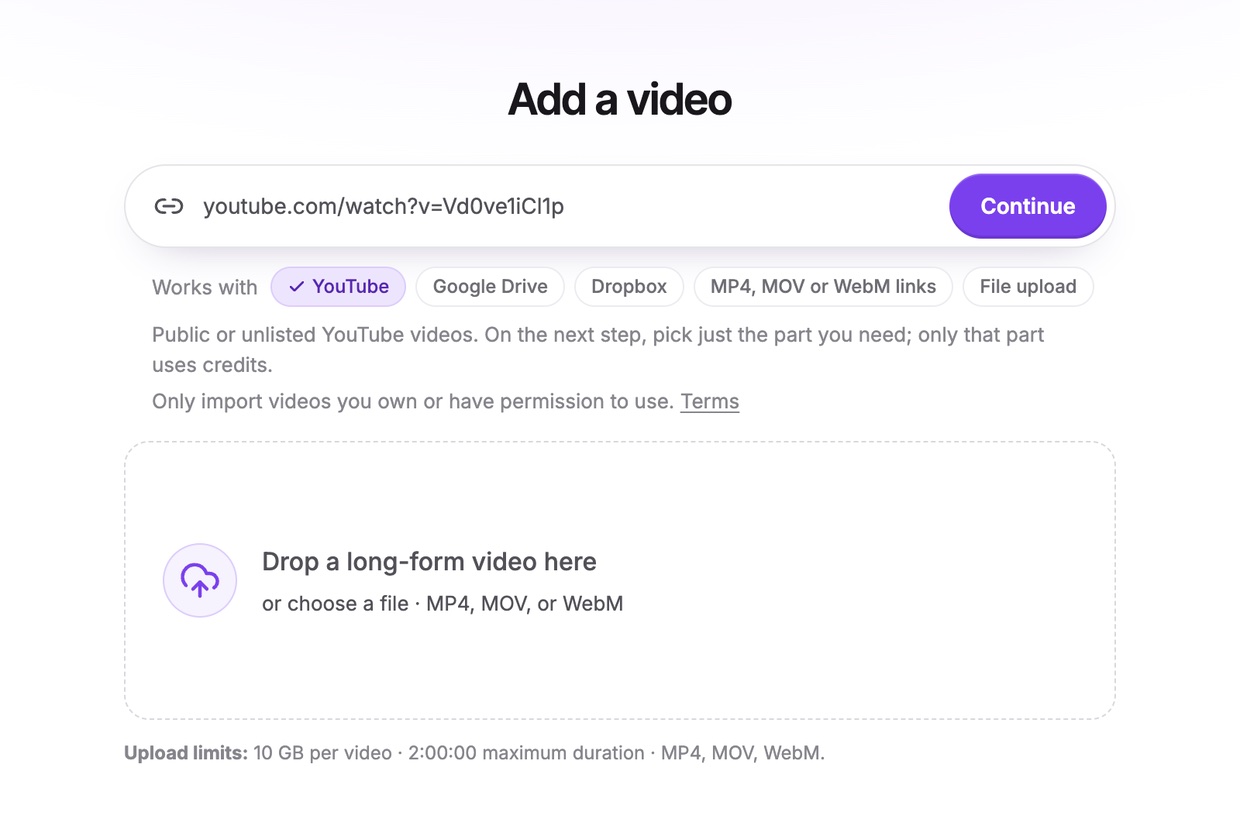
Paste your YouTube link
Copy the address of a public or unlisted video you own and paste it into Vidoveli. Then choose the part you want to work from.
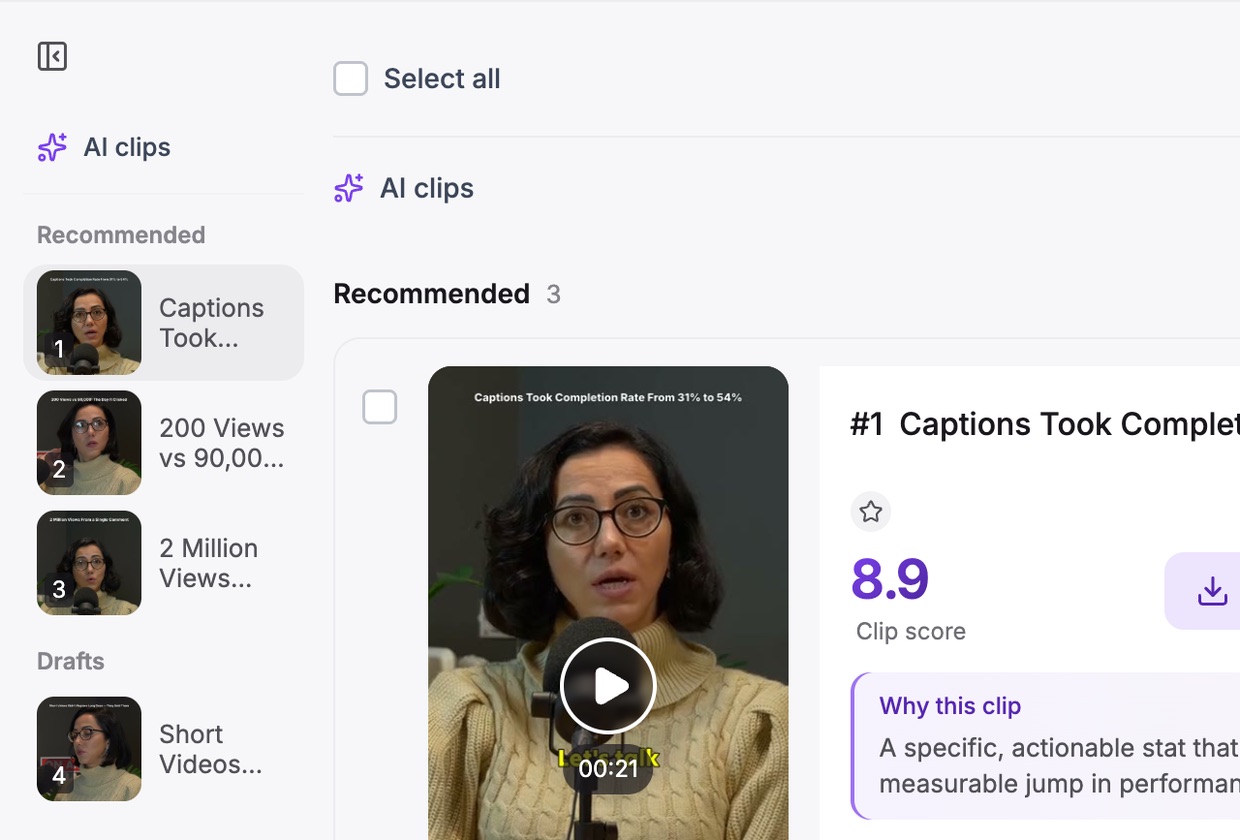
Get AI clips
Pick a clip length. For Shorts, 30 to 60 seconds is a good start; Any length lets each moment take the time it needs.
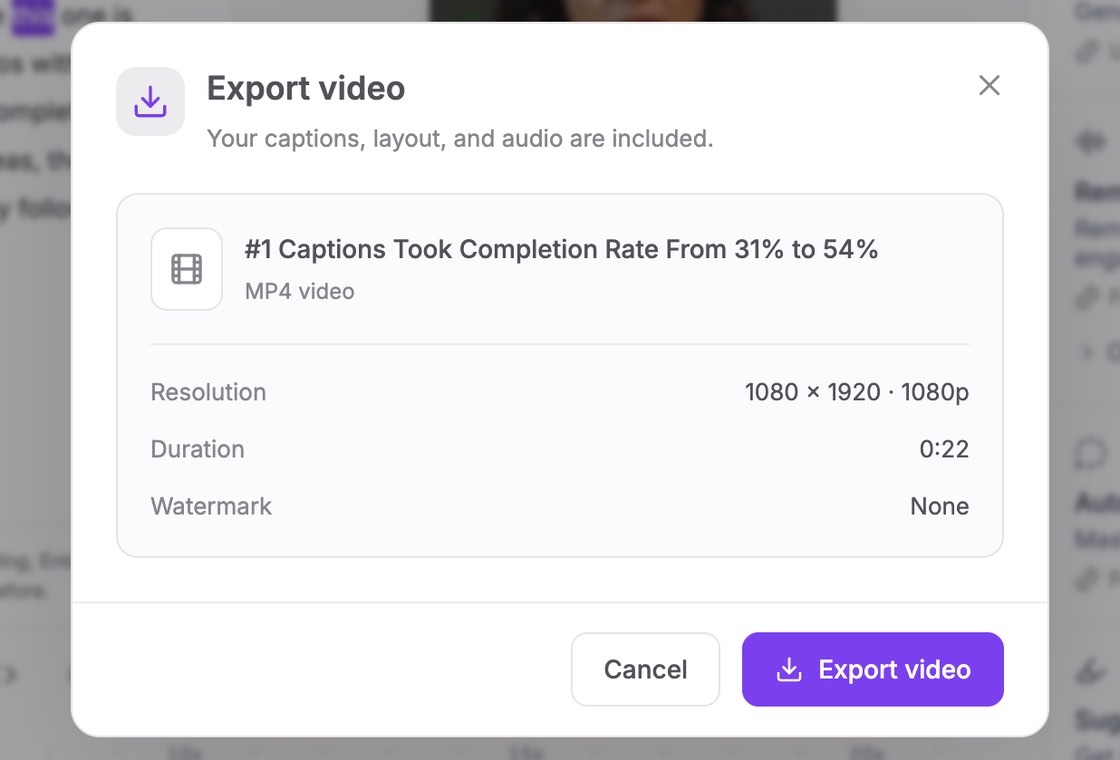
Export and upload
Download the MP4, upload it as a Short from the YouTube app or YouTube Studio, and set the full video as its related video.
Who it’s for
Channels that get the most from Shorts
Podcast channels
Each full episode becomes Shorts that send viewers to the long version.
Education and how-to
One tip per Short, taken from a longer tutorial.
Interviews and commentary
The sharpest answer or the boldest opinion, with enough context left in.
Your back catalog
Older videos that still get search traffic, re-cut for the Shorts feed.
Shorts checklist
Shorts that send viewers to the full video
A Short has two jobs: it has to work on its own, and it should make some viewers want more. These rules help with both.
- Three minutes, vertical or squareYouTube treats vertical and square videos of up to three minutes as Shorts. Most clips cut from talk land between 20 and 60 seconds.
- Open on the pointCut the greeting and the wind-up. The first sentence should tell people what the Short is about.
- Link the long videoLinks in Shorts descriptions are not clickable, so set the full video as the Short’s related video instead.
- Mind the musicA Short longer than a minute with a Content ID claim can be blocked. Use music you have the rights to, or none.
FAQ
Questions about the YouTube Shorts Maker
How do I make YouTube Shorts from a long video?
Paste the video’s YouTube link into Vidoveli, choose the part to process and click Get AI clips. You get vertical clips with captions, each with a score and a reason. Download the ones you like and upload them as Shorts.
Can I make Shorts from someone else’s YouTube video?
Only if you own the video or have permission to use it. Vidoveli imports public and unlisted videos by link, and our terms ask you to bring only content you have the rights to.
Doesn’t YouTube already turn videos into Shorts?
The YouTube app has Edit into a Short, which takes up to 60 seconds of one of your public videos and lets you add text or filters. It is handy for one clip at a time. Vidoveli is for when you want the moments found, captioned and framed across a whole video.
How long should a YouTube Short be?
Shorts can run up to three minutes, but clips cut from talk usually do best when they are as short as the idea allows, often 20 to 60 seconds. Our guide on clip length goes into the details.
Does Vidoveli upload Shorts to my channel?
Not yet. Today you download the MP4 and upload it yourself, with the title, description and hashtags ready to copy. Direct publishing is in development.
What does it cost?
The Free plan includes 60 credits every month, and one credit covers one minute of the section you import. Free exports are 720p with a small watermark; paid plans export in 1080p without it. See pricing.
Keep going
Related tools and guides
Video to Shorts Converter
Turn any long video into short vertical clips for every feed.
See how it worksTikTok Clip Maker
Long videos and YouTube links cut into TikToks with captions.
See how it worksAuto Caption Generator
Animated captions in 40 languages, timed to every word.
See how it works
 Guides
How to make YouTube Shorts from your long videos
Three ways to turn long YouTube videos into Shorts: YouTube’s Edit into a Short, editing by hand and AI clipping, plus the rules that decide whether a Short helps.
 Guides
Hooks for short videos: how to find them in what you already recorded
The best hook for a clip is often already in your recording. How to spot opening lines in a transcript, start a clip on them and test two openings without reshooting.
 Guides
How long should a short clip be? TikTok, Reels and Shorts
A practical guide to clip length for TikTok, Instagram Reels and YouTube Shorts: why most ideas fit in 20 to 60 seconds, and when a longer clip is the better choice.
Your channel already holds
its next Shorts
Paste a YouTube link and see the moments Vidoveli picks. Free to start, no card needed.