

How to edit video by text
When you edit video by text, the transcript is the timeline: delete a sentence and the video cut follows. It is the fastest way to tidy a talking video. These guides show how it works in practice.
Try it in the AI video editor: select words, delete them and the cut is made, with captions that follow every change.
 Guides
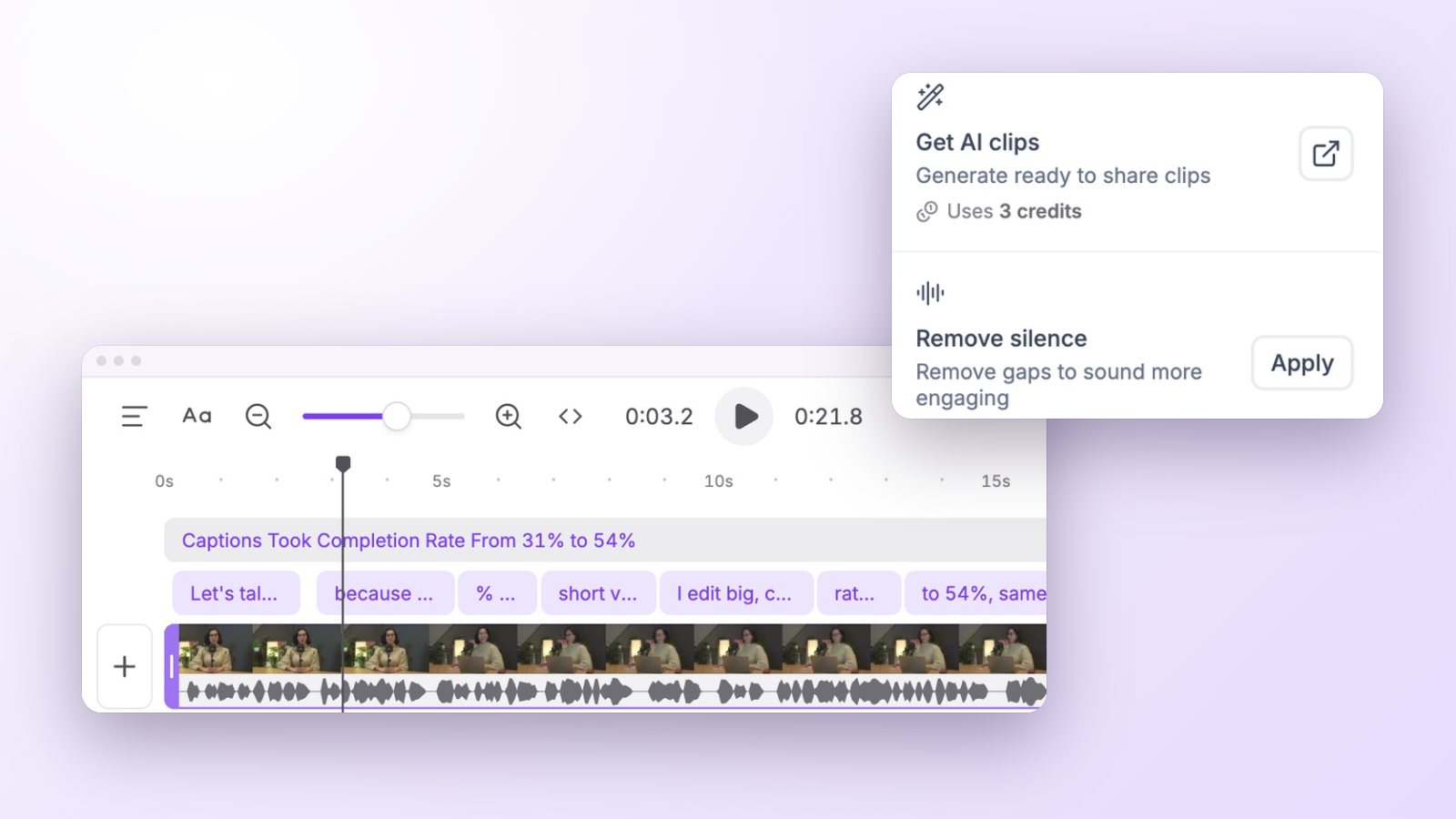
How to remove silence from video and cut out the filler words
Tighten talking-head videos by removing long pauses and filler words without a choppy jump-cut look: what to cut, what to keep and how to do it by editing text.
 Guides
AI video editing explained: what it automates and what needs you
What AI video editing does today: highlights, captions, reframing, silence removal and B-roll, the decisions an AI video editor should still leave to you, and why.
 Captions
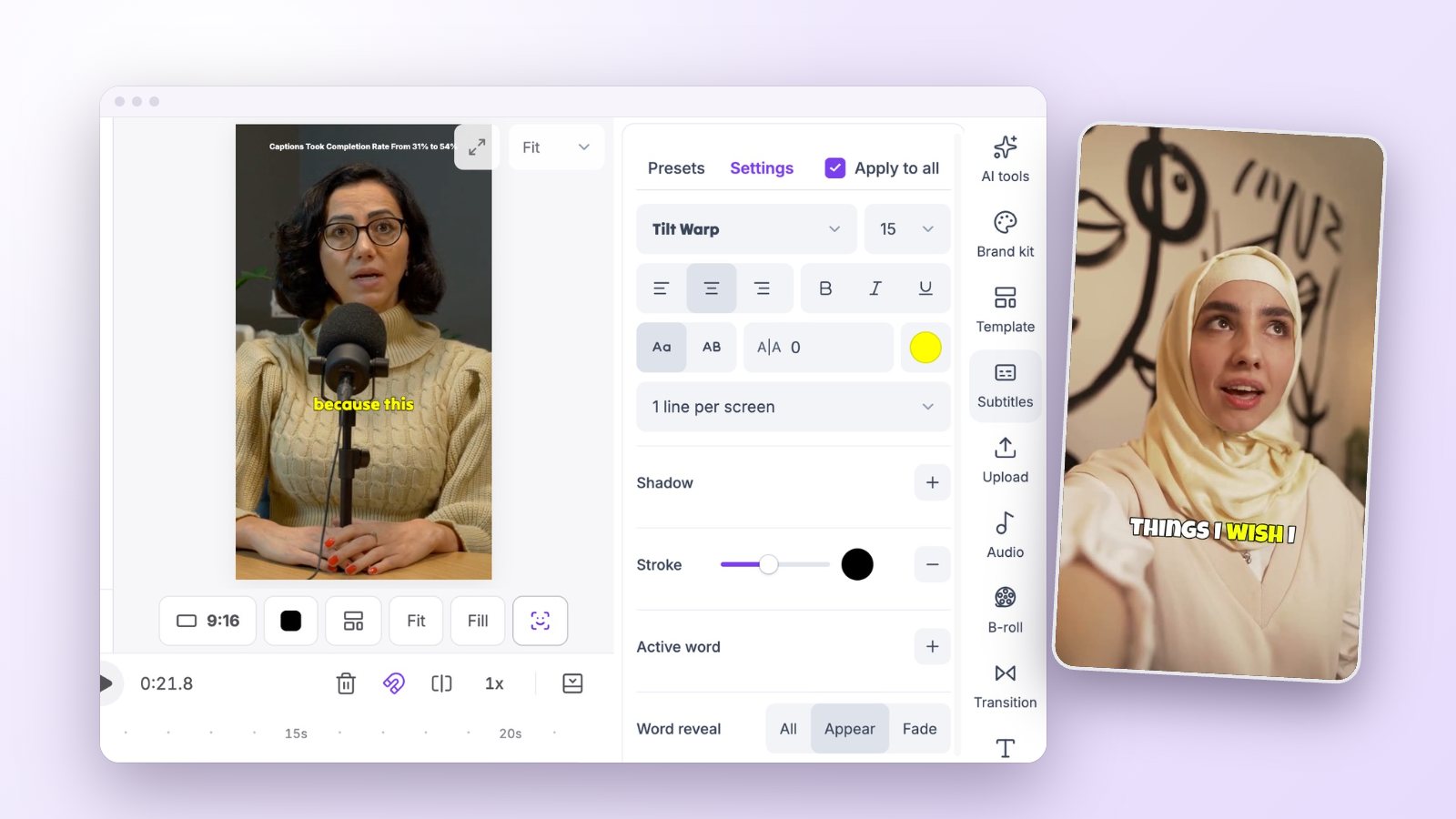
How to add captions to TikTok, Instagram Reels and YouTube Shorts
The captions TikTok, Instagram and YouTube add for you, why creators burn captions in anyway, and a quick way to add, check and style animated captions on clips.
Try it on
your own video
Paste a link or upload a long video, and see the clips Vidoveli finds in it.