

From one webinar to clips for every feed
Upload the recording or paste a link to it. Vidoveli finds the answers, demos and audience questions worth sharing, and lays out each clip so the slides stay readable on a phone.
Links from YouTube, Google Drive™, Twitch and 9 more sites, or an upload · 15 free minutes to start

- Pricing by cost, not value
- One plan for everyone
- Never raising prices
one plan for everyone
- Two stacked
- Picture in picture
- Screen with speaker
Post text written for LinkedIn
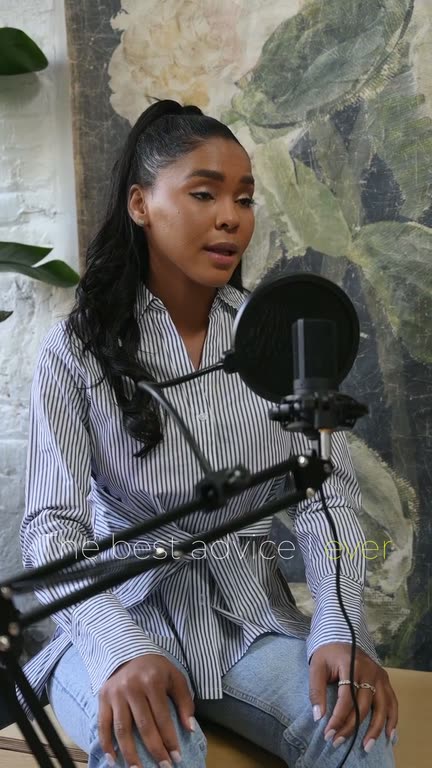
Example: licensed stock footage, sample words and numbers.
What it is
Why a webinar is a month of content
A recorded webinar is usually watched once, live, and then sits in a folder. Inside it are the parts people would share: a clear answer to an audience question, a one-minute demo, a framework on a single slide. Cut out and captioned, those parts keep working for weeks on LinkedIn, YouTube Shorts and Instagram.
Vidoveli reads the whole recording and proposes complete moments, scored and explained. Tell it what to look for, such as “audience questions about pricing”, and those are the moments it goes after.
Webinars are mostly slides with a small view of the speaker, so the layout decides whether a clip works on a phone. Stack the slide above the speaker in a vertical frame, or keep the speaker in a corner of the slide with picture in picture; auto reframe enlarges slides and screen recordings so the text stays readable. The vertical video converter shows the layouts, and our guide to repurposing a webinar covers what to cut.
Slides that stay readable
Stack the slide above the speaker, or keep the speaker in a corner of it.
Only the part that matters
Skip the intro and the housekeeping. Pick the part to process, and only that uses credits.
Audience questions first
Ask for “questions from the audience” and those are the answers it looks for.
Fit or fill the frame
Show the whole slide on a blurred background, or fill the frame with the speaker.
For an international audience
Translate the captions, or show two languages at once.
A post for every clip
Each clip comes with text written for LinkedIn, X, Instagram and the other feeds.
 Fill

Who it’s for
For teams that run webinars
B2B marketing teams
Turn each webinar into a run of LinkedIn clips that bring people to the next one.
SaaS product teams
One-minute feature demos cut from launch webinars and onboarding sessions.
Educators and course creators
Single ideas from a live class, each clip a reason to sign up for the full course.
Event organizers
Panel and keynote highlights that promote the recording and the next event.
How it works
How to use the Webinar to Clips
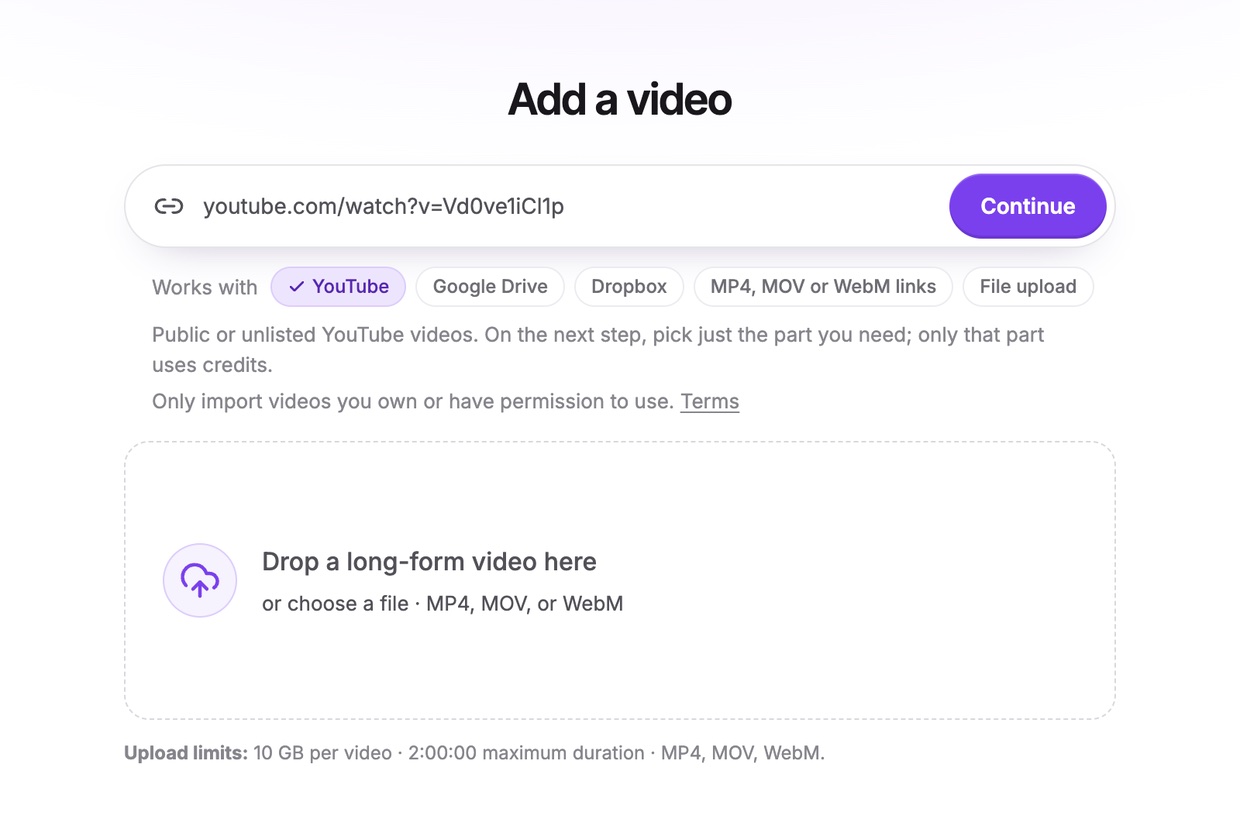
Bring in the recording
Upload the recording, or paste a link to it on YouTube, LinkedIn, Vimeo, Loom, Google Drive or Dropbox, or a direct link to the file.
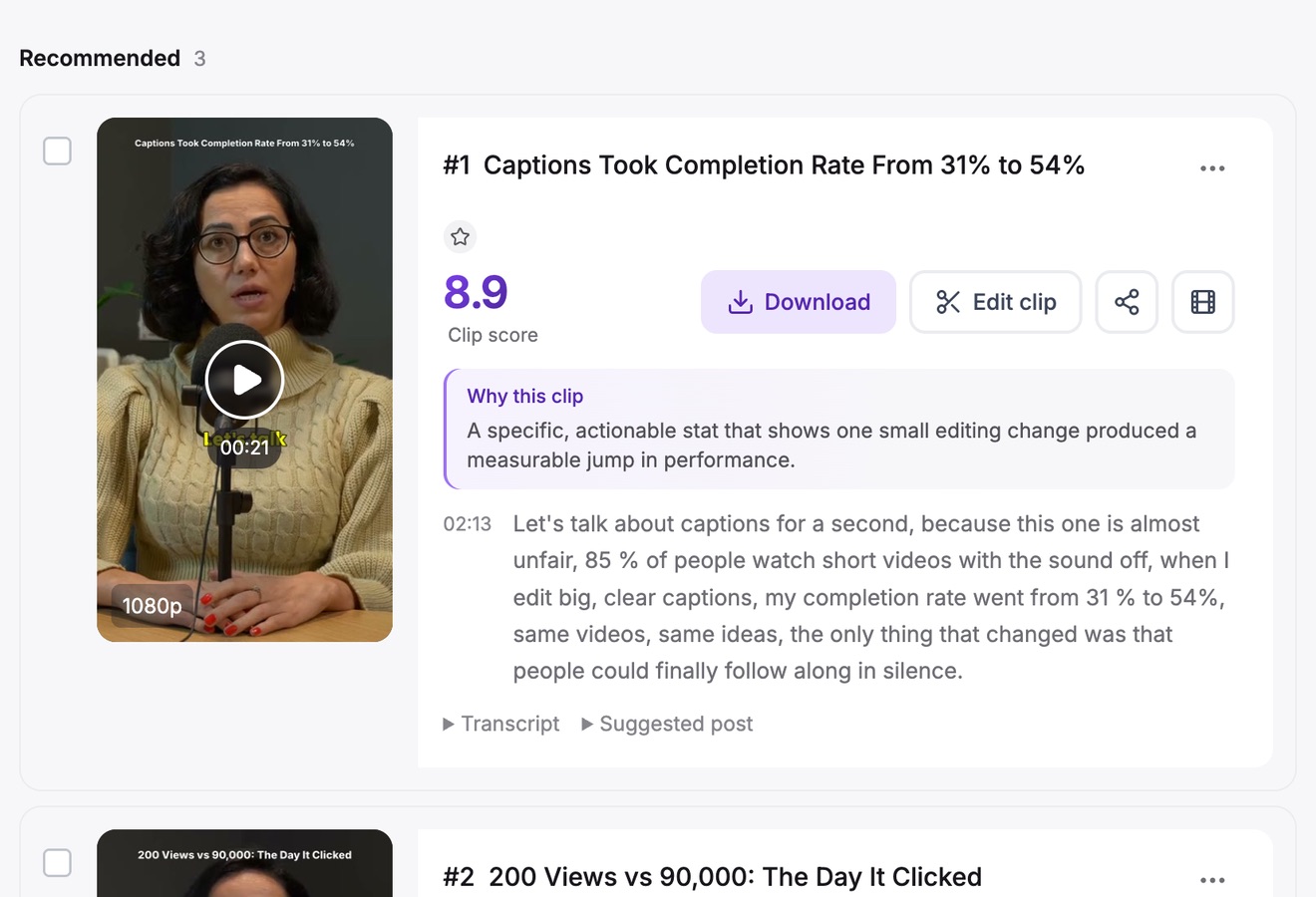
Find the answers worth sharing
Say what to look for, such as “the product demo” or “audience questions”, and choose a clip length. Clips come back scored, with reasons.
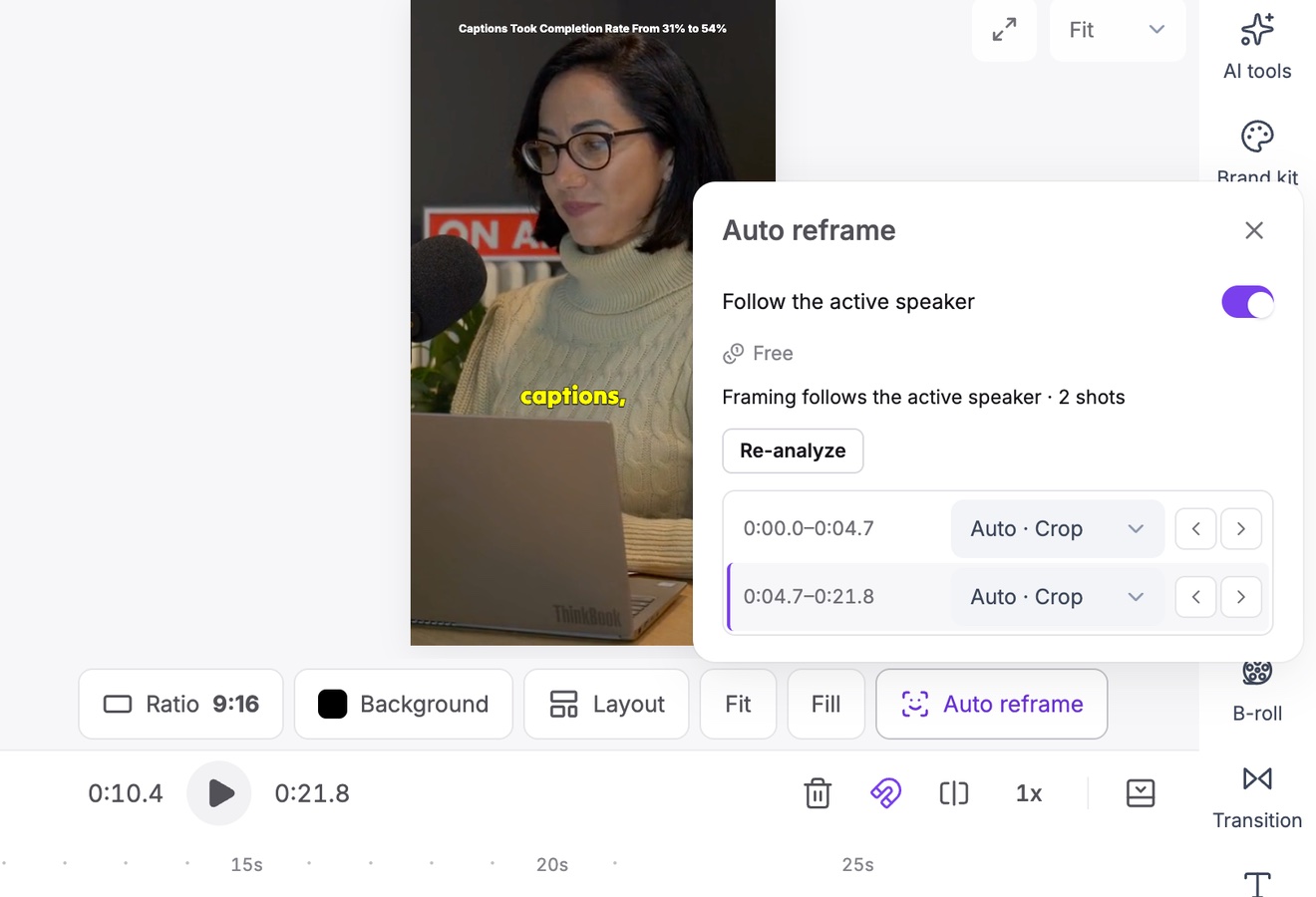
Lay out, caption and post
Choose a layout for the slide and the speaker, check the captions, then post the clip or download the MP4.
What to cut
The parts of a webinar that clip well
Skip the housekeeping. These are the moments people share.
- Answers to audience questionsA real question and a direct answer make the most shareable minute of most webinars.
- A framework on one slideA list, a model or a before-and-after that makes sense in under a minute.
- A short demoOne feature doing one job, with the screen enlarged so it reads on a phone.
- A strong opinionThe moment the speaker disagrees with the usual advice is the one people comment on.
FAQ
Questions about the Webinar to Clips
How do I turn a webinar into clips?
Upload the recording or paste a link to it, and let Vidoveli find the moments. Pick a layout for the slides and the speaker, check the captions, then post or export each clip.
Will the slides be readable on a phone?
Yes, once you choose a layout for them. A stacked layout gives the slide the top half of a vertical frame, picture in picture keeps the whole slide with the speaker in a corner, and auto reframe enlarges screen recordings. Very dense slides read better as 1:1 or 4:5 clips for LinkedIn.
How do I bring in the recording?
As a file or a link: upload the MP4, or paste a Google Drive, Dropbox or direct link to it, or a YouTube link if you published the webinar there.
Can I post the clips to LinkedIn?
Yes, on Business and Creator from 600 credits a month: post to Instagram, Facebook, LinkedIn and X right away or at a set time from the calendar. On any plan you can download the MP4 or share a link.
How long can the recording be?
Up to 10 hours on paid plans and 2 hours on Free. To save credits, process only the part after the introductions.
Is there a free plan?
Yes. A new account starts with 15 free credits, enough for a 15-minute part of a webinar. Free exports are 720p with a small watermark, and Creator and Business export in 1080p without it. See pricing.
Keep going
Related tools and guides
Vertical Video Converter
Horizontal video turned into 9:16, with the speaker kept in frame.
See how it worksRepurpose Video
One long video turned into a week of posts on every feed.
See how it worksAuto Caption Generator
Animated captions in 40 languages, timed to every word.
See how it works


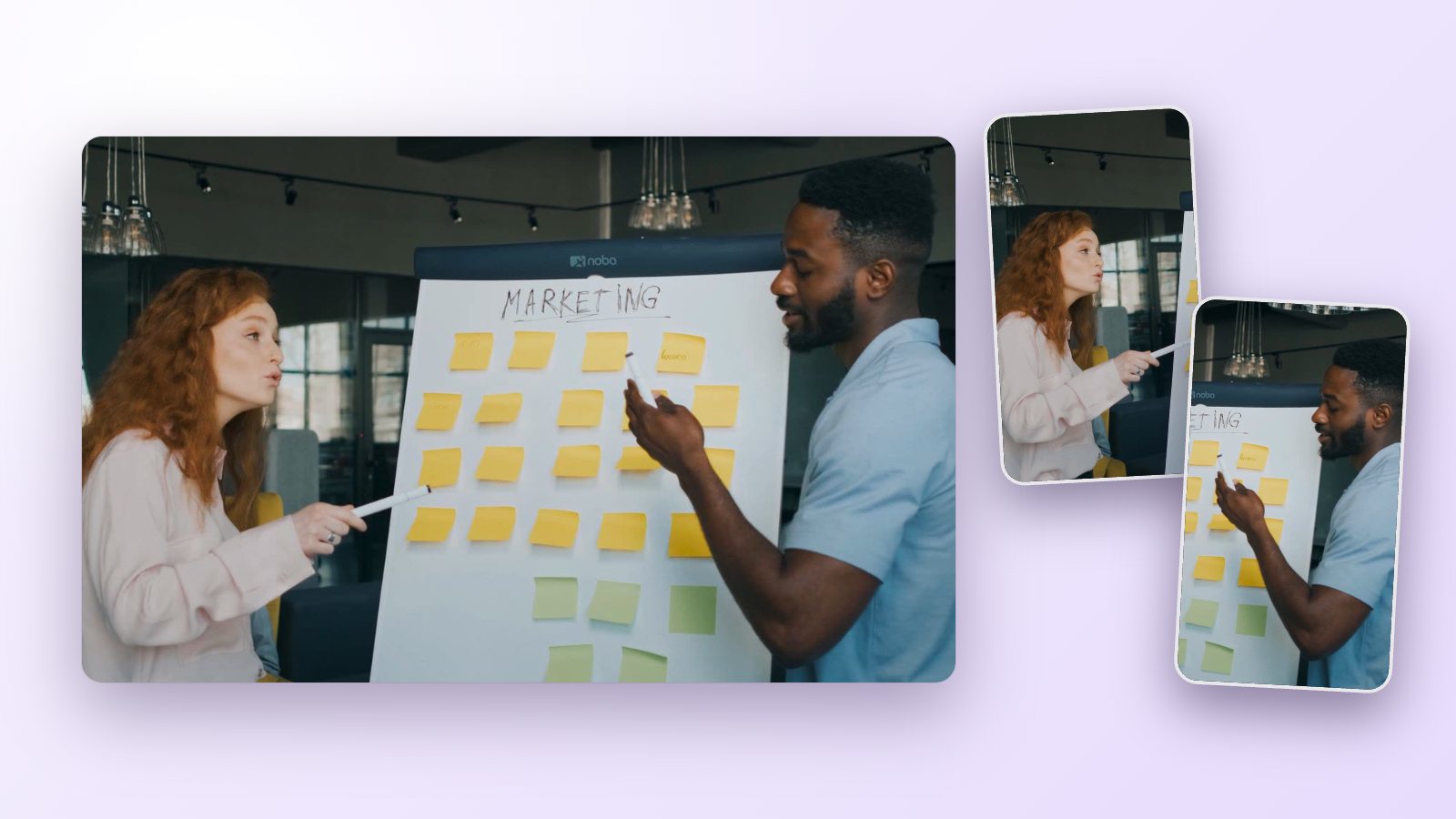 Workflows
How to repurpose a webinar into short clips people actually watch
Turn one recorded webinar into a month of short clips for LinkedIn, YouTube Shorts and Reels: which moments to cut, how to keep slides readable and how to post.
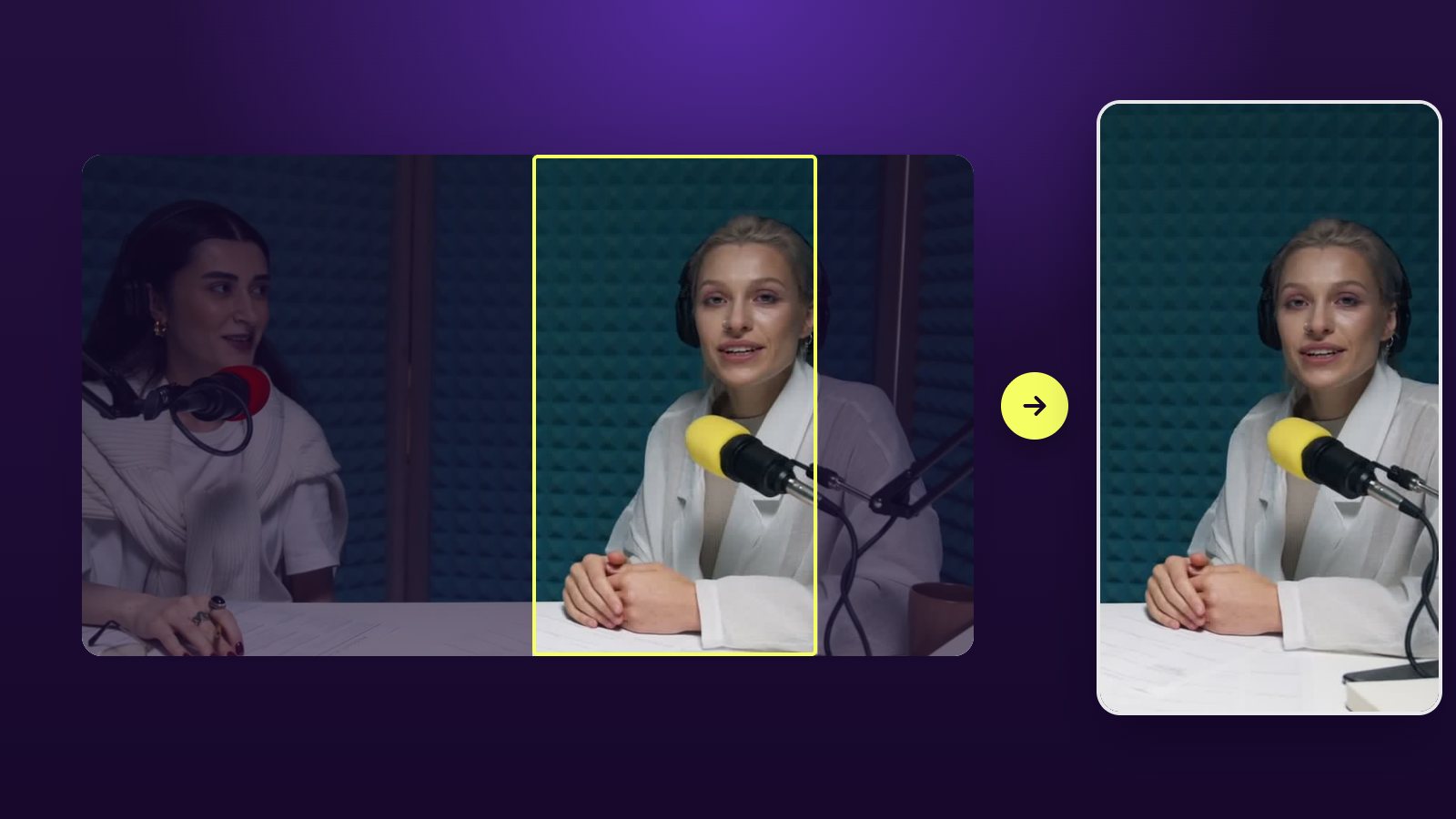 Guides
How to convert horizontal video to vertical and keep the speaker
Crop, fit or split screen? Turn 16:9 video into 9:16 for TikTok, Reels and Shorts with faces, slides and captions in frame, and see when AI auto reframe helps most.
 Guides
How long should a short video be? TikTok, Reels, YouTube Shorts
A practical guide to clip length for TikTok, Instagram Reels and YouTube Shorts: why most ideas fit in 20 to 60 seconds, and when a longer clip works even better.

Your last webinar
is a month of posts
Upload the recording and see the moments Vidoveli finds. No card needed.