

From audio podcast to video clips people watch
Upload the episode as an MP3, WAV or M4A file, or paste a link to it. Vidoveli finds the moments worth hearing, puts your cover art behind them and adds captions people can follow with the sound off.
Links from YouTube, Google Drive™, Twitch and 9 more sites, or an upload · 15 free minutes to start
the-long-game-ep42.mp358:12 · MP3
0:003 moments picked, the best 9.158:12
- TheLongGameEpisode 42Cover art from the file
nobody warned me
- Waveform card when it has none
year two is harder
Example: a made-up show, sample words and numbers.
Why it works
An audio show, ready for video feeds
- 3Audio formats it takes: MP3, WAV and M4A
- 10 hoursLongest episode on paid plans
- 40Caption languages, detected for you
- 15 minFree to start, no card needed
What it is
Why an audio podcast needs video clips
Many people now find new shows in video feeds: a minute of a conversation on YouTube Shorts, TikTok or Instagram Reels, captioned so it works without sound. An audio-only podcast has nothing to post there, even when every episode is full of moments that would travel.
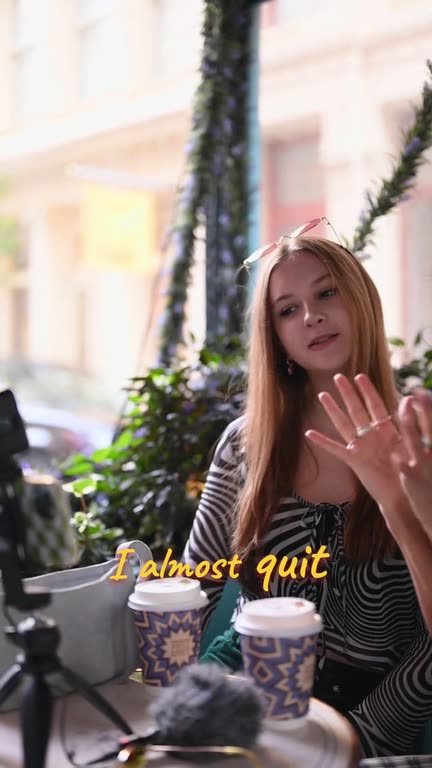
Podcast to video closes that gap without a camera. Upload the episode file and Vidoveli transcribes it, proposes complete moments with a clear start and end, and scores the strongest ones with a written reason. Each clip becomes a vertical video: the cover art stored in the file when it has some, or a waveform card when it has none, with animated captions over it.
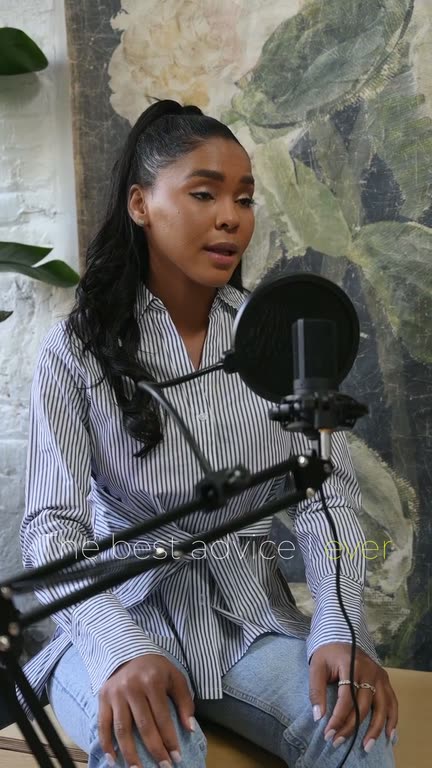
If you film your episodes too, the podcast clip maker keeps every speaker in frame instead. Either way the clips open in the same online video editor, where you can fix a name in the captions or move a start or end word by word.
Your audio, as a vertical video
MP3, WAV and M4A episodes become 9:16 clips with the file’s cover art, or a waveform card.
Captions for the sound-off scroll
Words light up as they are spoken, in 9 animated caption styles and 40 languages.
One episode, many clips
The AI reads the whole episode and proposes moments that make sense on their own.
The best moments first
Recommended clips come ranked by score, each with the reason it was picked.
Show notes from the transcript
Download the transcript as TXT, SRT or VTT for show notes, a blog post or subtitles elsewhere.
Post text written for you
Each clip comes with a title, a caption and hashtags for the platform you post to.
How it works
How to use the Podcast to Video
Upload the episode
Upload the file (MP4, MOV, WebM, 3GP or AVI video, or MP3, WAV or M4A audio), or paste a Google Drive, Dropbox or direct link to it. A version on YouTube works too.
Get the clips
Choose a clip length and, if you like, say what to look for, such as “the story about her first job”. Clips arrive ranked, each with its reason.
Caption, check and share
Pick a caption style, fix any name the transcript got wrong, then download the MP4s or copy the post text for each platform.
Before you upload
Get an episode ready to clip
A few minutes of preparation show in every clip.
- Embed your cover artClips use the artwork stored in the file. Add the show’s square cover to the MP3 or M4A, and every clip carries your brand.
- Upload the masterUse the episode as you published it, not a re-recording. Clean audio gives cleaner captions.
- Name the moment you rememberIf you know a great story is in there, describe it in a sentence and the AI looks for it.
- Process only the part you needFrom a long episode, choose the stretch to clip. Only those minutes use credits.
Who it’s for
Made for shows without a camera
Interview podcasts
A guest’s answer that stands on its own, cut so the payoff survives.
Solo and narrative shows
A story, a lesson or a strong opinion, told in under a minute.
Radio and audio archives
Old episodes that never had a picture get a second life in today’s feeds.
Course and audiobook creators
Short spoken extracts that send listeners to the full recording.
FAQ
Questions about the Podcast to Video
Can I turn an audio podcast into a video?
Yes. Upload the episode as an MP3, WAV or M4A file, or paste a Google Drive, Dropbox or direct link to it. The clips Vidoveli finds become vertical videos with the episode’s cover art, or a waveform card when the file has none, and animated captions.
What will the video clips look like?
Each clip is a still picture with captions moving over it: the cover art stored in your file, or a purple waveform card. You can switch a clip to 1:1, 4:5 or 16:9, pick any caption style and lay B-roll over it in the editor.
Do I need a video version of my show?
No, the audio file is enough. When you do film an episode, the podcast clip maker follows each speaker on camera instead.
How long can an episode be?
Up to 10 hours on Creator and Business and 2 hours on the Free plan. From a long episode you can process just the part you want, and only that part uses credits.
Which languages can the episode be in?
Any of 40 languages, and the language is detected for you. Captions can also be translated, for example English clips with Spanish captions underneath.
Can I try it for free?
Yes. A new account gets 15 free credits once, enough for 15 minutes of audio, with AI clips, captions and the editor. Free exports are 720p with a small watermark; Creator and Business export in 1080p without it. See pricing.
Keep going
Related tools and guides
Podcast Clip Maker
Every episode cut into captioned clips, with each speaker in frame.
See how it worksAuto Caption Generator
Animated captions in 40 languages, timed to every word.
See how it worksRepurpose Video
One long video turned into a week of posts on every feed.
See how it works
 Workflows
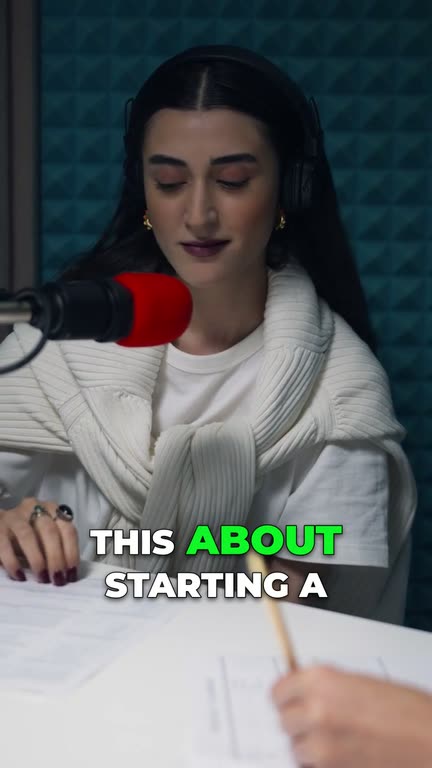
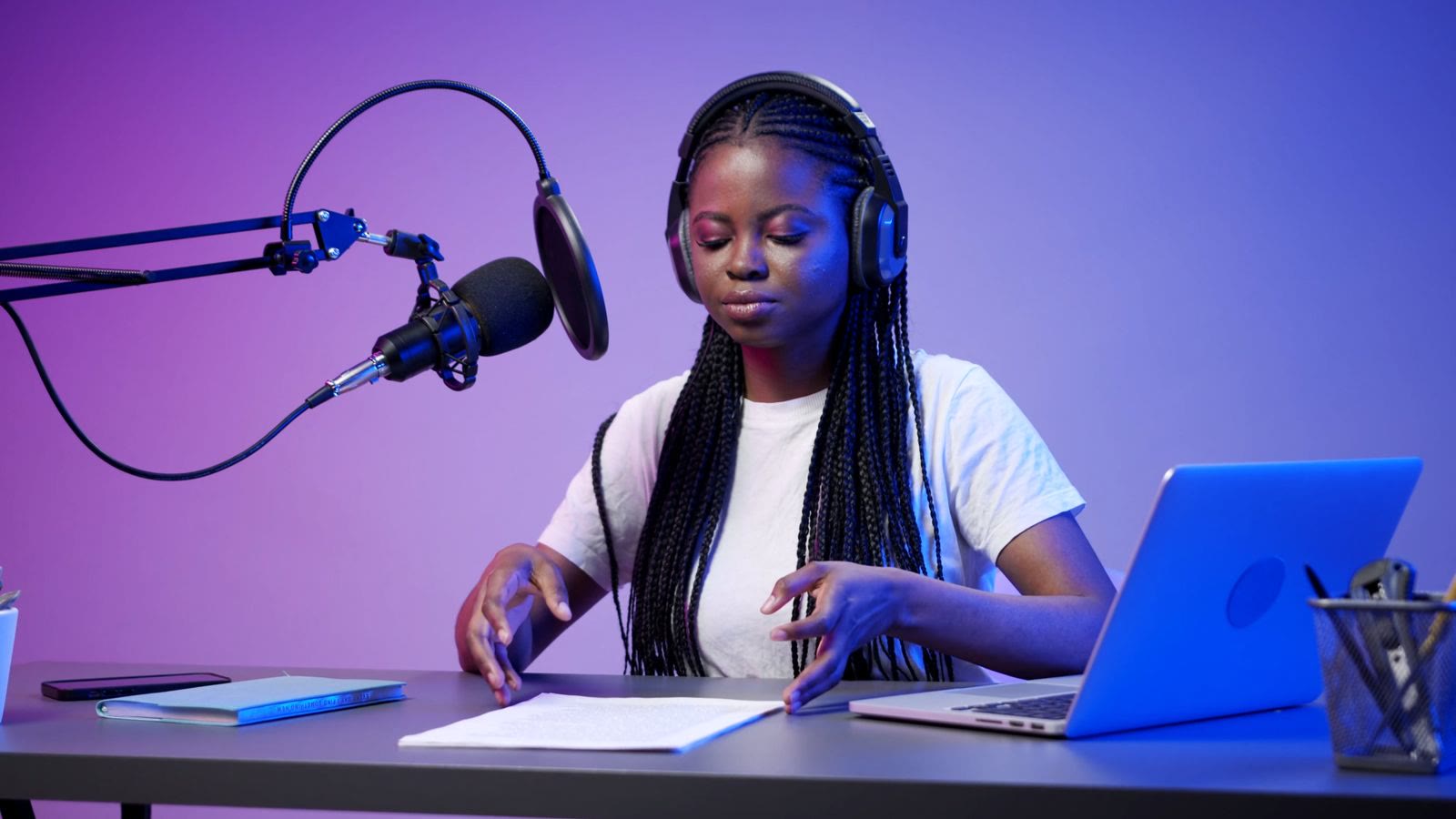
A podcast to Shorts workflow that takes about one hour a week
Turn each podcast episode into a week of short clips in about an hour: record, get AI clips, review, brand, export and post, with a checklist for every single step.
 Captions
Best caption styles for short videos that keep people watching
How to choose captions for TikTok, Reels and Shorts: size, position, word highlighting, emoji and keyword emphasis, with examples from Vidoveli’s caption styles.
 Guides
How long should a short video be? TikTok, Reels, YouTube Shorts
A practical guide to clip length for TikTok, Instagram Reels and YouTube Shorts: why most ideas fit in 20 to 60 seconds, and when a longer clip works even better.
Give your audio show
a place in the feed
Upload an episode and see the clips Vidoveli finds. No card needed.