

The AI clip finder that takes requests
Paste a link or upload a long video and describe the moments you want, such as “every question about pricing”. Vidoveli reads the whole transcript and brings back the moments that fit, scored and explained.
Links from YouTube, Google Drive™, Twitch and 9 more sites, or an upload · 15 free minutes to start
Find clip moment Optional
every question the audience asks about pricing
Webinar recording · 1:12:403 moments fit your request
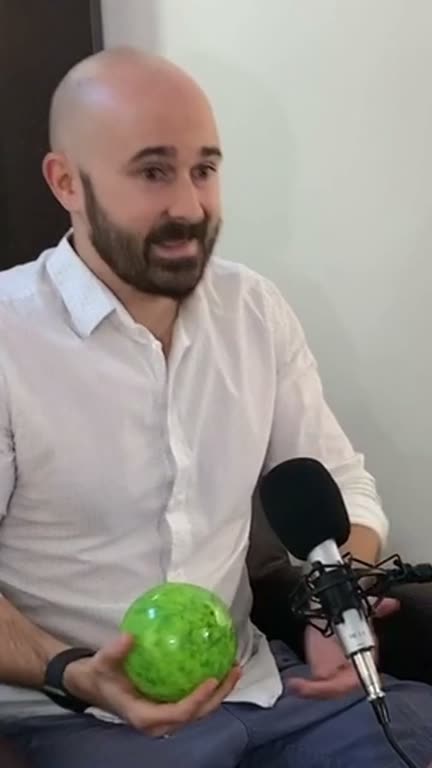
12:04 – 12:51
“Is the free plan enough for a small team?”
8.9A clear question and a complete answer
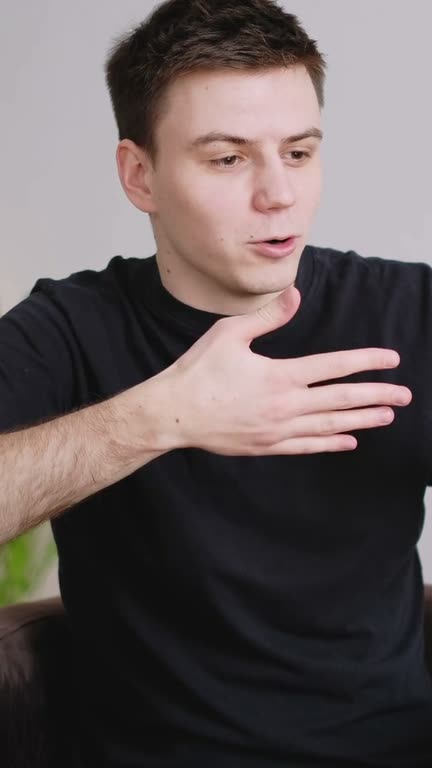
34:50 – 35:38
“Why we stopped discounting”
8.4Strong opening, concrete numbers
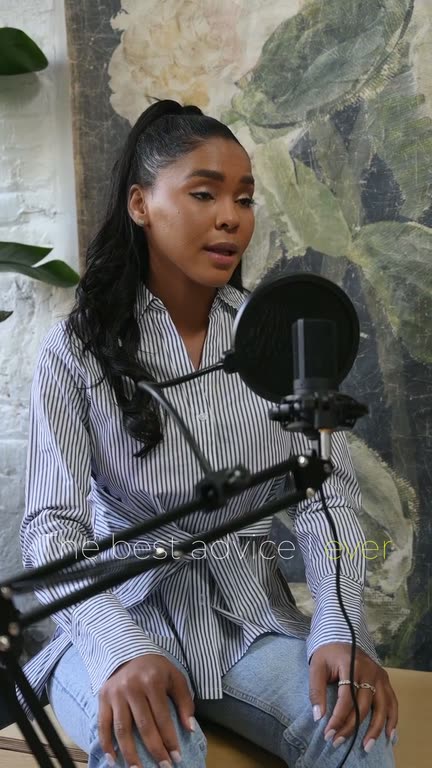
57:12 – 57:40
“What about annual billing?”
DraftOnly partly matches your instruction
Example: licensed stock footage, sample words and numbers.
What it is
What an AI clip finder does
Finding one moment in a long recording usually means scrubbing, guessing and scrubbing again. An AI clip finder reads the transcript for you. Instead of asking it for “good clips”, you say what you are after in a sentence, and it looks for moments that fit.
Vidoveli judges the fit by meaning rather than by matching words, so “when the guest disagrees with me” finds the argument even if nobody says the word. Your request can be in another language than the video. Each clip the AI keeps is checked against what you asked for, scored on its hook, payoff and clarity, and given a written reason; one that only partly fits is marked as such.
Leave the request empty and it finds the strongest moments on its own, as the video to Shorts converter does. Every clip opens in the AI video editor, where you can move a start or end word by word.
Moments that fit your request
Describe what you want and get the moments that match it in meaning, not just in words.
Ask in your own words
“Every story about the first year” or “the funniest exchange”: one sentence is enough.
Scored and explained
Every recommended clip shows a score from 0 to 10 and why it was picked.
Edges you can adjust
Move a clip’s start or end word by word when you want a little more context.
The length you need
Under 30 seconds for a hook, up to three minutes for a full answer.
Search only part of it
Choose the stretch of a long video to search. Only those minutes use credits.
Why it works
Ask for a moment, get that moment
- 1 sentenceIs all it takes to say what you want
- 0–10A score on every recommended clip
- 40Languages it reads; ask in any of them
- 15 minFree to start, no card needed
Write a better request
How to ask an AI clip finder
The request steers what the AI looks for. These habits bring closer matches.
- Name the subject, not the words“Advice for first-time founders” beats a list of keywords, because the fit is judged by meaning.
- Say what kind of momentA story, a disagreement, a how-to or a joke: the kind of moment matters as much as the topic.
- One request per runAsk for one thing at a time. A request that mixes three topics gets three half-matches.
- Expect fewer, closer clipsA narrow request may bring back only a handful of recommended clips. The rest stay as drafts.
How it works
How to use the AI Clip Finder
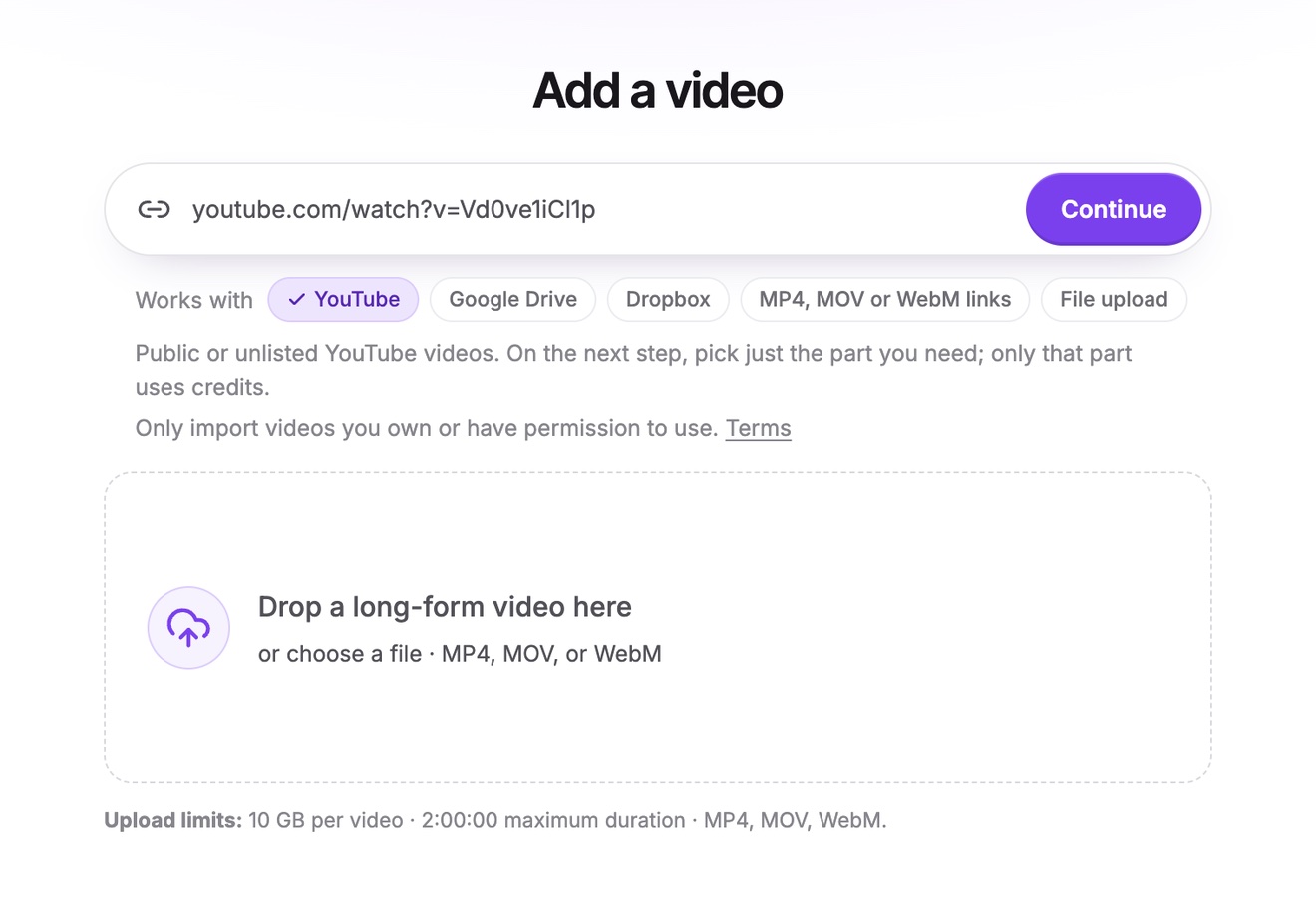
Bring in the long video
Paste a link to it on YouTube, Twitch, LinkedIn, Facebook, Google Drive, Dropbox or another supported site or a direct link to the file, or upload it.
Say what to look for
Under Find clip moment, describe what you want, for example “tips on pricing”, and choose a clip length. Left empty, the AI looks for the strongest moments.
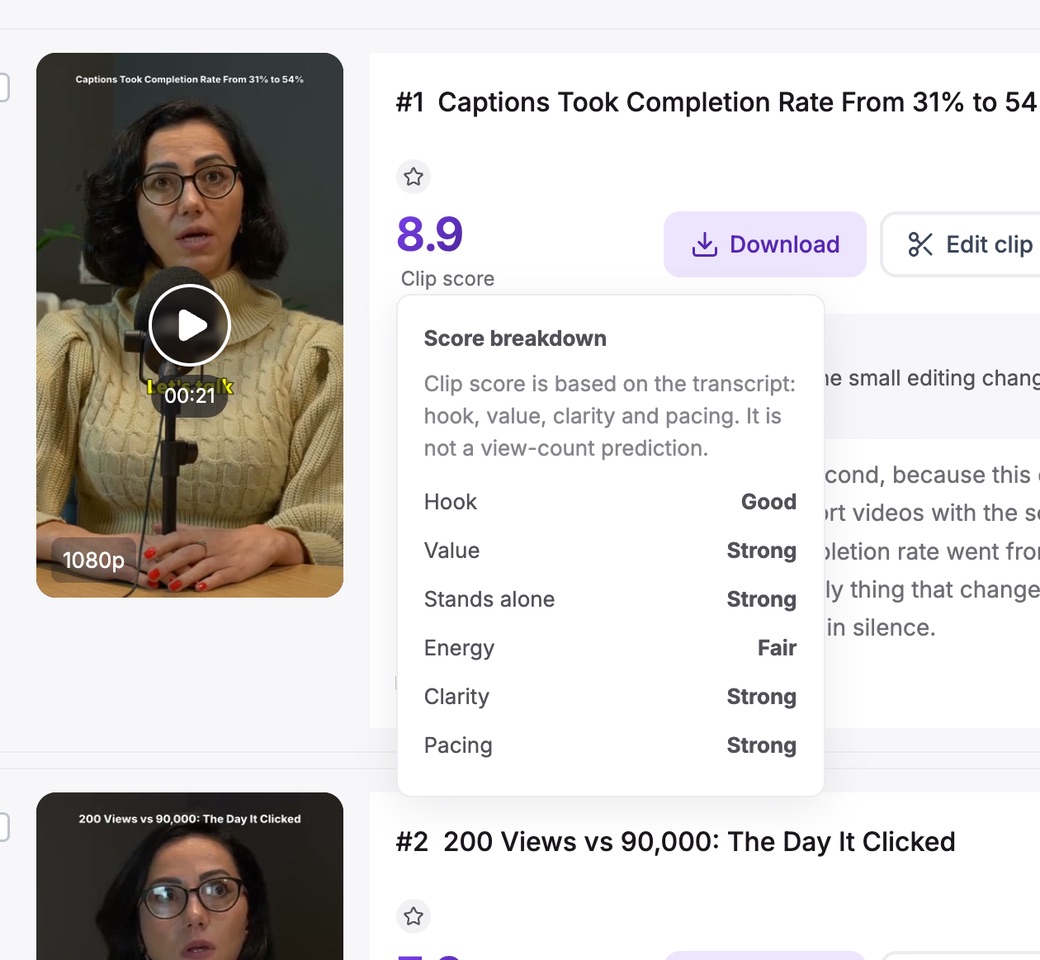
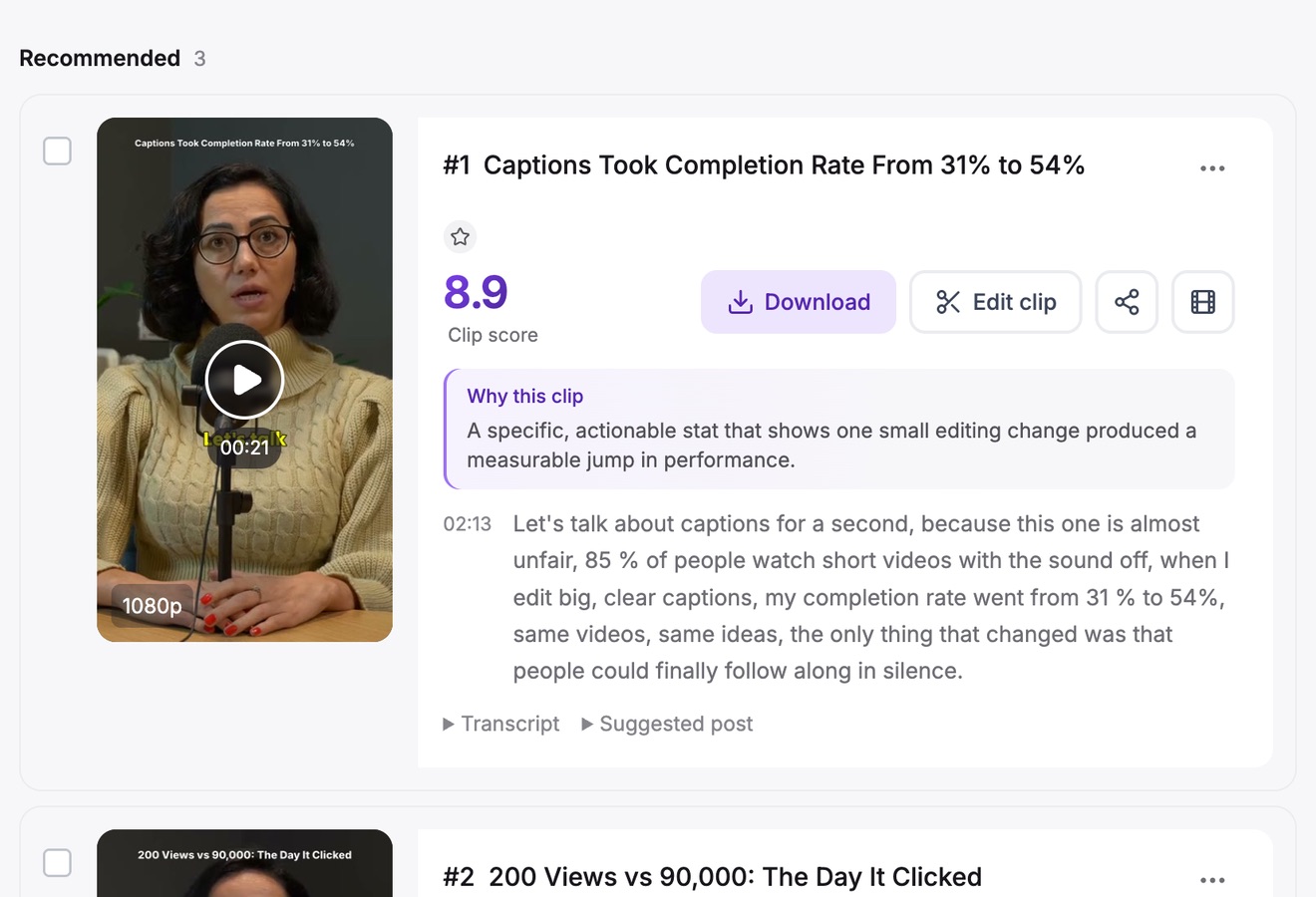
Review what it found
Recommended clips come with a score and their reasons. Open one to trim it by its words, restyle the captions and export.
Who it’s for
For anyone who knows what they’re looking for
Podcasters
Every time a guest talks about one subject, gathered for a themed week of clips.
Marketers
Customer stories, product mentions and quotable lines from a long webinar or interview.
Coaches and educators
The answers to the questions students ask most, pulled from hours of sessions.
Journalists and researchers
The quote you remember from a long interview, found without rewatching it.
FAQ
Questions about the AI Clip Finder
What is an AI clip finder?
A tool that reads a long video’s transcript and finds the moments worth cutting. In Vidoveli you can also tell it what you are looking for, and it keeps the moments that fit your request.
Does it search for exact words?
No. It judges the fit by meaning, so a request like “times we disagree” can find an argument in which nobody says the word. To jump to an exact word, use Search in the editor’s transcript.
Can I write the request in another language?
Yes. The request can be in a different language from the video, for example an English request for a Spanish interview. Transcription and captions work in 40 languages.
What happens to moments that do not match?
A clip that does not fit the request is left out. One that only partly fits says “Only partly matches your instruction” among its reasons, so you can decide whether to keep it.
Which videos does it work on?
Videos with speech: podcasts, interviews, webinars, lessons and talks. It finds moments from what is said, so it cannot find a goal in a match or a scene without dialogue.
What does it cost?
Finding clips uses credits for the length of the video, one credit a minute, however many clips come back. A new account gets 15 free credits once. Free exports are 720p with a small watermark; see pricing for Creator and Business.
Keep going
Related tools and guides
Video to Shorts Converter
Turn any long video into short vertical clips for every feed.
See how it worksOpus Clip Alternative
Scored clips with a reason for every pick, and a full editor behind them.
See how it worksPodcast Clip Maker
Every episode cut into captioned clips, with each speaker in frame.
See how it works
 Guides
How to turn long videos into short clips without rewatching them
A step-by-step way to turn long videos into short clips with an AI video clipping tool, for podcasts, interviews and webinars, from picking the moments to export.
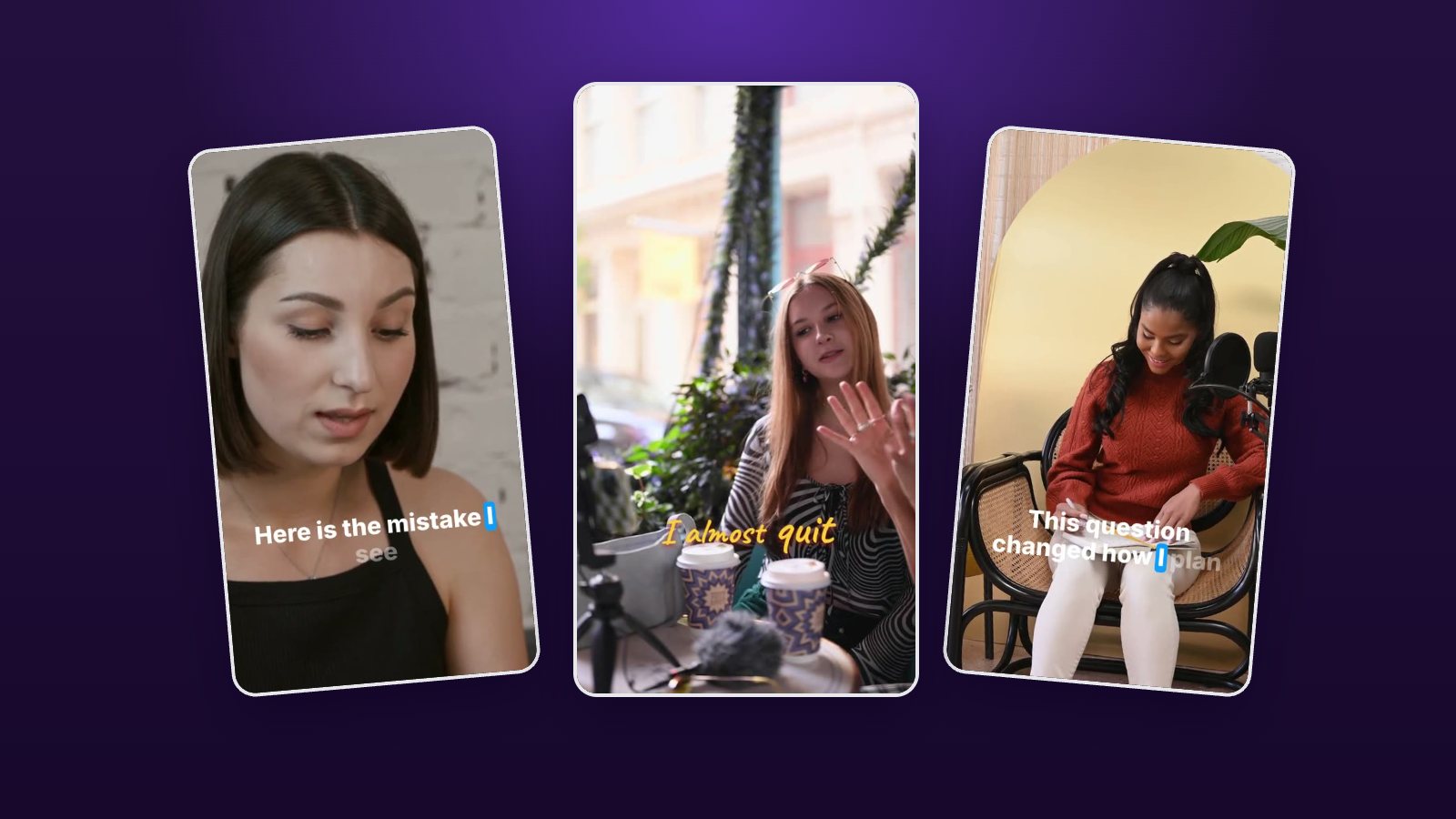 Guides
Hooks for short videos: find them in what you already recorded
The best hook is often already in your recording. How to spot opening lines in a transcript, start a short clip on them and test two openings without reshooting.
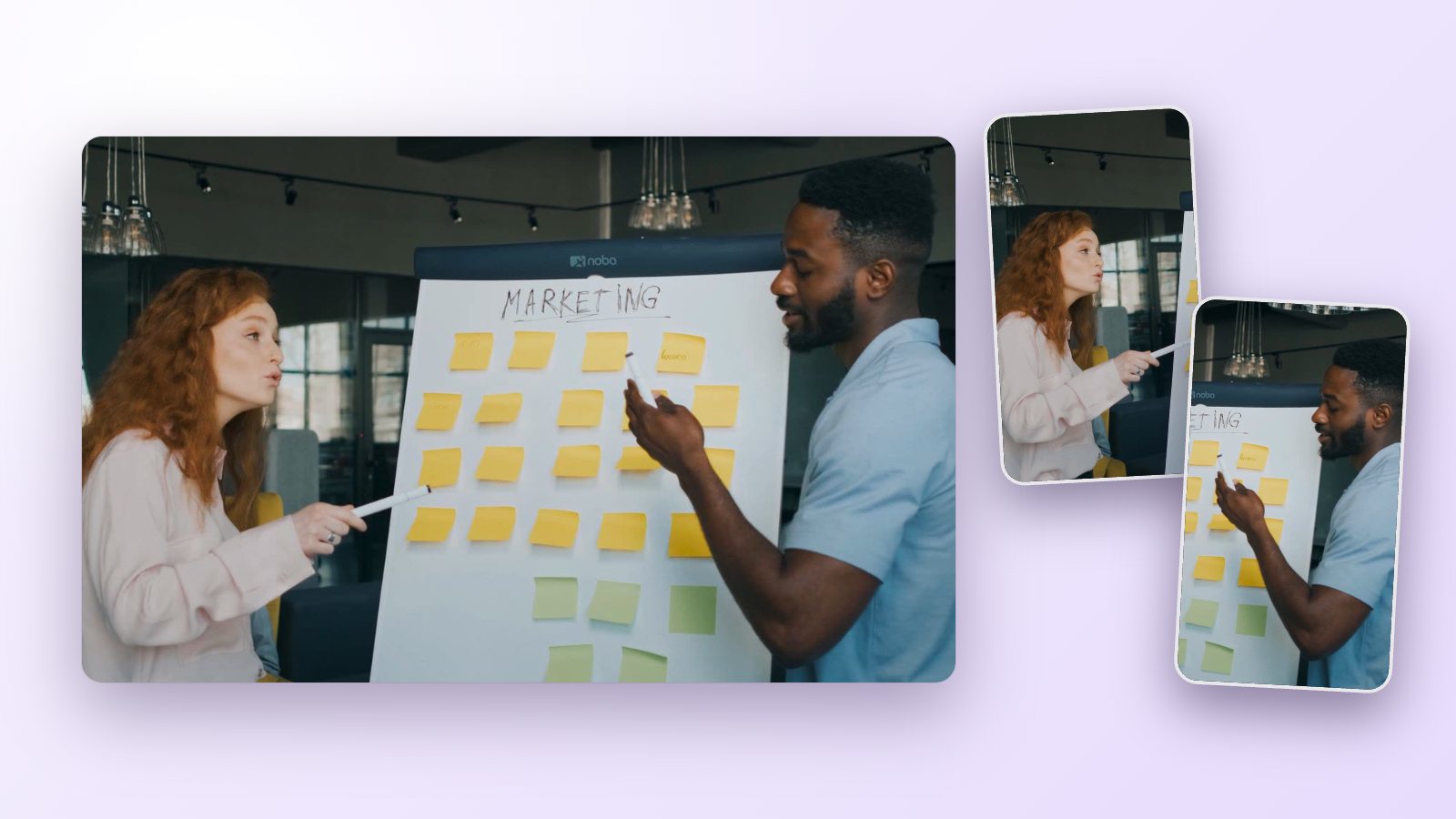 Workflows
How to repurpose a webinar into short clips people actually watch
Turn one recorded webinar into a month of short clips for LinkedIn, YouTube Shorts and Reels: which moments to cut, how to keep slides readable and how to post.
Tell it what you want.
Get the moments.
Paste a link or upload a video, describe the moment and see what Vidoveli finds. No card needed.